-23-
Software Upgrade Methord
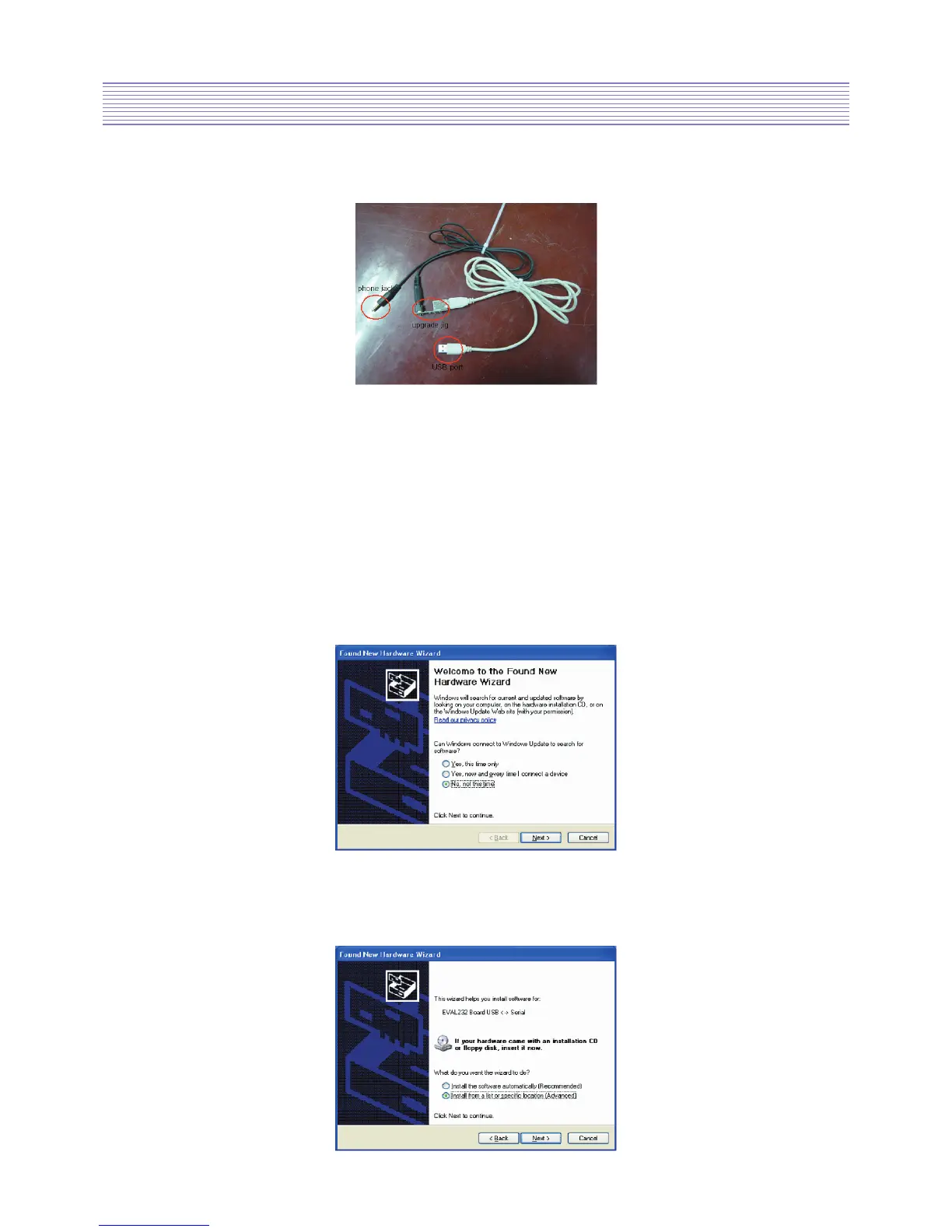
Flash Upgrade JIG
8-2. Flash Upgrade
1) Installing CDM Driver
•
Download the latest available CDM drivers from the FTDI web site and unzip them to a location.
• Connect the device to a spare USB port on your PC.
Once the composite driver has been installed Windows Found New Hardware Wizard
will launch.
The screen below is shown.
Select “No, not this time” from the options available and then click “Next” to proceed
with the installation
• Select “Install from a list or specific location (Advanced)” as shown below
and then click “Next”.


 To Next Page