42
Switch the VCR to TV or VCR mode automatically
This feature controls whether the TV/VCR switch changes automatically to the VCR mode when the VCR is turned
on.
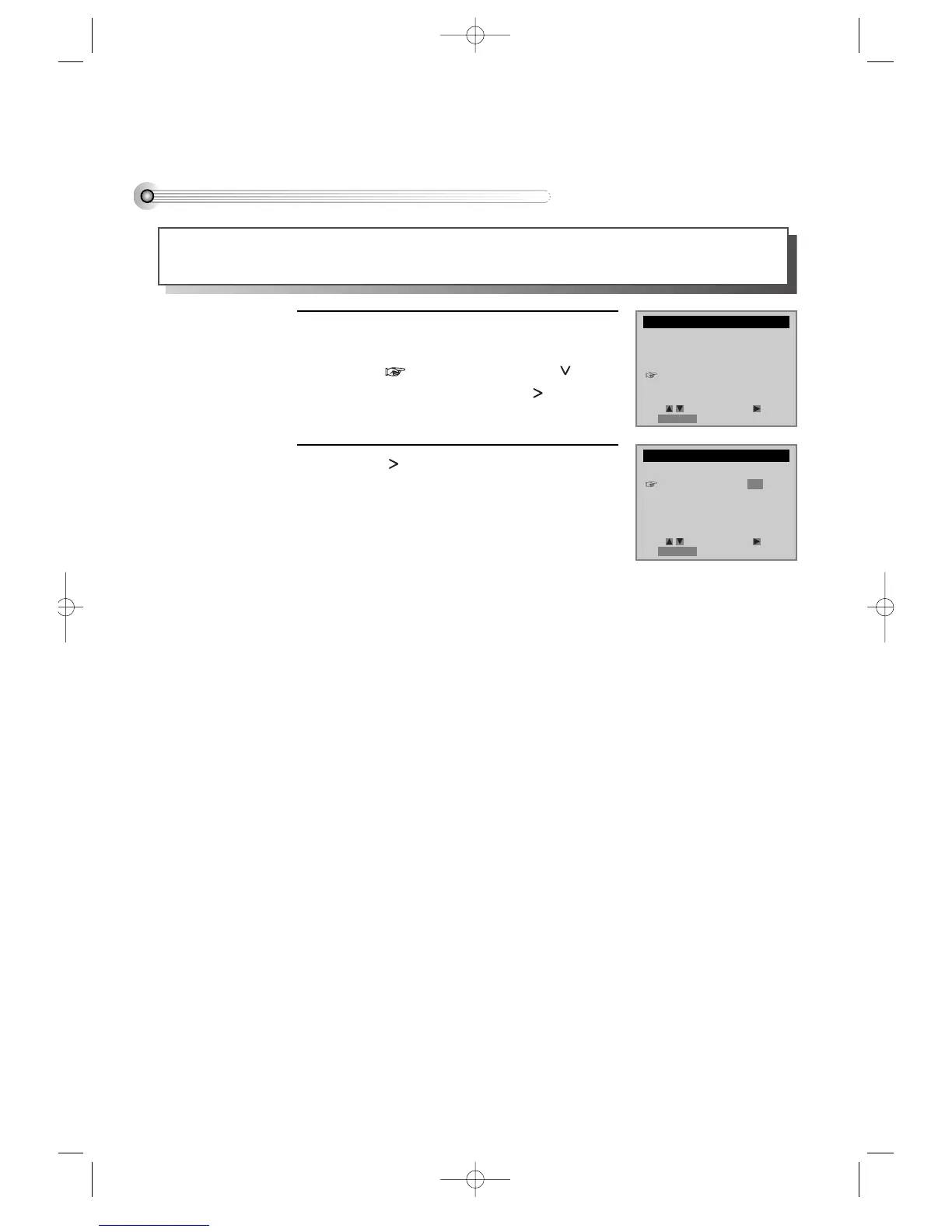
Press [SETUP/ENTER] button and select
“FUNCTIONS”.
Move into “FUNCTIONS” with [ ] and
then, select the desired one with [ ] button.
Press [ ] to switch between ON and OFF.
- Select ON if you want the VCR to switch to
the VCR mode when the VCR is turned on or
a cassette is inserted. This only applies if you
connect the ANT.IN and RF OUT jacks of
your VCR and TV and watch your VCR on
channel 3 of your TV.
- Select OFF if you want the VCR to remain in
the TV mode. This is useful if you watch your
VCR on the TV’s video input and you don’t
want your antenna/cable signal interrupted
by the VCR.
1
2
SETUP
CLOCK SET
TIMER RECORDINGS
CHANNEL SET
FUNCTIONS
LANGUAGE SELECT
FUNCTIONS
Auto Play: ON
Auto TV/VCR: ON
Viss +
Viss -
Counter 0 Stop
Move: Select:
End:RETURN
Move: Select:
End:RETURN
DVD-Video(USA)_DV6T811N-LT 02.4.16 2:38 PM ˘`42



 To Next Page