46
Changing the on-screen menu language
Please press [SETUP/ENTER] button.
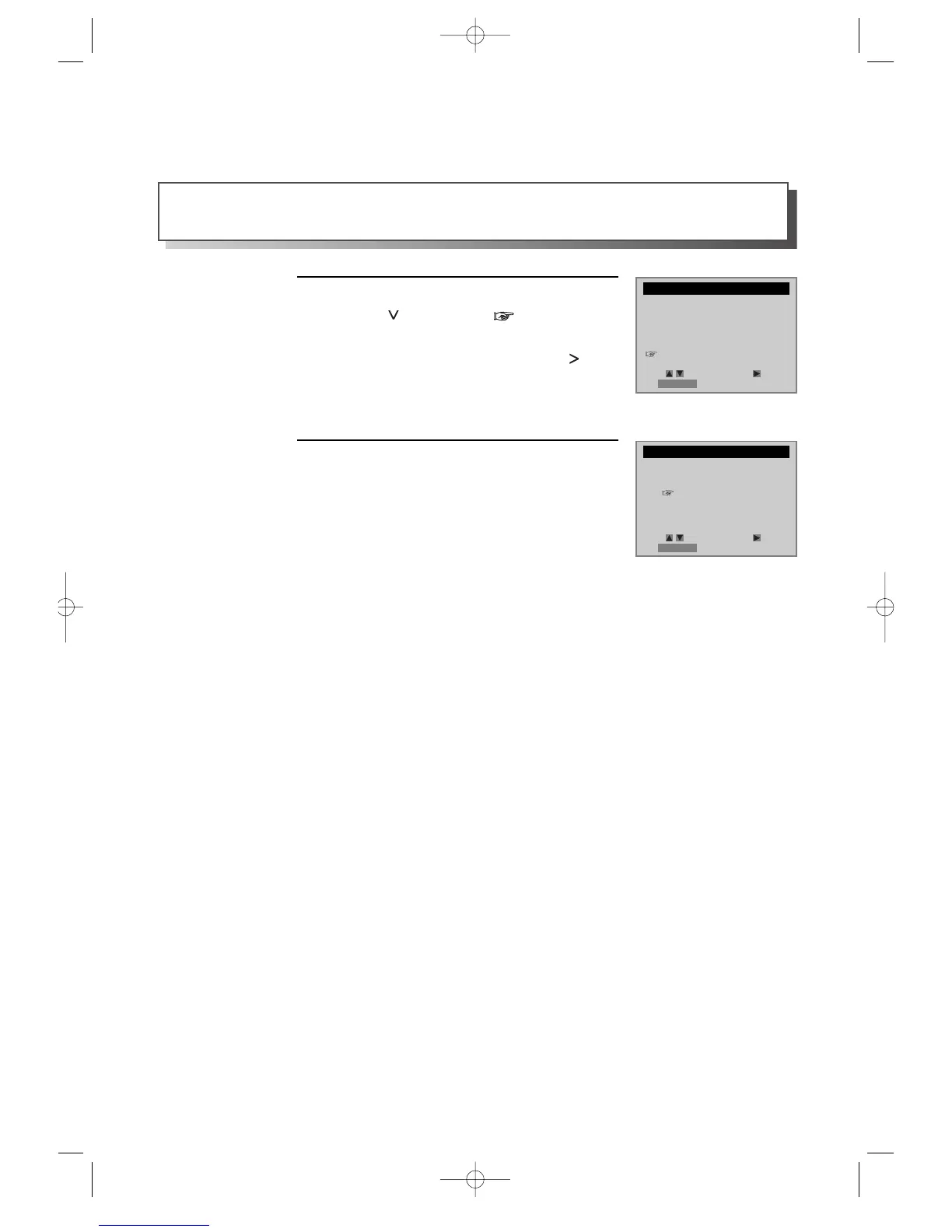
Press [ ] button until is located in
“LANGUAGE SELECT”, then select
“LANGUAGE SELECT” by pressing [ ]
button.
1
Select the language among English, Spanish
or French.
2
You may select the language in which you would like the VCR’s menu to be displayed: English, Spanish, or
French.
SETUP
CLOCK SET
TIMER RECORDINGS
CHANNEL SET
FUNCTIONS
LANGUAGE SELECT
LANGUAGE SELECT
Select a language.
English
Spanish
French
Move: Select:
End:RETURN
Move: Select:
End:RETURN
DVD-Video(USA)_DV6T811N-LT 02.4.16 2:38 PM ˘`46



 To Next Page