VCR Operation
41
Using advanced features
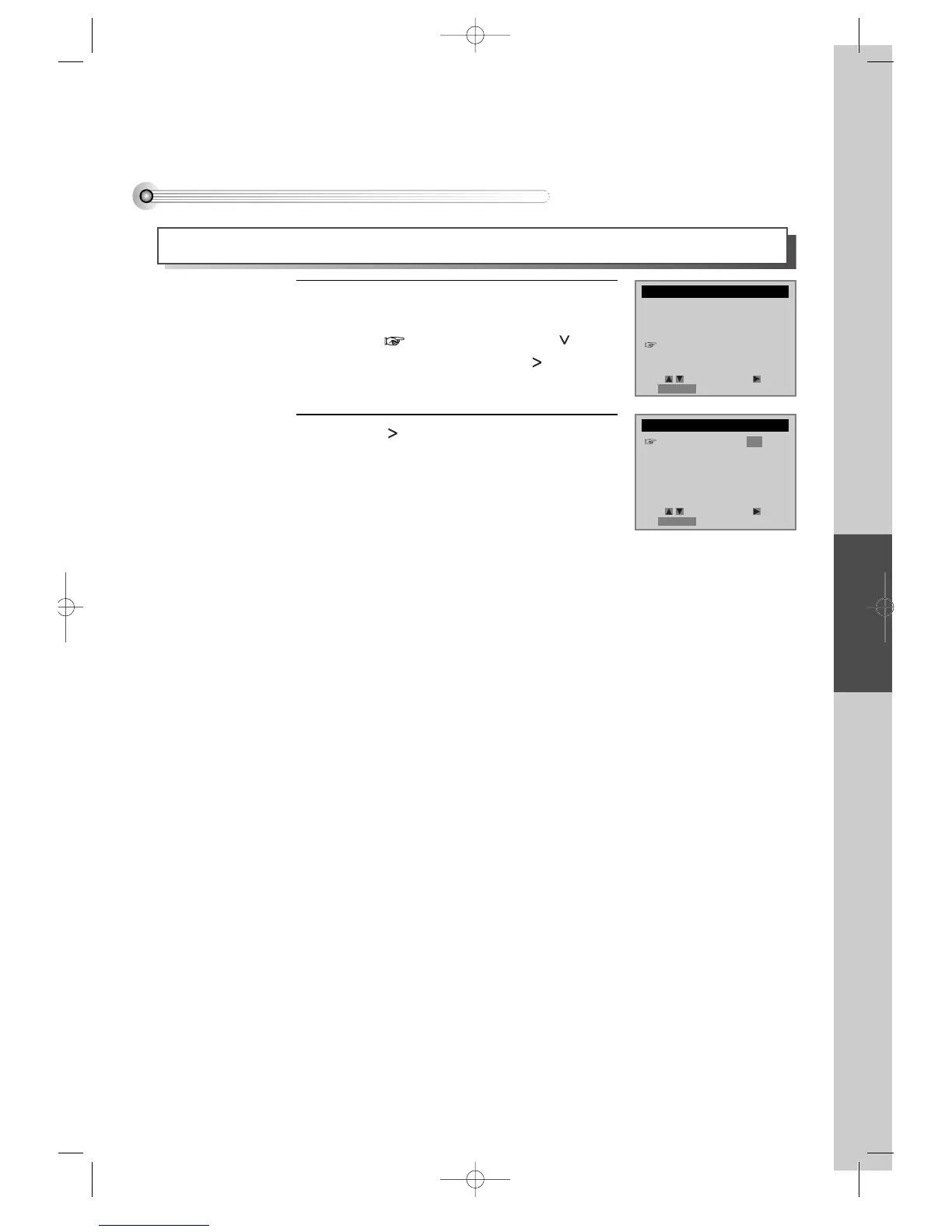
Play the tape automatically
This feature allows the VCR to automatically start playing when you insert a tape with the safety tab removed.
Press [SETUP/ENTER] button and select
“FUNCTIONS”.
Move into “FUNCTIONS” with [ ] and
then, select the desired one with [ ] button.
Press [ ] to switch between ON and OFF.
- Select ON if you want a tape with its safety
tab removed to start playing automatically
when the tape is inserted.
- Select OFF if you do not want a tape with its
safety tab removed to start playing
automatically.
1
2
SETUP
CLOCK SET
TIMER RECORDINGS
CHANNEL SET
FUNCTIONS
LANGUAGE SELECT
FUNCTIONS
Auto Play: ON
Auto TV/VCR: ON
Viss +
Viss -
Counter 0 Stop
Move: Select:
End:RETURN
Move: Select:
End:RETURN
DVD-Video(USA)_DV6T811N-LT 02.4.16 2:38 PM ˘`41



 To Next Page