VCR Operation
45
Displaying Clock/Counter
Press [CLK/CNT] button.
Each time you press this button, “CLOCK” and “COUNTER” are displayed in
serial order.
1
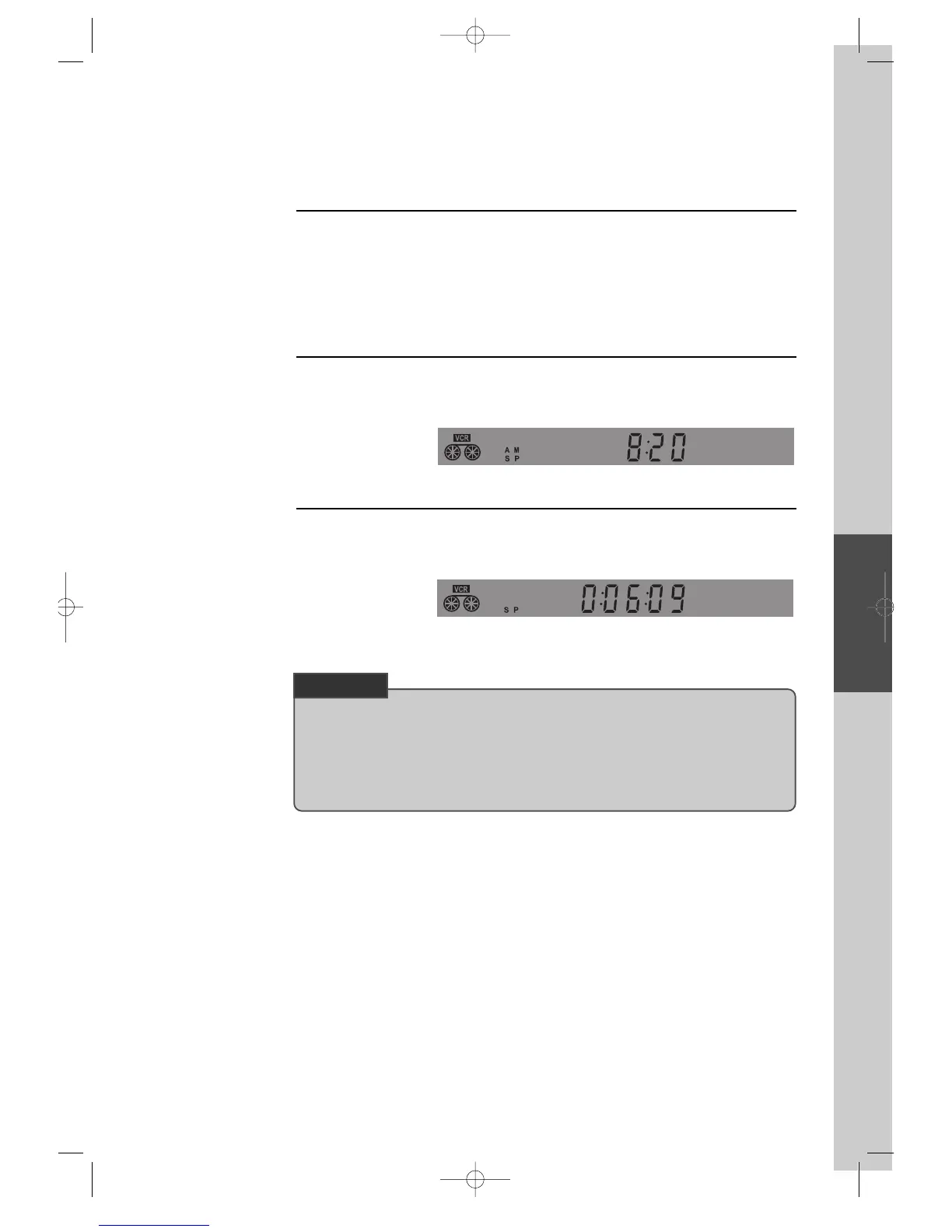
“CLOCK” is displayed.
Current time is displayed.
2
Real-time “COUNTER” is displayed.
Current position of the video is displayed as hour, minute and even second by
counter.
3
■ Above all, press [VCR] button of remote control and follow the procedure below.
• In addition, it is available of grasping current position of DVD.
First, prior to the beginning, press [DVD] button of remote control to change into DVD
mode.
If you press [CLK/CNT] button, current position of DVD is displayed as hour, minute and
even second by counter.
CHECK UP!
DVD-Video(USA)_DV6T811N-LT 02.4.16 2:38 PM ˘`45



 To Next Page