56
Selecting an audio language
Selecting an AUDIO language, SUBTITLE language and 3D AUDIO
A user may select an audio language and subtitle language if a disc includes Multi-language.
Keep pressing [AUDIO] button till a user’s preferred
language appears.
If DVD disc includes audio information, every time a user
presses [AUDIO] button, English (ENG), Spanish (SPA),
French (FRE) and others appear one by one.
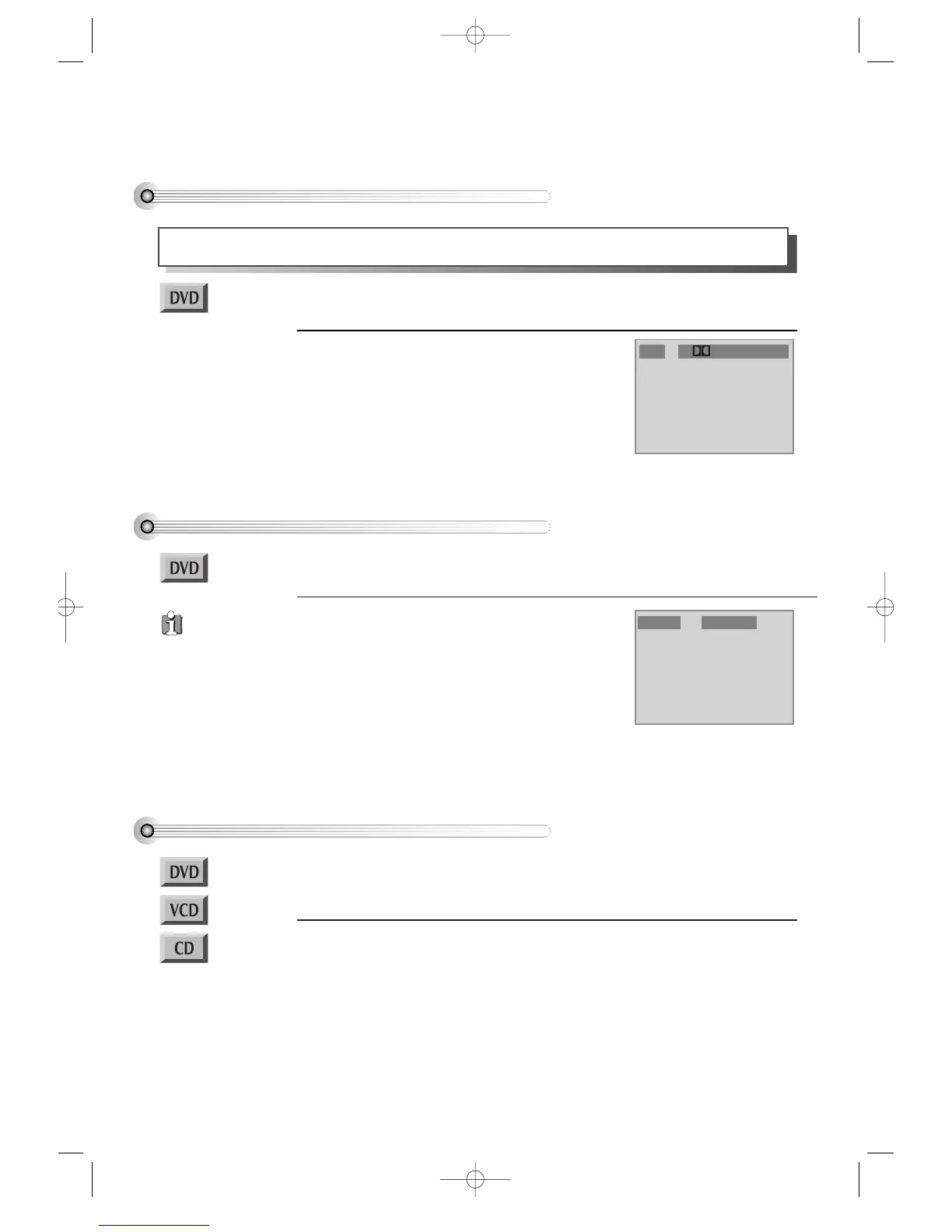
Audio 1/3 Digital 5.1-CH ENG
Selecting a subtitle language
Keep pressing [SUBTITLE] button till a user’s
preferred language appears.
If a DVD disc includes subtitle information, every time a
user presses [SUBTITLE] button,
English (ENG), Spanish
(SPA), French (FRE) and others
appear one by one.
If a user presses [Off] button, subtitle does not appear on
screen.
Subtitle 1/3 ENG
■ Before setting it, you should change into DVD mode by pressing [DVD] button on
remote control.
■ Before setting it, you should change into DVD mode by pressing [DVD] button on
remote control.
Selecting 3D Audio
Please press [CLEAR/3D] button.
If pressing the button twice, a user can select a 3D audio.
** In setting data, “CLEAR/3D” means “clear”.
■ Before setting it, you should change into DVD mode by pressing [DVD] button on
remote control.
■ Available in PLAY mode only.
A certain disc
may not support
audio select or subtitle
select.
DVD-Video(USA)_DV6T811N-LT 02.4.16 2:38 PM ˘`56



 To Next Page