44
Counter 0 Stop
The function is to search any scene that you wish to watch again more easily by indexing while playing or
recording it.
Please press [DISPLAY] button twice.
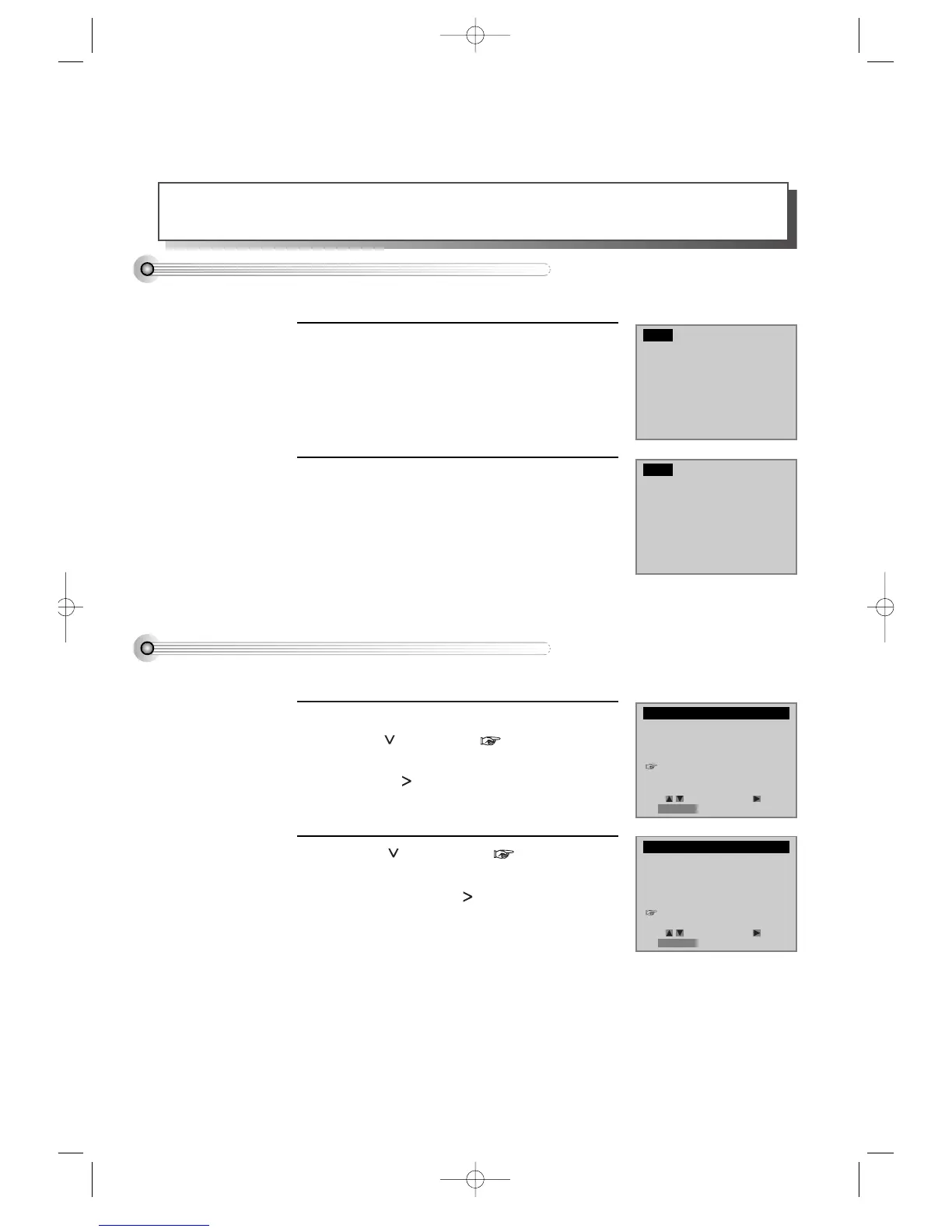
The counter appears in screen and the operation
display window.
1
In the moment, please press [CLEAR] button
to make the counter 0:00:00.
2
■ Please press [VCR] button on your REMOTE for VCR mode, then manage it.
Memorizing a desired scene
Please press [SETUP/ENTER] button.
Press [ ] button until is located in
“FUNCTIONS”, then select “FUNCTIONS” by
pressing [ ] button.
1
Press [ ] button until is located in
“Counter 0 Stop”, then select “ Counter 0
Stop” by pressing [ ] button.
The tape’s counter returns to 0:00:00 and stops.
2
■ Please press [VCR] button on your REMOTE for VCR mode, then manage it.
Searching a memorized scene
SETUP
CLOCK SET
TIMER RECORDINGS
CHANNEL SET
FUNCTIONS
LANGUAGE SELECT
1:22:33
0:00:00
FUNCTIONS
Auto Play: ON
Auto TV/VCR: ON
Viss +
Viss -
Counter 0 Stop
Move: Select:
End:RETURN
Move: Select:
End:RETURN
DVD-Video(USA)_DV6T811N-LT 02.4.16 2:38 PM ˘`44



 To Next Page