16
7
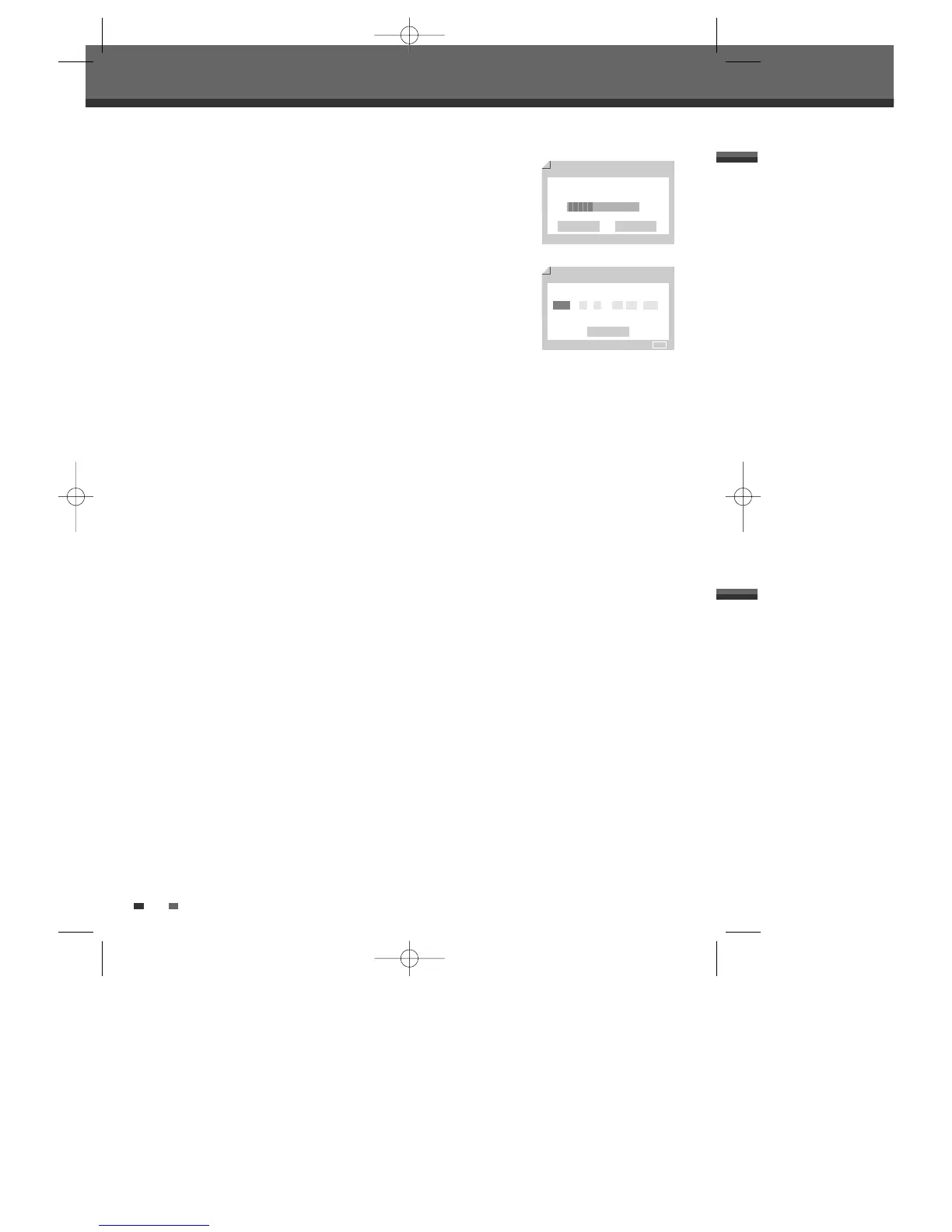
The DVD Recorder detects channels automatically and stores them in memory.
8
After finishing Auto Channel Search, set the clock.
9
Use [œ/√] to move left/right and use […/†] to change the settings.
10
After setting the clock, press [ENTER] to confirm. If you cancel the process
during Initial Installation, you should repeat this procedure.
Initial Installation
Auto Scan
7/8
TV
20/69
Back Cancel
Setup - Exit
Clock Setting
8/8
Back
Enter - Confirm Setup - Exit Move …†
…
2005 / 1 / 1 12 : 00 AM
†
DW-Q74D2N-LS(GB)USA 2005.9.21 3:21 PM ˘ ` 16 mac001 1200DPI 90LPI



 To Next Page