CONNECTIONS SETUP
15
After successfully connecting your DVD Recorder to your TV and other devices, this
chapter will show you how to complete the initial installation.
1
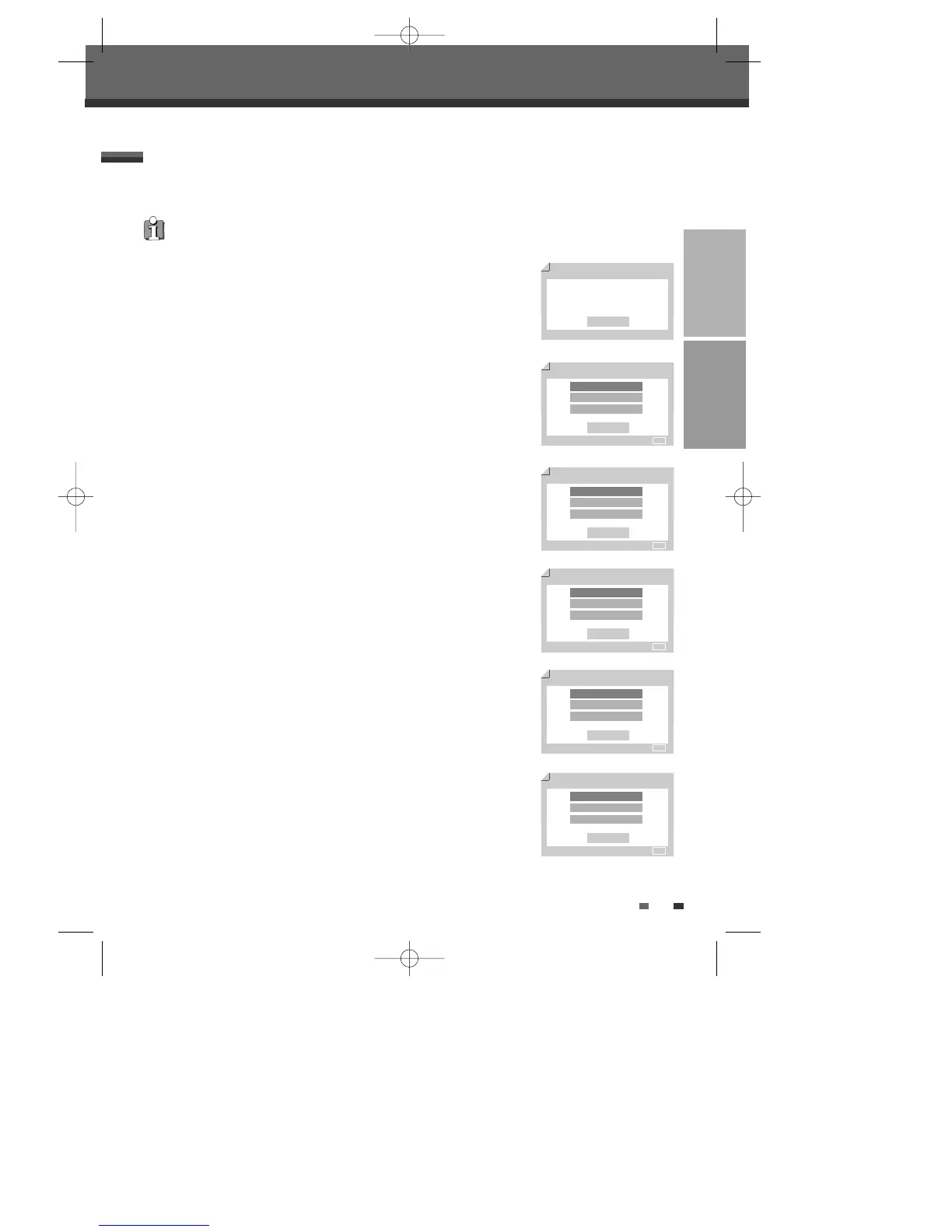
‘Initial Setup Wizard‘ is displayed on the screen. Make sure the RF cable from
your antenna or cable TV jack is connected.
2
Select the desired language for the on-screen menu using […/†]. Press
[ENTER] to confirm.
3
Select the desired disc menu language using […/†]. Press [ENTER] to
confirm.
4
Select the desired disc playback audio language using […/†]. Press [ENTER]
to confirm.
5
Select the desired disc playback subtitle language using […/†]. Press
[ENTER] to confirm.
6
Select the desired signal type using […/†]. Press [ENTER] to confirm.
Initial Installation
You must follow the initial installation process to set the time, date, channels,
and language preferences for the DVD Recorder.
Initial Installation
Initial Installation
Initial Setup Wizard 1/8
Before using your recorder
Please complete this setup
Next
Setup - Exit
OSD Language Setting 2/8
English
Spanish
French
Back
Enter - Confirm Setup - Exit Move …†
√
Disc Menu Language Setting
3/8
Default
English
Spanish
Back
Enter - Confirm Setup - Exit Move …†
√
†
Audio Language Setting
4/8
Default
English
Spanish
Back
Enter - Confirm Setup - Exit Move …†
√
†
Subtitle Language Setting
5/8
Off
English
Spanish
Back
Enter - Confirm Setup - Exit Move …†
√
†
TV/CATV
6/8
TV
CATV
Auto Detect
Back
Enter - Confirm Setup - Exit Move …†
√
DW-Q74D2N-LS(GB)USA 2005.9.21 3:21 PM ˘ ` 15 mac001 1200DPI 90LPI



 To Next Page