DISC OPERATION&EDIT
45
Finalize (DVD±R, DVD-RW)
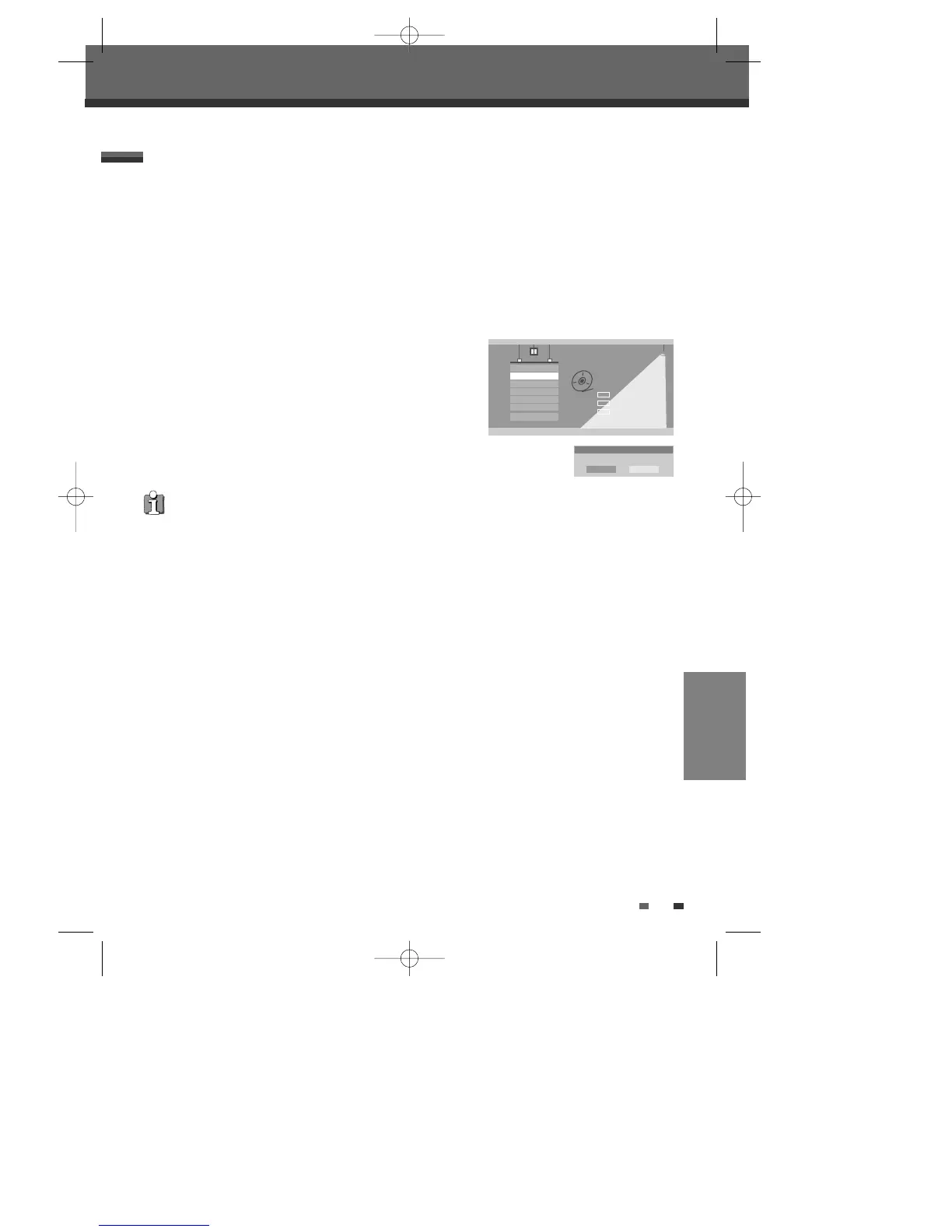
Finalizing a DVD±R, DVD-RW ‘locks’ its recordings in place so the disc
can be played on most standard DVD players or computers equipped
with DVD-ROM drives.
3
Use […/†] to select ‘Finalize’ menu.
4
If you want to finalize the whole disc, press [ENTER].
5
To confirm, select ‘OK‘. To cancel, select ‘Cancel‘.
If you select ‘OK‘ and press [ENTER], the disc will be finalized.
Disc Operation
Disc Operation
Select
OK
Exit
ENTER
DISC
…†
Erase
Finalize
Protect
Make Comp
Adapt
Disc Info
_ Exit
Finalize
Finalize this disc?
OK Cancel
For recordable DVD media, such as DVD±R and DVD±RW discs, you can manage the disc using the Disc Menu.
The DVD±R, DVD-RW Disc Menu allows you to rename your disc or finalize it so it will be compatible with most
other DVD players.
At first, go to Disc Operation mode.
1
Press [SETUP]. The Setup menu appears.
2
While ‘Disc Oper‘ is selected, press [ENTER] to go to the Disc Operation page.
Disc Operation in DVD±R, DVD-RW disc
• Once you have finalized a DVD±R, DVD-RW disc, you cannot edit or record anything else on that disc.
• It may take over 7 minutes for finalizing the edited disk, you'd better wait till the set finish the finalizing operation.
• ‘Finalize’ can take up to 3-4 minutes depending on the type of disc, how much is recorded on the disc, and the
number of titles on the disc.
DW-Q74D2N-LS(GB)USA 2005.9.21 3:21 PM ˘ ` 45 mac001 1200DPI 90LPI



 To Next Page