22
Initial Setup
1
Press [SETUP]. The Setup menu appears.
While ‘Init Setup‘ is selected, press [ENTER] to go to the initial setup
page.
2
Use [œ/√] to select ‘Preference Page ‘.
3
While ‘Preference Page ‘ is selected, press [†] to select ‘Video‘.
4
Press [√]. The ‘Video‘ submenu is displayed.
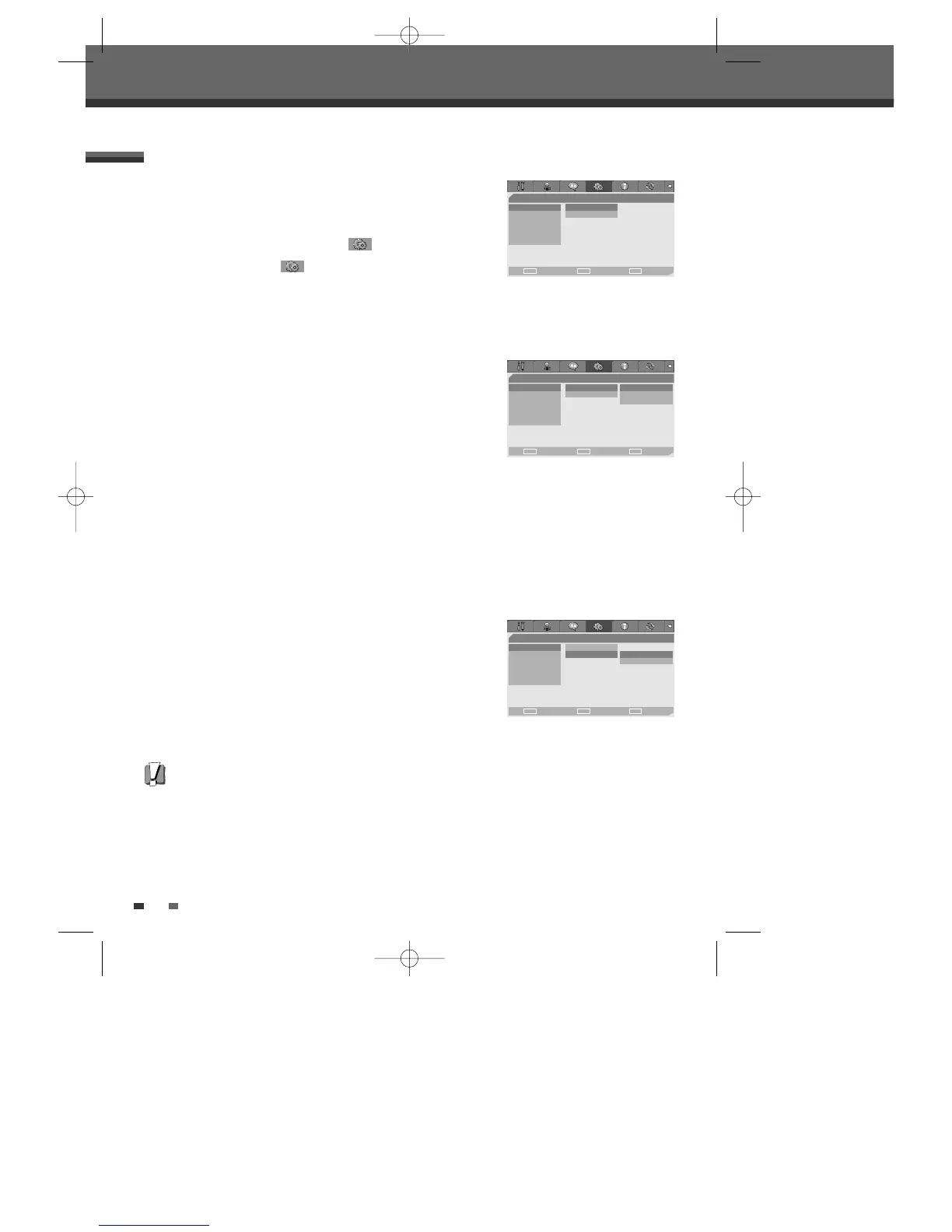
TV Aspect Ratio
1
Use […/†] to select ‘TV Aspect‘ while the ‘Video‘ submenu is
displayed.
2
Press [√] to go to the second level.
3
Use […/†] to select the desired TV Aspect.
4
Press [ENTER] to confirm your selection.
5
Press [SETUP] to exit the menu.
4:3 LB :
Select when a standard 4:3 TV is connected. Displays theatrical images with masking bars above and
below the picture.
4:3 PS :
Select when a standard 4:3 TV is connected. Displays pictures cropped to fill your TV screen. Both
sides of the picture are cut off.
16:9 :
Select when a 16:9 wide screen TV is connected.
Scan Mode
Progressive Scan Video provides the highest picture quality with reduced
flickering.
• If you are using the COMPONENT/PROGRESSIVE VIDEO OUT jacks, but
are connecting the DVD Recorder to a standard (analog) television, set
Scan Mode to
Interlace
.
• If you are using the COMPONENT/PROGRESSIVE VIDEO OUT jacks for
connection to a TV or monitor that is compatible with a Progressive
Scan signal, set Scan Mode to
Progressive
.
Follow the same procedure as TV Aspect Ratio to change the Scan Mode.
Caution
Once the Progressive Scan setting is entered, an image will only be visible on a Progressive Scan compatible TV or
monitor.
PREFERENCE / Video Settings
- - Preference Page - -
Video • TV Aspect 4:3 PS
Audio Scan Mode Interlace
Parental Ctrl
Auto Clock
AutoPlay
YourDVD
Choose OK Exit
ENTER SETUP
œ √
…
†
- - Preference Page - -
Video TV Aspect • 4:3 LB
Audio Scan Mode 4:3 PS
Parental Ctrl 16:9
Auto Clock
AutoPlay
YourDVD
Choose OK Exit
ENTER SETUP
œ √
…
†
- - Preference Page - -
Video TV Aspect
Audio Scan Mode • Interlace
Parental Ctrl Progressive
Auto Clock
AutoPlay
YourDVD
Choose OK Exit
ENTER SETUP
œ √
…
†
DW-Q74D2N-LS(GB)USA 2005.9.21 3:21 PM ˘ ` 22 mac001 1200DPI 90LPI



 To Next Page