RECORDING
39
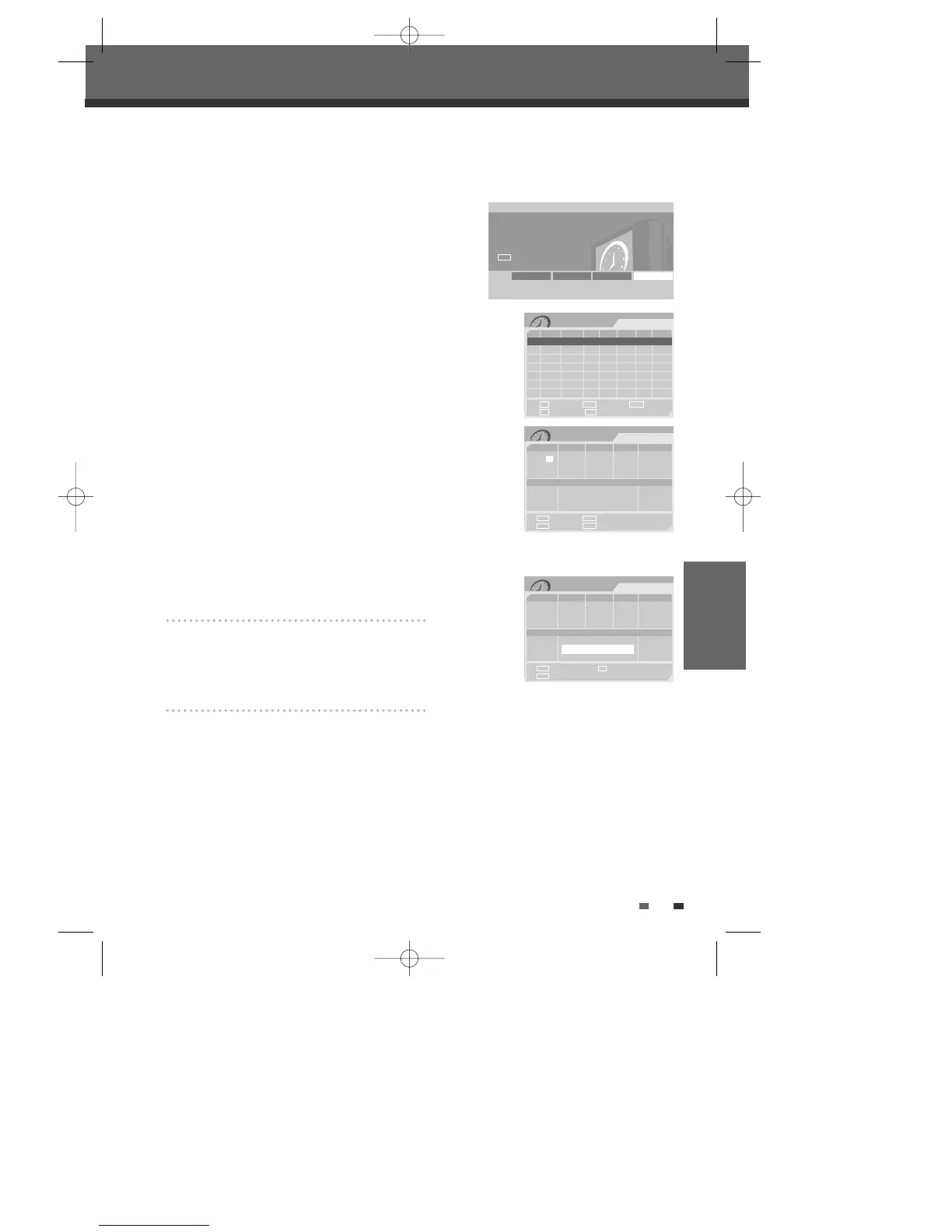
The Timer Recording function allows you to record up to 8 programs within a period of one month.
1 Insert recordable media such as DVD±R ,DVD±RW.
2 Press [TIMER].
or
Press [SETUP] and select ‘Timer REC’. Then press [ENTER].
The ‘Timer Recording’ menu appears.
Use […†] to move to a timer recording slot, and press [ENTER] to modify
it.
If you did not set the clock on the DVD Recorder, you must do so before
programming a timer recording.
3
Enter the necessary information for your Timer Recording(s).
• Date – Choose a date up to 1 month in advance, or select a daily or weekly
program.
• Start – Set the recording start time.
• Stop – Set the recording end time.
• Input – Choose the desired channel, or one of the external inputs from
which to record.
• Repeat – Choose frequency of the recording. Once, Daily, Weekly, Weekday.
• Media - Choose desired media using […†].
• Title - Enter into title edit mode pressing [●].
• Mode – Choose a Record mode.
HQ, SP, EP or SEP
[
œ √
] – Moves the cursor left/right.
[
…†
] – Changes the setting at the current cursor position.
Press [SETUP] to exit the Timer Record menu.
Press [ENTER] after filling in all the program information.
Press [TIMER] to display the Timer Record List.
4 Press [ENTER] to save the program.
The Timer Record List will appear.
5 Press [SETUP] to exit the Timer Record List.
6
Timer indicator will light or blinking. Power Off the DVD Recorder to start the Timer Recording.
Timer Recording
01/07 08:08:40 AM
Date Start Stop Input Media Repeat Mode Result
1/1 1:00AM 2:00AM CH2 DVD Once SP Overdus
New Input
Delete Edit Exit
Prev Page Next Page
§
■
∞
ENTER TIMER
Timer Recording
01/07 08:08:40 AM
Input Digits Confirm and Exit
Prev Page Exit timer rec
TIMER
0-9 ENTER
SETUP
Date Start Stop Input Repeat
1 / 7 7 : 0 PM 7 : 0 PM CH 2 Once
Wed
Media Title Mode
DVD TITLE CH2 SP
…
†
Timer Recording
01/07 08:08:40 AM
Confirm and Exit Edit
Exit timer rec
TIMER
ENTER
●
Date Start Stop Input Repeat
1 / 7 7 : 0 PM 7 : 0 PM CH 2 Once
Wed
Media Title Mode
DVD TITLE CH2 SP
DVD Recorder
Init Setup ➞
Timer REC
œ √
Select
Init Setup Disc Oper Disc Edit Timer REC
Timer Recording
Timer Recording
DW-Q74D2N-LS(GB)USA 2005.9.21 3:21 PM ˘ ` 39 mac001 1200DPI 90LPI



 To Next Page