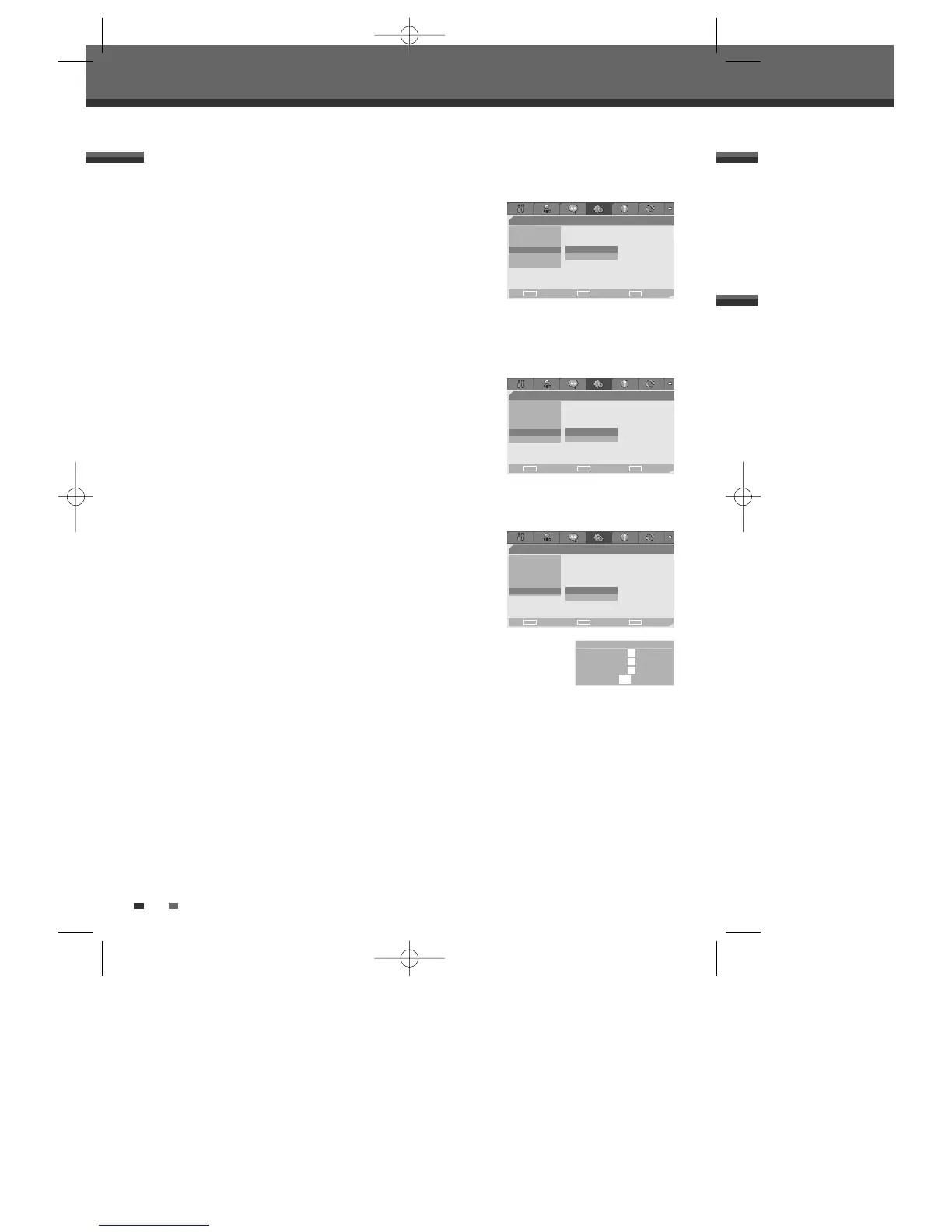
Auto Clock
Auto Clock enables the DVD Recorder to set the clock automatically
whenever it is in Standby mode (plugged in but powered off).
1
Use […/†] to select ‘Auto Clock‘.
2
Press [√] to go to the second level.
3
Use […/†] to set the Auto Clock Status to
On
or
Off
.
4
Press [ENTER] to confirm.
AutoPlay
Enables you to skip the ads and trailers and play your DVDs automatically
when they are inserted in the tray.
1
Use […/†] to select ‘AutoPlay‘.
2
Press [√] to go to the second level.
3
Use […/†] to set the AutoPlay Status to
On
or
Off
.
4
Press [ENTER] to confirm.
Various PREFERENCE Settings
26
Initial Setup
- - Preference Page - -
Video
Audio
Parental Ctrl
Auto Clock • Off
AutoPlay On
YourDVD
Choose OK Exit
ENTER SETUP
œ √
…
†
- - Preference Page - -
Video
Audio
Parental Ctrl
Auto Clock
AutoPlay • Off
YourDVD On
Choose OK Exit
ENTER SETUP
œ √
…
†
YourDVD
Whenever DVD title is inserted, your settings (audio, subtitle language and
sound mode) will be displayed with YourDVD turned “On”.
1
Use […/†] to select ‘YourDVD‘.
2
Press [√] to go to the second level.
3
Use […/†] to set the YourDVD Status to
On
or
Off
.
4
Press [ENTER] to confirm.
- - Preference Page - -
Video
Audio
Parental Ctrl
Auto Clock
AutoPlay
YourDVD •Off
On
Choose OK Exit
ENTER SETUP
œ √
…
†
Your DVD
Audio Language X
Subtitle Language V
Surround Mode X
OK
DW-Q74D2N-LS(GB)USA 2005.9.21 3:21 PM ˘ ` 26 mac001 1200DPI 90LPI



 To Next Page