SETUP
19
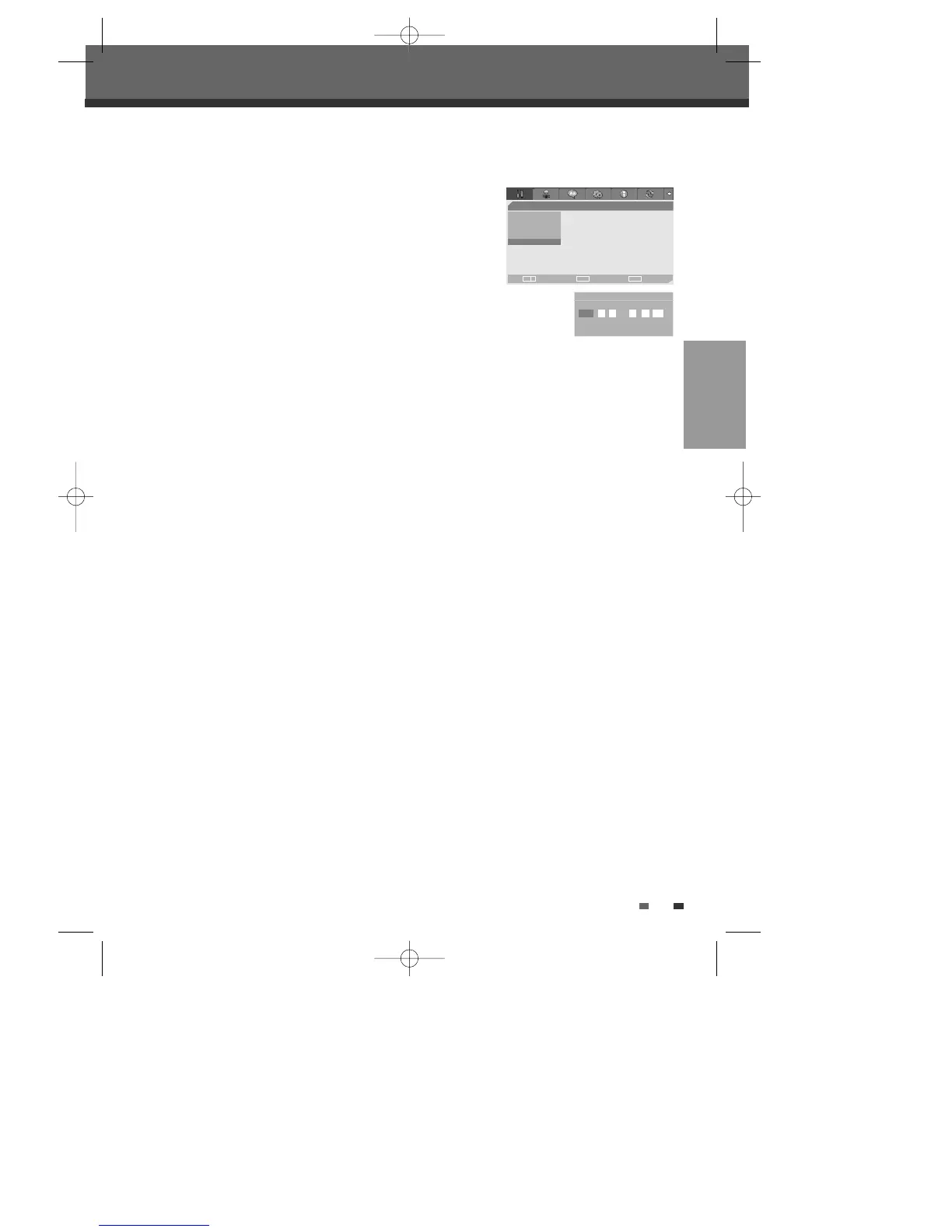
Set Clock
1
Follow steps 1-2 as shown under Tuning Band.
2
Use […/†] to select ‘Set Clock‘.
3
Press [ENTER]. The Set Clock menu appears.
4
Enter the date and time.
œ /√ (left/right): Moves the cursor to the previous or next column.
…/† (up/down): Changes the setting at the current cursor position.
5
Press [ENTER] to confirm your setting, then press [SETUP] to exit the Setup menu.
Initial Setup
- - Installation Page - -
TV/CATV
Auto Scan
CH Add/Del
Modulator Out
•Clock Setting
Choose OK Exit
ENTER SETUP
œ √
…
†
Clock Setting
…
2005 1 1 2 42 AM
†
DW-Q74D2N-LS(GB)USA 2005.9.21 3:21 PM ˘ ` 19 mac001 1200DPI 90LPI



 To Next Page