34
Disc Menus
Many DVDs contain Disc menus that allow you to access special features. To open a Disc menu, press [MENU].
Then use the [0-9] buttons to directly select the desired options, or use the […†] buttons to highlight your
desired selection and press [ENTER].
1
Press [MENU]. The Disc menu is displayed.
2
To exit the Disc menu, press [STOP] or [TV VIEW].
Title Menus
1
Press [TITLE]. If the current title has a menu, the Title menu will appear on the TV screen. Otherwise, the
Disc menu may appear.
2
The Title menu may contain camera angles, spoken languages and subtitle options, as well as the chapters
for the title.
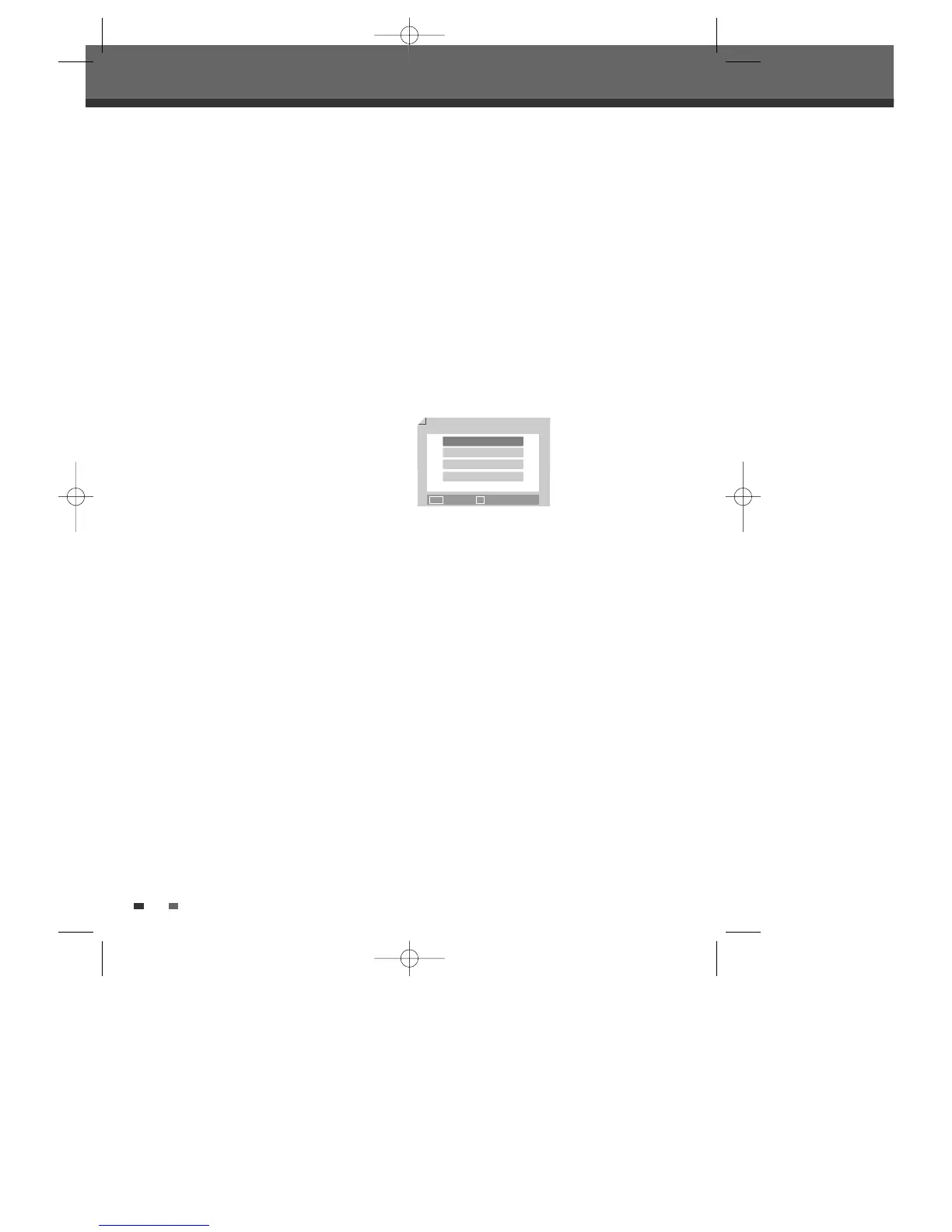
Digest
For displaying the edit menu for DVD+RW / +R discs, for setting chapter markers.
1
Press [DIGEST]. The Digest menu is displayed.
2
To exit the Disc menu, press [STOP] or [TV VIEW].
DVD Playback
Digest
Title Digest
Chapter Digest
Title Interval
Chapter Interval
…† Select ■ Exit
DW-Q74D2N-LS(GB)USA 2005.9.21 3:21 PM ˘ ` 34 mac001 1200DPI 90LPI



 To Next Page