User’s Manual
108
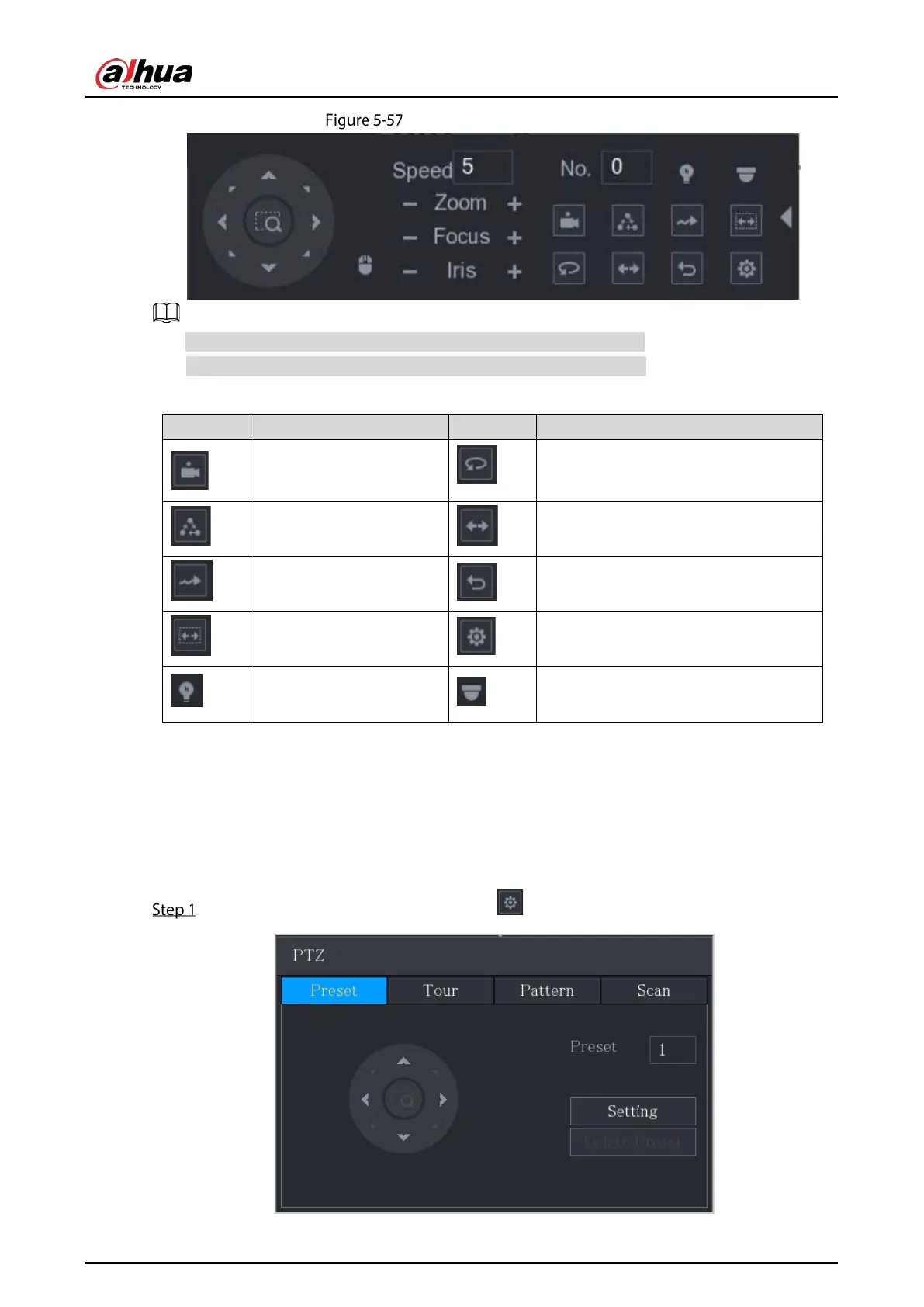
Expanded PTZ control panel
The functions with buttons in gray are not supported by the system.
Right-click once to return to the interface of PTZ basic control panel.
Table 5-23 PTZ control panel description
Preset
Pan
Tour
Flip
Pattern
Reset
Autoscan
Click the
icon to open the
PTZ functions settings interface.
AUX Switch
Click the
icon to open the
interface.
5.4.3 Configuring PTZ Functions
5.4.3.1 Configuring Presets
On the expanded PTZ control panel, click .


 To Next Page
 Loading...