User’s Manual
272
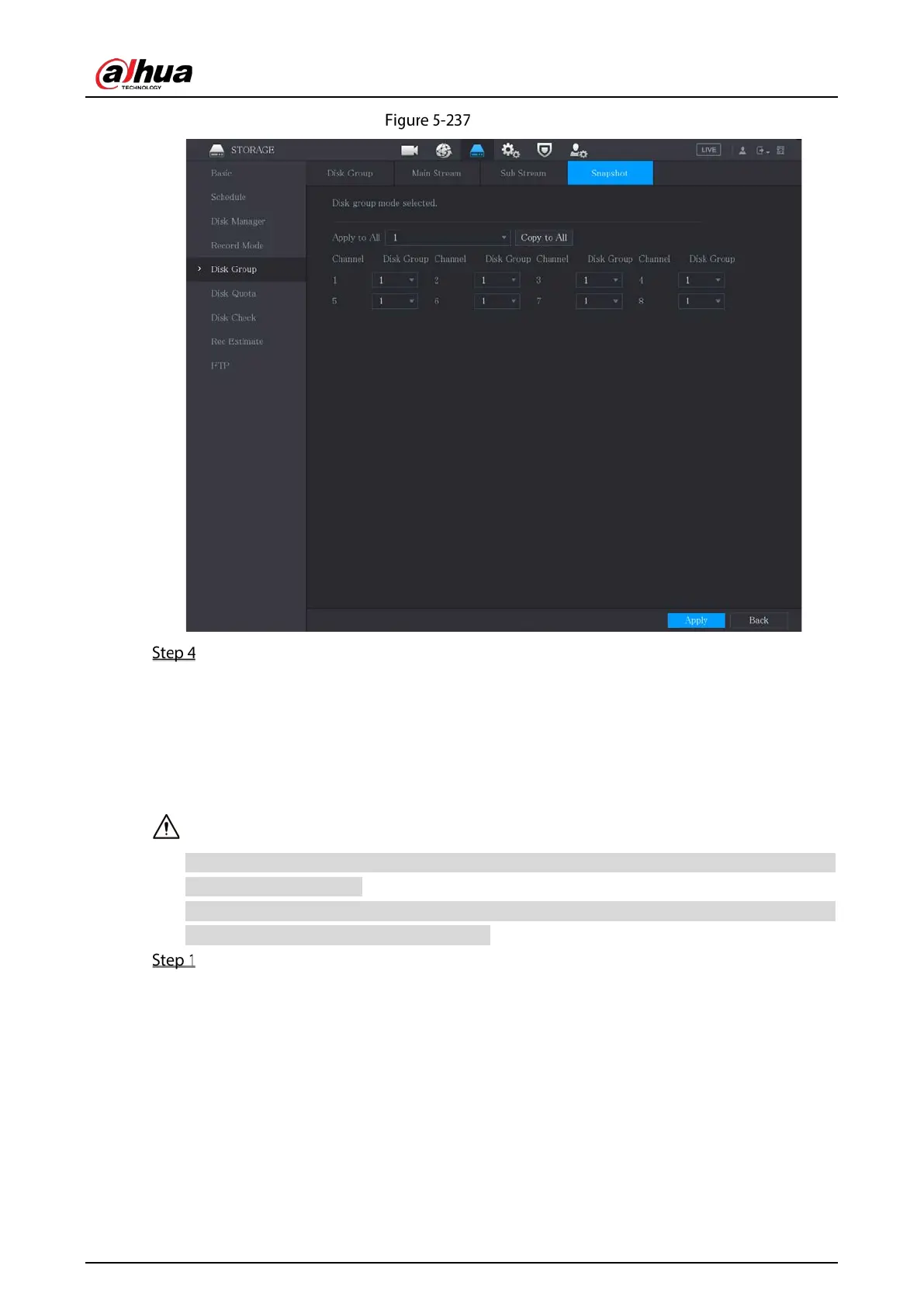
Snapshot
Click Apply to complete the settings.
5.18.6 Configuring Disk Quota
By configuring quota, allocate fixed storage capacity to each channel, and distribute the storage space
of each channel reasonably.
If the interface displays that "Current HDD Mode is HDD Group", click Change to Quota Mode,
and then configure quota.
You can enable either HDD Group Mode or Quota Group. The system prompts to reboot the
device each time when you switch the mode.
Select Main Menu > STORAGE > Disk Quota.


 To Next Page
 Loading...