User’s Manual
21
3 The Grand Tour
This chapter introduces various components of the Device, remote control and mouse operations.
Front Panel
3.1.1 DH-XVR5108C-X/DH-XVR5104C-4KL-X/DH-XVR5104C-X/DH-
XVR4104C-X/DH-XVR4108C-X/DH-XVR5104C-X1/DH-XVR4104C-
X1/DH-XVR4108C-X1
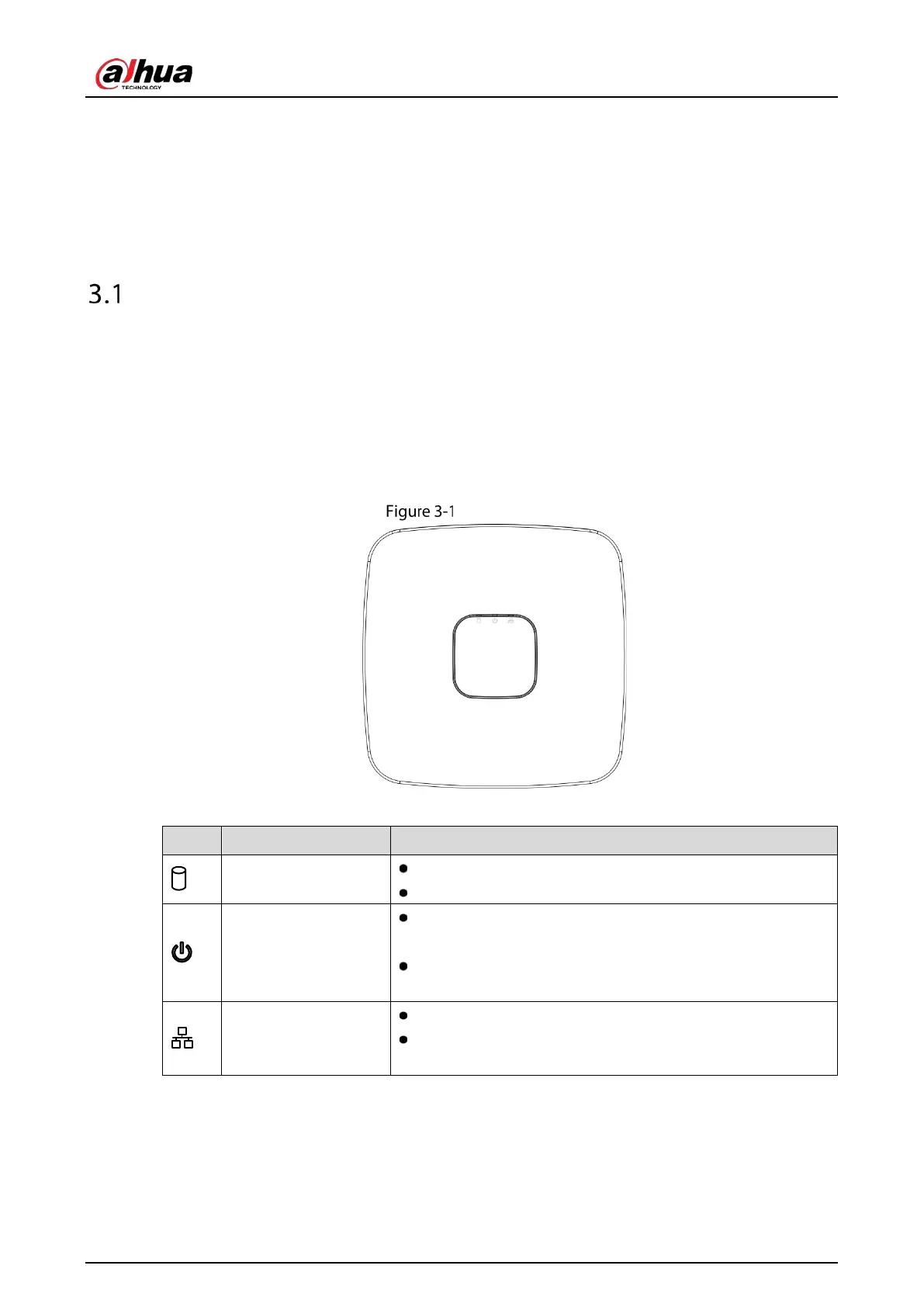
Front panel
Table 3-1 Front panel description
HDD status indicator
The indicator is off when the HDD is running normally.
The indicator glows blue when the HDD is in malfunction.
Power status indicator
The
indicator is off when the power is connected
abnormally.
The indicator glows blue when the power is connected
normally.
indicator
The indicator is off when the network connection is correct.
The indicator glows blue when the network connection is
abnormal.
3.1.2 DH-XVR7104E-4KL-X/DH-XVR7108E-4KL-X/DH-XVR7104E-4KL-
B-X/DH-XVR7108E-4KL-B-X



 To Next Page
 Loading...