User’s Manual
301
network, user management.
Click Factory Default, select OK and then enter the password of admin user in the
prompted dialog box to completely recover device parameters to factory default.
5.20.6 Updating the Device
5.20.6.1 Updating File
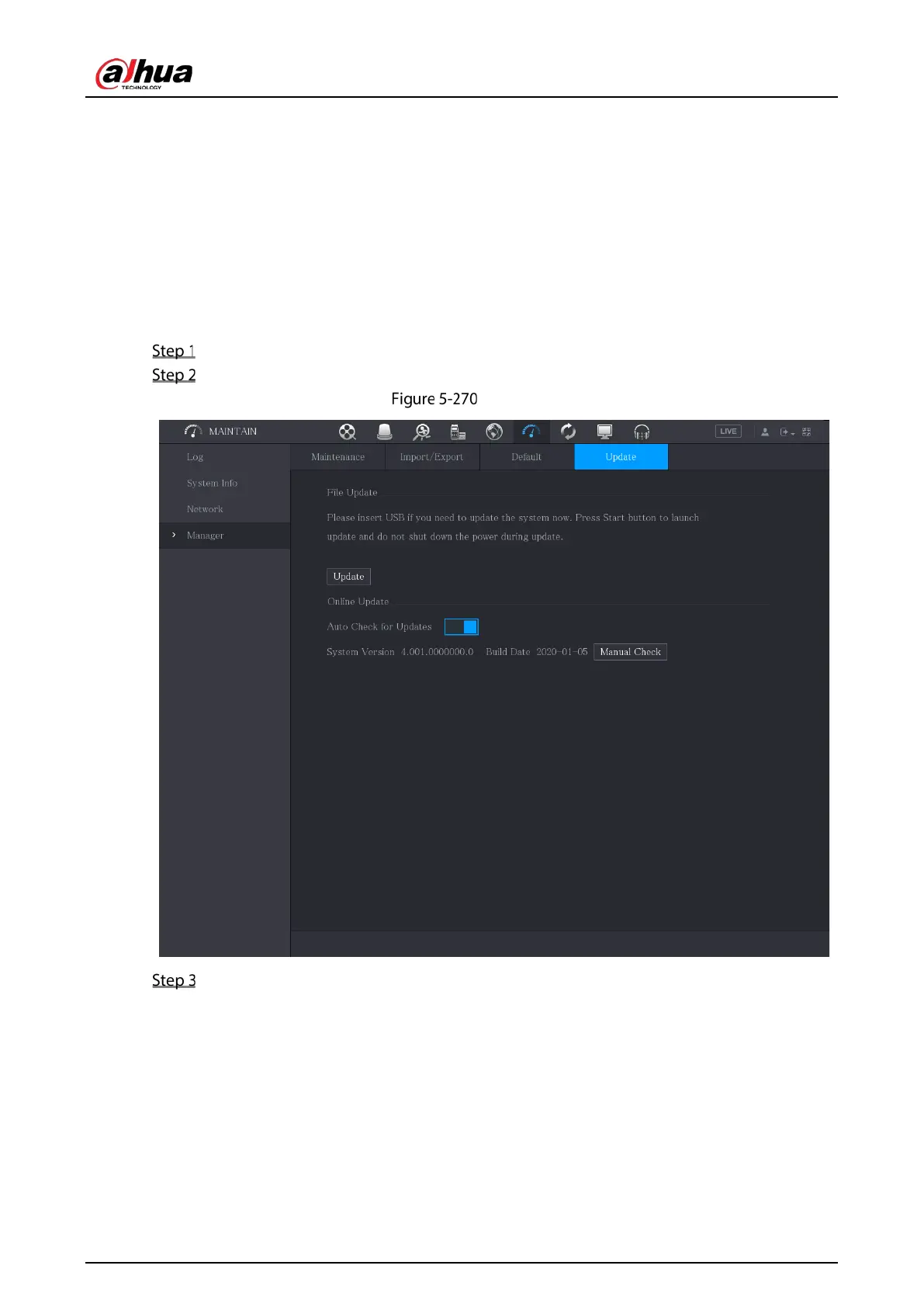
Insert a USB storage device containing the upgrade files into the USB port of the Device.
Select Main Menu > MAINTAIN > Manager > Update.
Update
Click Upgrade.


 To Next Page
 Loading...