User's Manual
152
5.10.2.2 Configuring Intrusion Rules
When the target enters and leaves the area, or the target appears in the defined area, the system
activates alarms.
You can define the shape and quantity of intrusion areas.
Supports detecting the behaviors that enter and leave the intrusion areas.
Supports detecting the behaviors that are moving in the intrusion areas. The quantity of areas
and lasting time can be configured.
Supports size filtering for target.
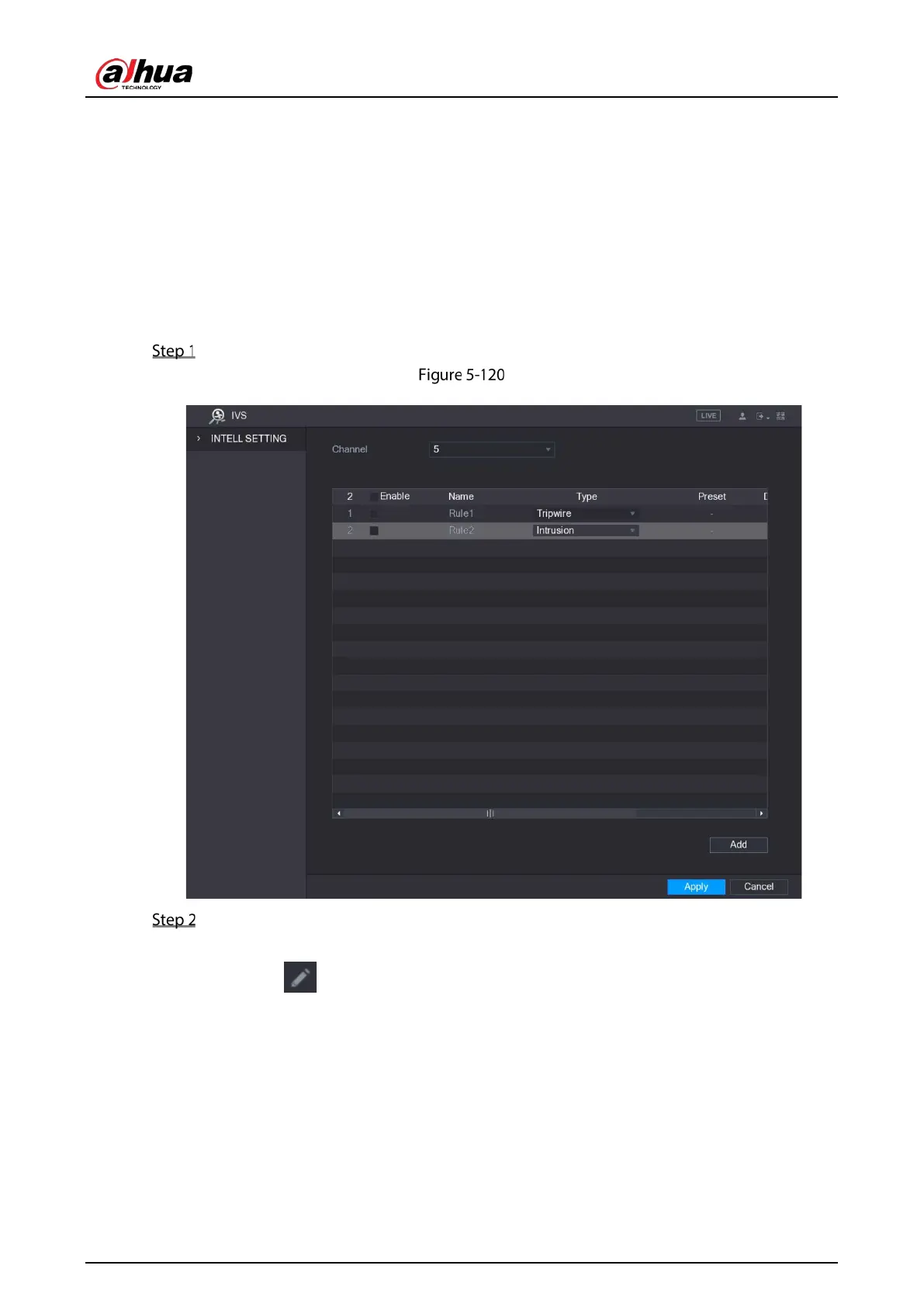
On the rule line that you added, in the Type list, select Intrusion.
Intrusion
Draw a tripwire.
1) In the Channel list, select the channel that you want to configure the rules for.
2) Click .
The monitoring screen to configure the intrusion rules is displayed.


 To Next Page
 Loading...

