System Maintenance 28
The rebooting now interface Figure 6-2
Click Confirm and system reboots. Step 3
Configuring Auto Reboot Time 6.4
Configure an auto reboot time for your device. And your device will reboot at a fixed time every
day.
In main menu, select Settings > Maintenance and Upgrade. Step 1
The Maintenance and Upgrade interface is displayed.
Click Auto Maintenance Time Setting. Step 2
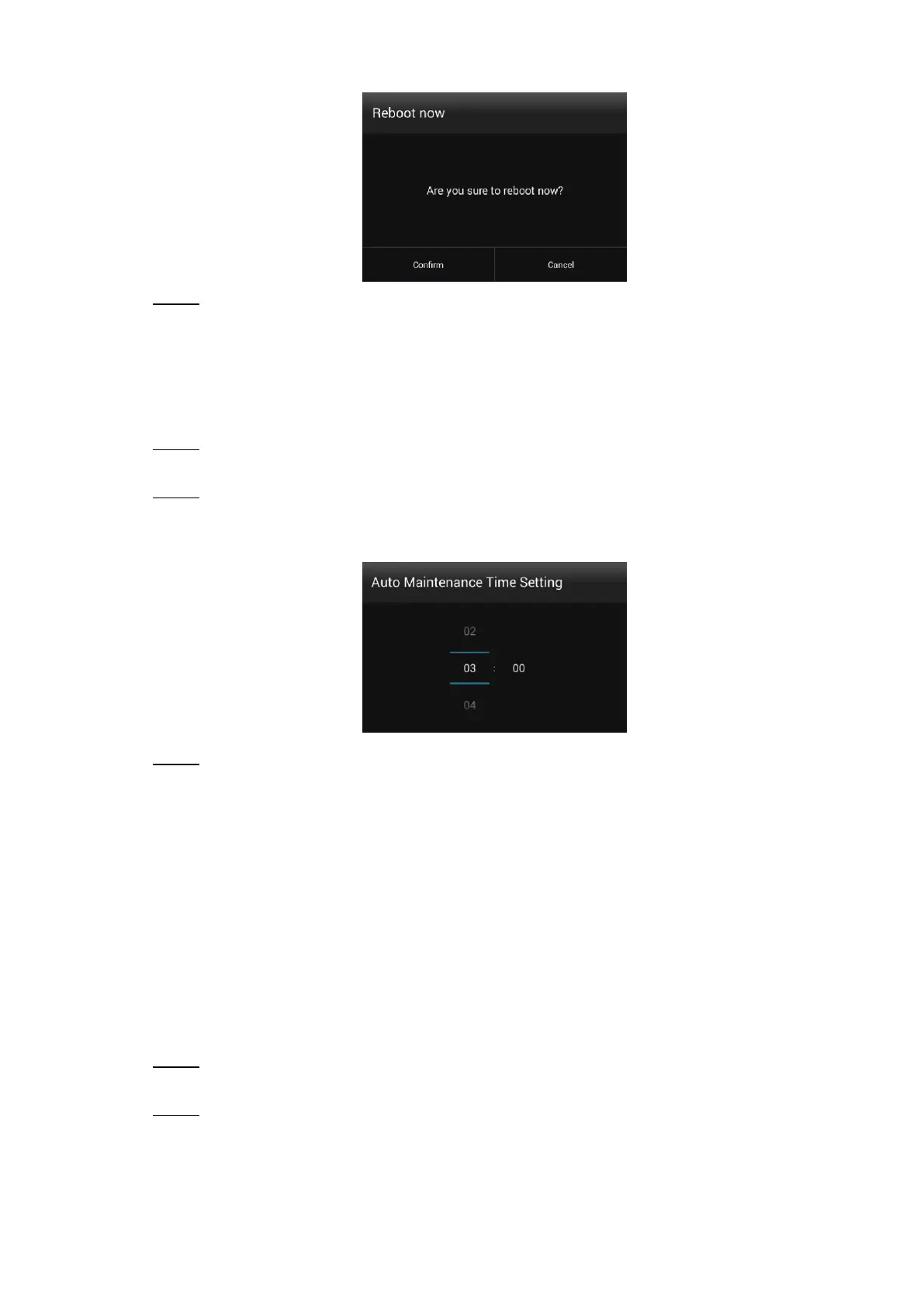
The Auto Maintenance Time Setting interface is displayed. See Figure 6-3.
The auto maintenance time setting interface Figure 6-3
Drag your mouse up and down to select a time. Click any position out of the Auto Step 3
Maintenance Time Setting interface to finish configuration.
Upgrading System 6.5
Preparation
Contact our after-sales service to get an upgrade package. Insert a USB drive with the package
into your Signage.
Procedure
In main menu, select Settings > Maintenance and Upgrade. Step 1
The Maintenance and Upgrade interface is displayed.
Click System Upgrade. Step 2
The System Upgrade interface is displayed. See Figure 6-4.
D or E represents your USB drive.


 To Next Page
 Loading...