System Maintenance 29
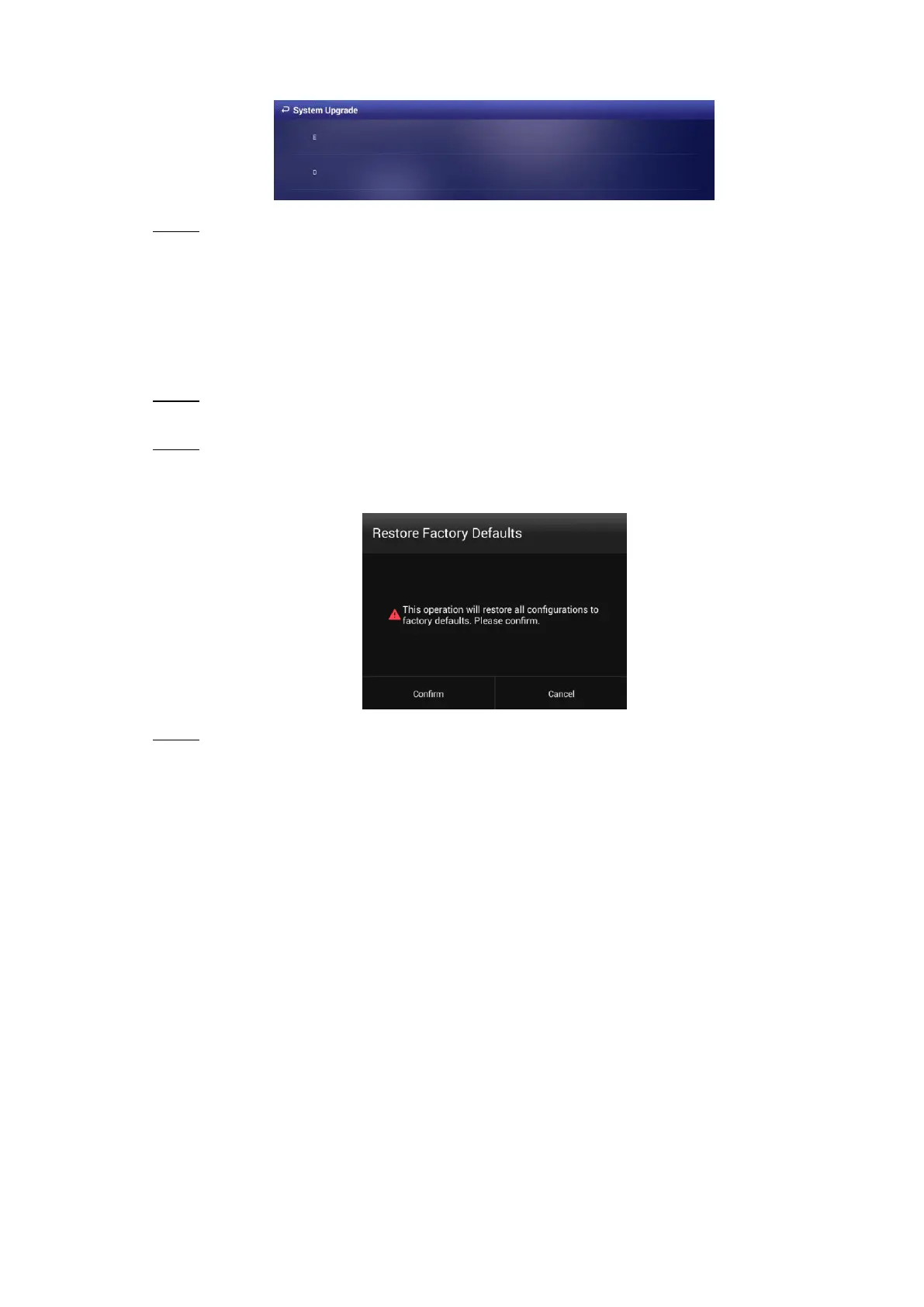
The system upgrade interface Figure 6-4
Select the upgrade package to start upgrade. Step 3
Your Signage reboots after being upgraded.
Restoring Your Signage to Factory Settings 6.6
Restore your Signage to factory settings to handle problems such as storage insufficiency and
system error. Be cautious because this may cause data lose.
In main menu, select Settings > Maintenance and Upgrade. Step 1
The Maintenance and Upgrade interface is displayed.
Click Restore Factory Defaults. Step 2
The Restore Factory Defaults interface is displayed. See Figure 6-5.
The restore factory defaults interface Figure 6-5
Click Confirm to begin this operation. Step 3
After that, your system will reboot.


 To Next Page
 Loading...