User’s Manual
279
Click Apply to complete the settings.
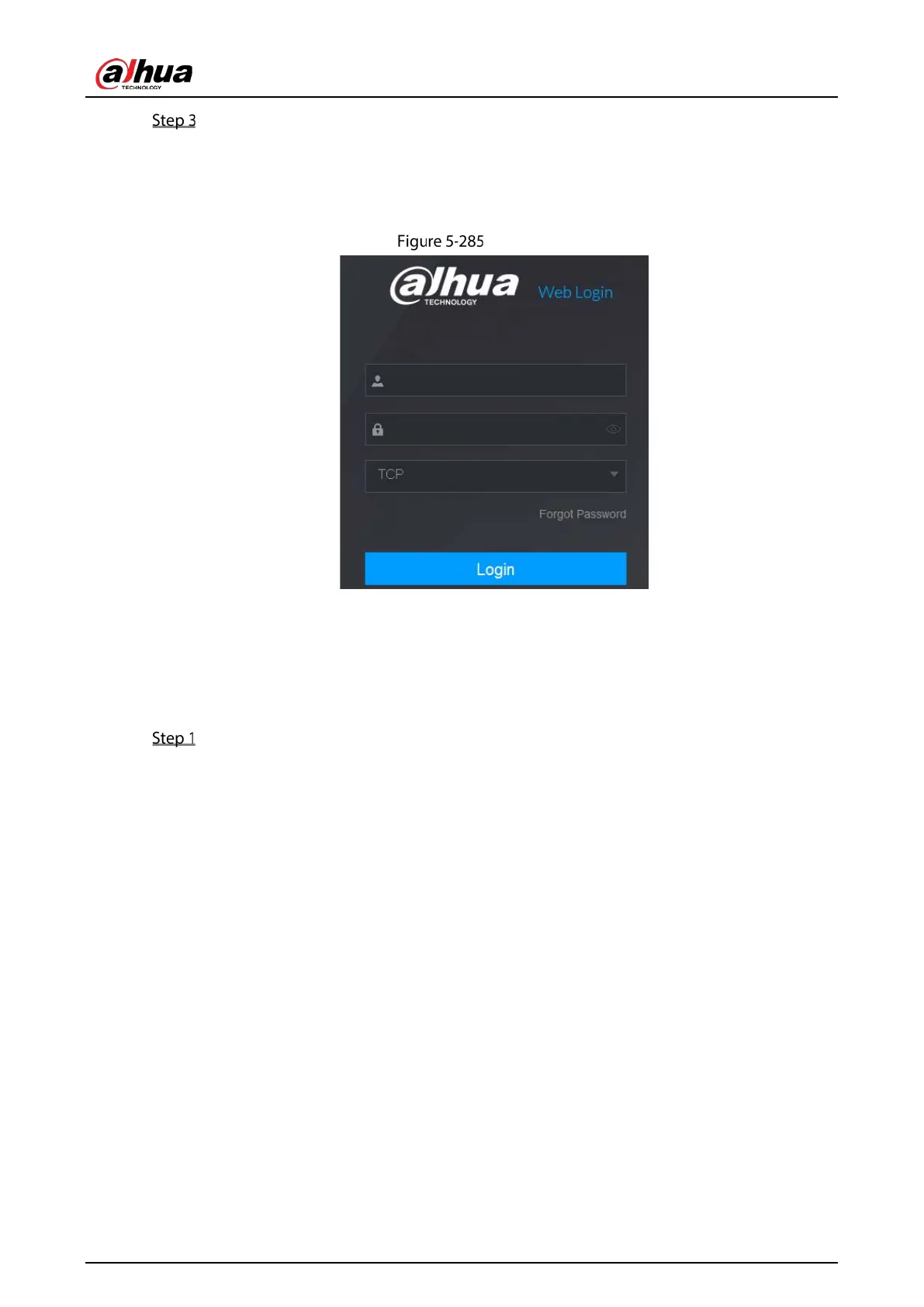
You can use the multicast IP address to log in to the web.
On the web login dialog box, in the
Type list, select MULTICAST. The web will automatically
obtain the multicast IP address and join. Then you can view the video through multicast
function.
Login
5.15.1.11 Configuring Register Settings
You can register the Device into the specified proxy server which acts as the transit to make it easier
for the client software to access the Device.
Select Main Menu > NETWORK > Register.


 To Next Page
 Loading...