错误!使用“开始”选项卡将 Heading 1,l1,H1,Title1,Normal + Font: Helvetica,Bold,Space Before
12 pt,Not Bold,Heading One,h1,Head1,Head,1,Numbered,nu,Level 1 Head,1st level,Section He
ad,Sec1,h11,1st level1,h12,1st level2,h13,1st level3,h14,1st level4,h15,1st level5,h16,h17 18
Figure 2-17
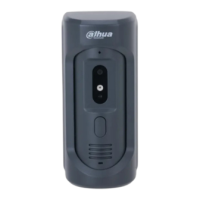
Add VTO or fence station.
Add main VTO.
Enter “Main VTO Name”, “VTO IP Address”, “User Name” and “Password”.
Switch the “Enable Status” to be .
“User Name” and “Password” shall be consistent with WEB login user name and
password of VTO. Otherwise, it will fail to connect.
Add sub VTO or fence station.
Enter “Sub VTO/Fence Station Name”, “Sub VTO/Fence Station IP address”,
“User Name” and “Password”.
Switch the “Enable Status” to be .
Press / to turn page and add more sub VTO/fence stations.
2.3 Debugging Verification
2.3.1 VTO Calls VTH
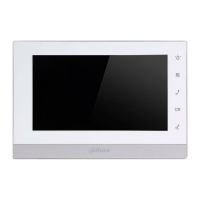
Dial VTH room no. (such as 101) at VTO, and thus call VTH. VTH pops up monitoring image
and operating keys, as shown in Figure 2-18. It represents successful debugging.
The following figure means that SD card has been inserted into VTH. If SD card is not inserted,
recording and snapshot icons are gray.


 To Next Page
 Loading...