2 About the system
Operation manual
3
EJHA04AAV3
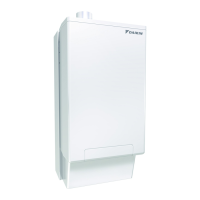
Daikin Altherma hybrid monobloc – Heat pump module
4P531174-1B – 2018.10
Breadcrumbs help you to locate where you are in the menu structure
of the user interface. This document also mentions these
breadcrumbs.
Example: Go to [7.4.1.1]: > User settings > Preset values >
Room temperature > Comfort (heating)
2 About the system
Depending on the system layout, the system can:
▪ Heat up a space
▪ Produce domestic hot water
NOTICE
Filling the water circuit. Must be done by the installer to
make sure that the system can cold start up.
NOTICE
During holidays. Do NOT turn OFF the power supply. The
power is needed for the frost protection functions of the
outdoor unit. Use the holiday mode instead.
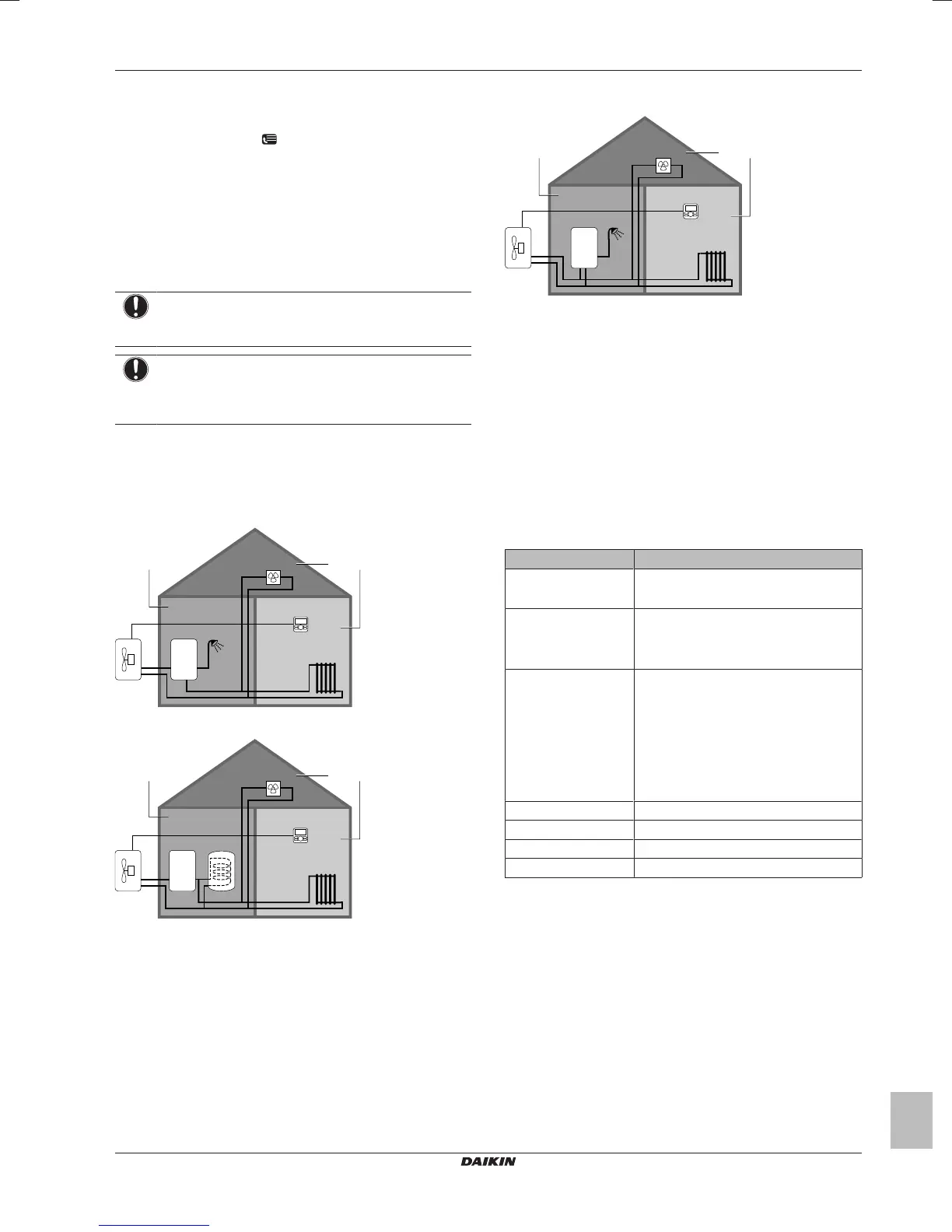
2.1 Components in a typical system
layout
Gas boiler (*HY2KOMB28+32AA) + instant domestic hot water
(not for Switzerland)
Gas boiler (*HY2KOMB28+32AA) + domestic hot water tank
Gas boiler (third party) + instant domestic hot water (not for
Switzerland)
A Living room.
B Bedroom.
C Technical room. Example: Garage.
a Outdoor unit heatpump
b Gas boiler
c Instant domestic hot water or domestic hot water (DHW) tank
d Heatpump convectors or fan coil units
e User interface in the living room, used as room thermostat
f Radiators
3 Operation
3.1 Overview: Operation
You can operate the system via the user interface. This part
describes how to use the user interface:
Part Description
At a glance ▪ Buttons
▪ Status icons
Space heating control How to control space heating:
▪ Setting the space operation mode
▪ Controlling the temperature
Domestic hot water
control
▪ How to control domestic hot water in
case of instant DHW
▪ How to control domestic hot water in
case of tank:
▪ Reheat mode
▪ Scheduled mode
▪ Scheduled + reheat mode
Advanced usage How to change the user permission level
Schedules How to select and program schedules
Menu structure Overview of menu structure
Installer settings table Overview of installer settings




 To Next Page