EDUS39-605 Control Devices
Controls 57
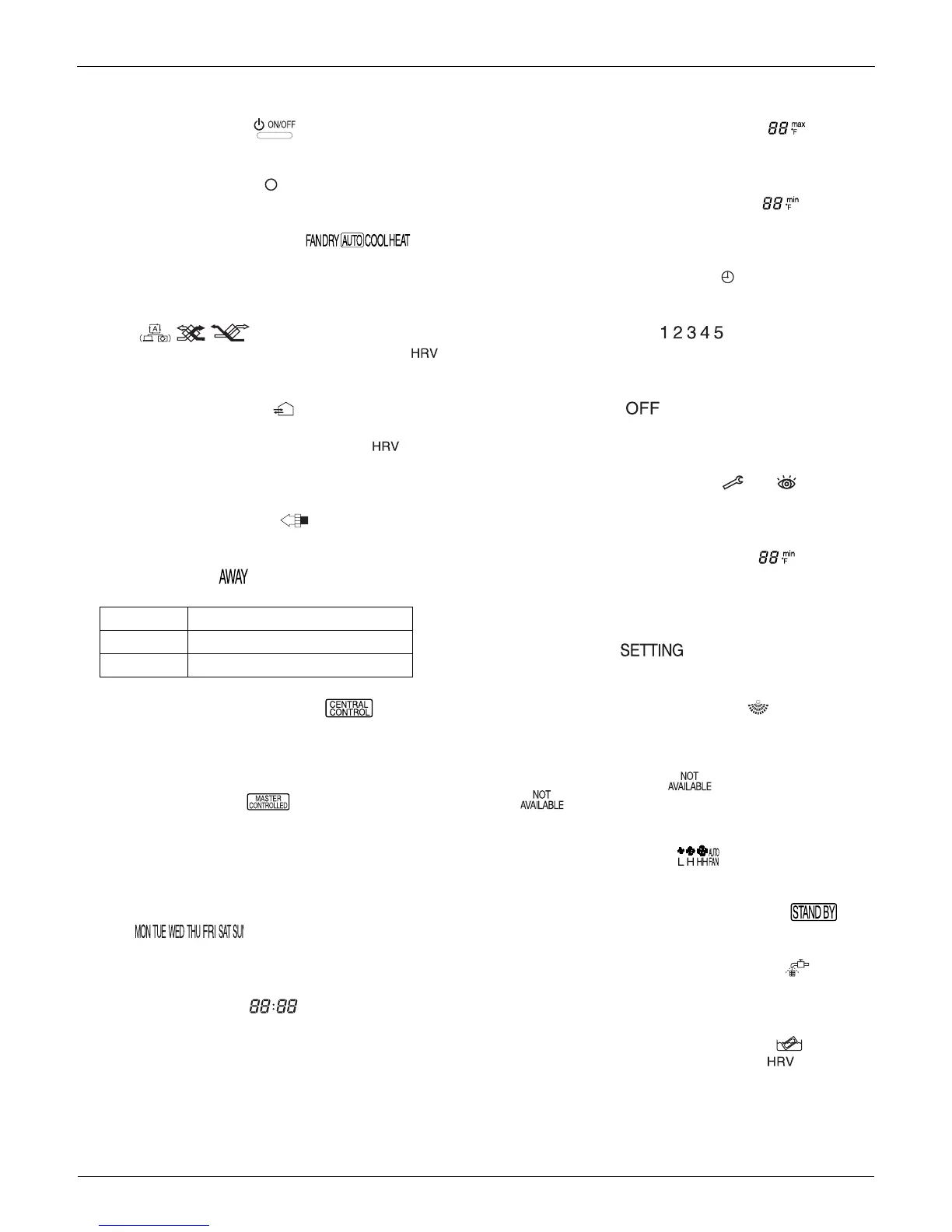
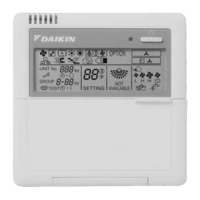
2.7.4 Name and Function of Switches and Icons (Refer to figure 1)
1 ON/OFF BUTTON
Press the ON/OFF button to start or stop the system.
2 OPERATION LAMP
Lights during operation or blinks if a malfunction occurs.
3 OPERATION MODE ICON
These icons indicate the current operation mode (FAN,
DRY, AUTOMATIC, COOLING, HEATING).
4 VENTILATION MODE ICON
These icons indicate the current ventilation mode (
only) (AUTOMATIC, HEAT EXCHANGE, BYPASS).
5 VENTILATION ICON
The ventilation icon appears when the ventilation is
adjusted with the ventilation amount button ( only).
Simultaneously, the ventilation amount is indicated by the
fan speed icon (see 22).
6 AIR CLEANING ICON
Indicates that the air cleaning unit (option) is operational.
7AWAY ICON
Status of the away function.
8 EXTERNAL CONTROL ICON
Indicates that another controller with higher priority is
controlling or disabling your installation.
9 CHANGE-OVER UNDER CENTRALISED
CONTROL ICON
This icon indicates that the change-over of the installation
is under centralised control assigned to another indoor
unit or optional cool/heat selector connected to the
outdoor unit (= master remote controller).
10 DAY OF THE WEEK INDICATOR
Displays the current week day (or the set day when
reading or programming the schedule timer).
11 CLOCK DISPLAY
Indicates the current time (or the action time when
reading or programming the schedule timer).
12 MAXIMUM SET TEMPERATURE
The maximum set temperature indicates the maximum
set temperature when in limit operation.
13 MINIMUM SET TEMPERATURE
The minimum set temperature indicates the minimum set
temperature when in limit operation.
14 SCHEDULE TIMER ICON
Indicates that the schedule timer is enabled.
15 ACTION ICONS
These icons indicate the actions for each day of the
schedule timer.
16 OFF ICON
Indicates that the OFF action is selected when
programming the schedule timer.
17 INSPECTION REQUIRED and
These icons indicate that inspection is required. Consult
your installer.
18 SET TEMPERATURE DISPLAY
This indicates the current set temperature of the
installation (not shown in LIMIT operation or in FAN or
DRY mode).
19 SETTING
Not used, for service purposes only.
20 AIR FLOW DIRECTION ICON
Indicates the air flow direction (only for installations with
motorised air flow flaps).
21 NOT AVAILABLE
is displayed whenever a non-installed option is
addressed or a function is not available.
22 FAN SPEED ICON
Indicates the set fan speed.
23 DEFROST/HOTSTART MODE ICON
Indicates that the defrost/hotstart mode is active.
24 AIR FILTER CLEANING TIME ICON
Indicates the air filter must be cleaned. Refer to the
manual of the indoor unit.
25 ELEMENT CLEANING TIME ICON
Indicates the element must be cleaned ( only).
ON AWAY is enabled
FLASHING AWAY is active
OFF AWAY is disabled


 To Next Page