English 29
Daily Patterns
Operation
1
Setting
Schedule
Enable/Disable
Daily Patterns
Settings
2/2
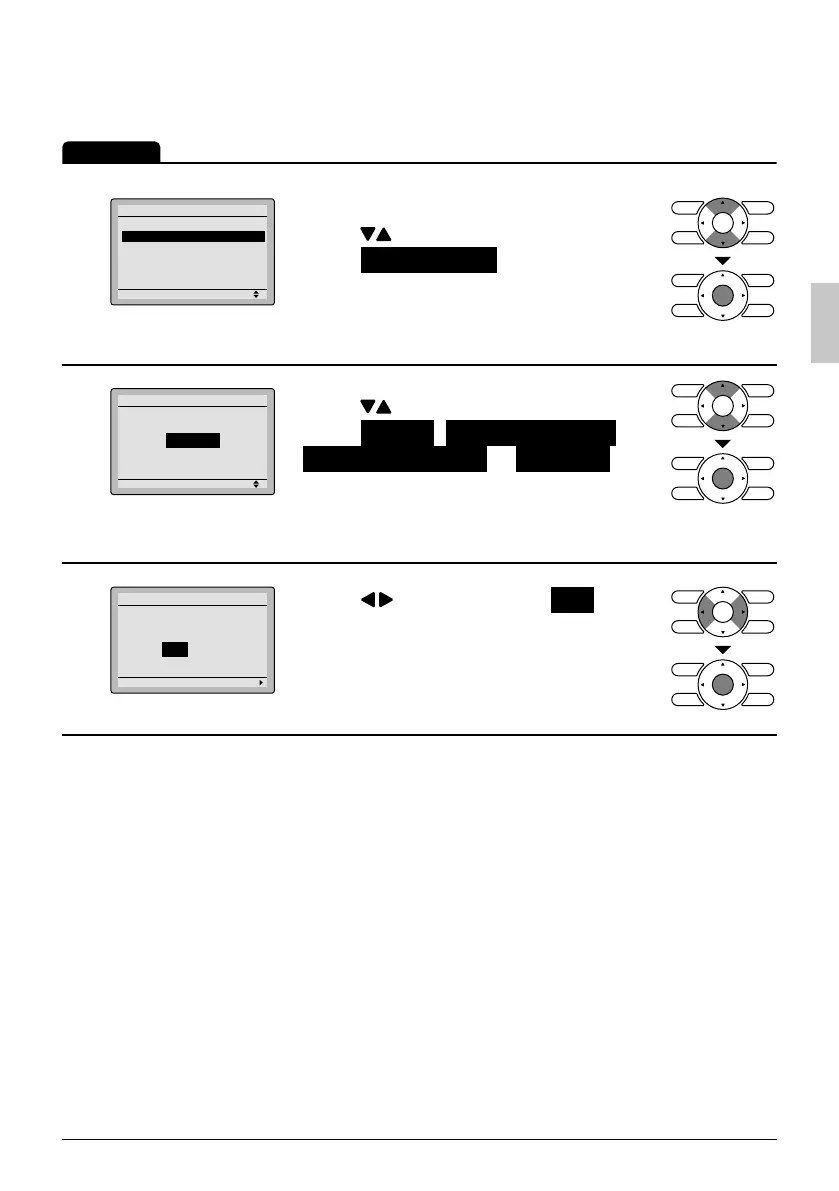
The schedule screen will appear. ●
Press ● buttons to
select Daily Patterns on the schedule
screen.
The daily patterns screen will appear
when the Menu/OK button is pressed.
2
Setting
Daily Patterns
Schedule
7 Days
Press ● buttons to
select 7 Days , Weekday/Sat/Sun ,
Weekday/Weekend or Everyday on
the daily patterns screen.
The confi rmation screen will appear
when the Menu/OK button is pressed.
3
Setting
Save the settings?
Schedule
Yes No
Press ● buttons to select Yes on the
confi rmation screen.
Pressing the Menu/OK button enters the
daily patterns in the schedule and takes
you back to the main menu screen.
01_EN_3P243520-3E.indd 2901_EN_3P243520-3E.indd 29 9/11/2012 4:12:59 PM9/11/2012 4:12:59 PM



 To Next Page