20 | Configuration
Installer and user reference guide
73
FDA125A5VEB
Split system air conditioners
4P495031-1B – 2022.10
20 Configuration
20.1 Field setting
Make the following field settings so that they correspond with the actual
installation setup and with the needs of the user:
▪ External static pressure setting using:
- Airflow automatic adjustment setting
- User interface
▪ Time to clean air filter
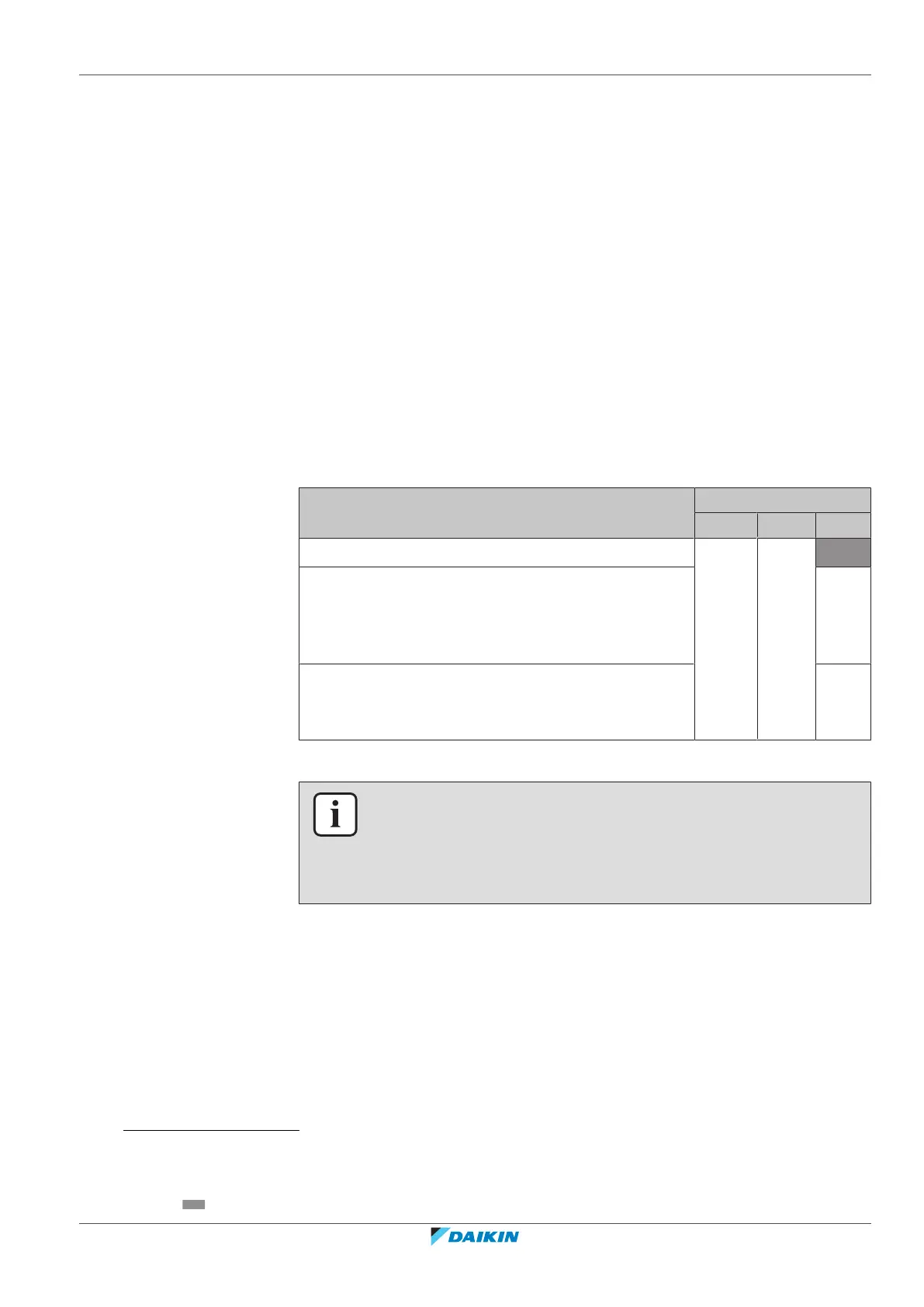
To set airflow automatic adjustment
▪ When the air conditioning unit is running in fan operation mode:
1 Stop the air conditioning unit.
2 Set value number / second code number to 03.
Setting content: Then
(1)
M C1/SW C2/—
Airflow adjustment is OFF 11(21) 7 01
Press ON/OFF to return to normal operating mode.
Possible consequence: The operation lamp will light up
and the unit will start the fan operation for airflow
automatic adjustment.
03
Operation stops after 1 to 8 minutes.
Possible consequence: Setting is finished and the
operation lamp will be off.
02
If there is no change after airflow adjustment, perform the setting again.
INFORMATION
▪ The fan speed of the indoor unit is preset to ensure the standard external static
pressure.
▪ To set a higher or lower external static pressure, reset the initial setting with the
user interface.
User interface
Check the indoor unit setting: the value number / second code number of mode
11(21) must be set to 01.
Change the value number / second code number according to the external static
pressure of the duct to be connected as in table below.
(1)
Field settings are defined as follows:
• M: Mode number – First number: for group of units – Number between brackets: for individual unit
• SW: Setting number / C1: First code number
• —: Value number / C2: Second code number
• : Default


 To Next Page