92
RXL-W Series EDUS092213A
3P686872-1
11
Installation Tips
3. How to set the different addresses
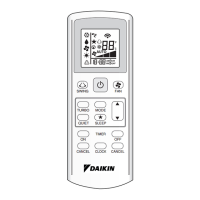
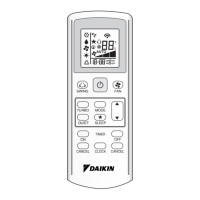
When 2 indoor units are installed in one room, the 2 wireless remote controllers can
be set for different addresses. Change the address setting of one of the 2 units.
When cutting the jumper, be careful not to damage any of the surrounding parts.
1) Remove the front grille. (6 screws, 3 screw covers)
(Refer to “2. Removing and installing the front grille” on page 10.)
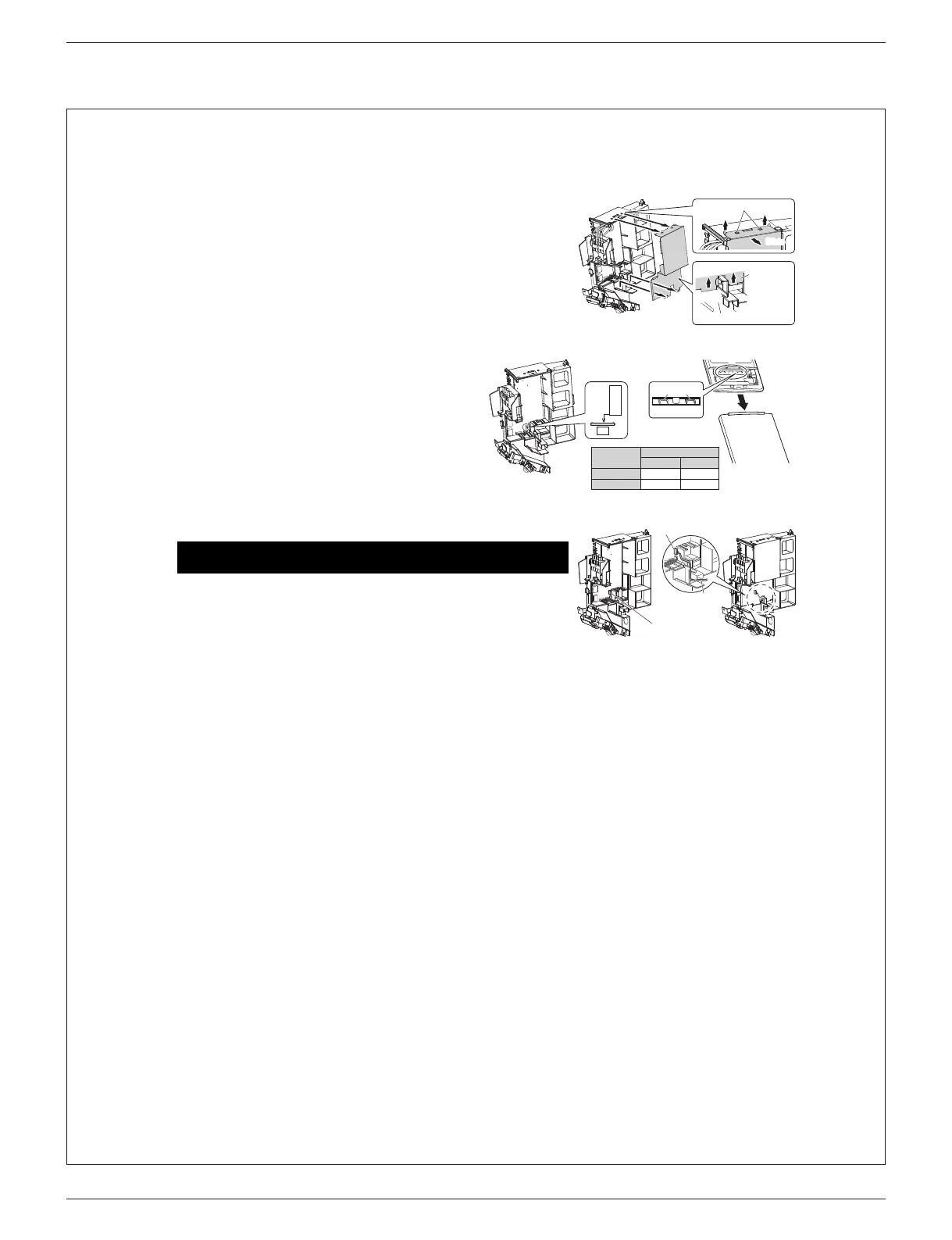
2) Remove the metal plate electrical wiring box cover. (4 tabs)
(See Fig.1)
3) Cut the address jumper (JA) on the printed circuit board.
(See Fig.2)
4)
Cut the address jumper (J4) in the remote controller. (See
Fig.3
)
• Do not cut jumper (J8).
5) Replace the metal electrical wiring box cover.
6) Replace the front grille.
4. When connecting to an HA system
1) Remove the front grille. (6 screws, 3 screw covers)
(Refer to “2. Removing and installing the front grille” on page 10.)
2) Remove the metal plate electrical wiring box cover. (4 tabs) (See Fig.1)
3) Attach the connection cord to the S21 connector and pull the harness
out through the notched part in the figure. (See Fig.4)
4) Replace the electrical wiring box cover as it was, and pull the harness
around, as shown in the figure. (See Fig.5)
5) Replace the front grille.
For this procedure, accessories which are sold separately are needed.
(wired remote controller, central remote controller, etc.)
Slide
Metal plate
electrical
wiring box
cover
Main body
Pull
Pull
Slide
Ta b
Address
1
EXIST
EXIST
Jumper JA
Jumper J4
2
CUT
Fig.2 Fig.3
ADDRESS
JA
Jumper
(J8) (J4)
HA connector
(S21)
(S21)
Lay the HA cord as
shown in the figure.
01_EN_3P686872-1.fm 11 ページ 2022年5月13日 金曜日 午後5時45分



 To Next Page