5 | Operation
User reference guide
24
FTXP20~35N5V1B9 + ATXP20~35N5V1B9
Daikin room air conditioner
4D520466-17M – 2023.08
5.9.3 To combine OFF timer and ON timer
1 To set the timers, refer to "5.9.1To start/stop OFF timer operation"[423] and
"5.9.2To start/stop ON timer operation"[423].
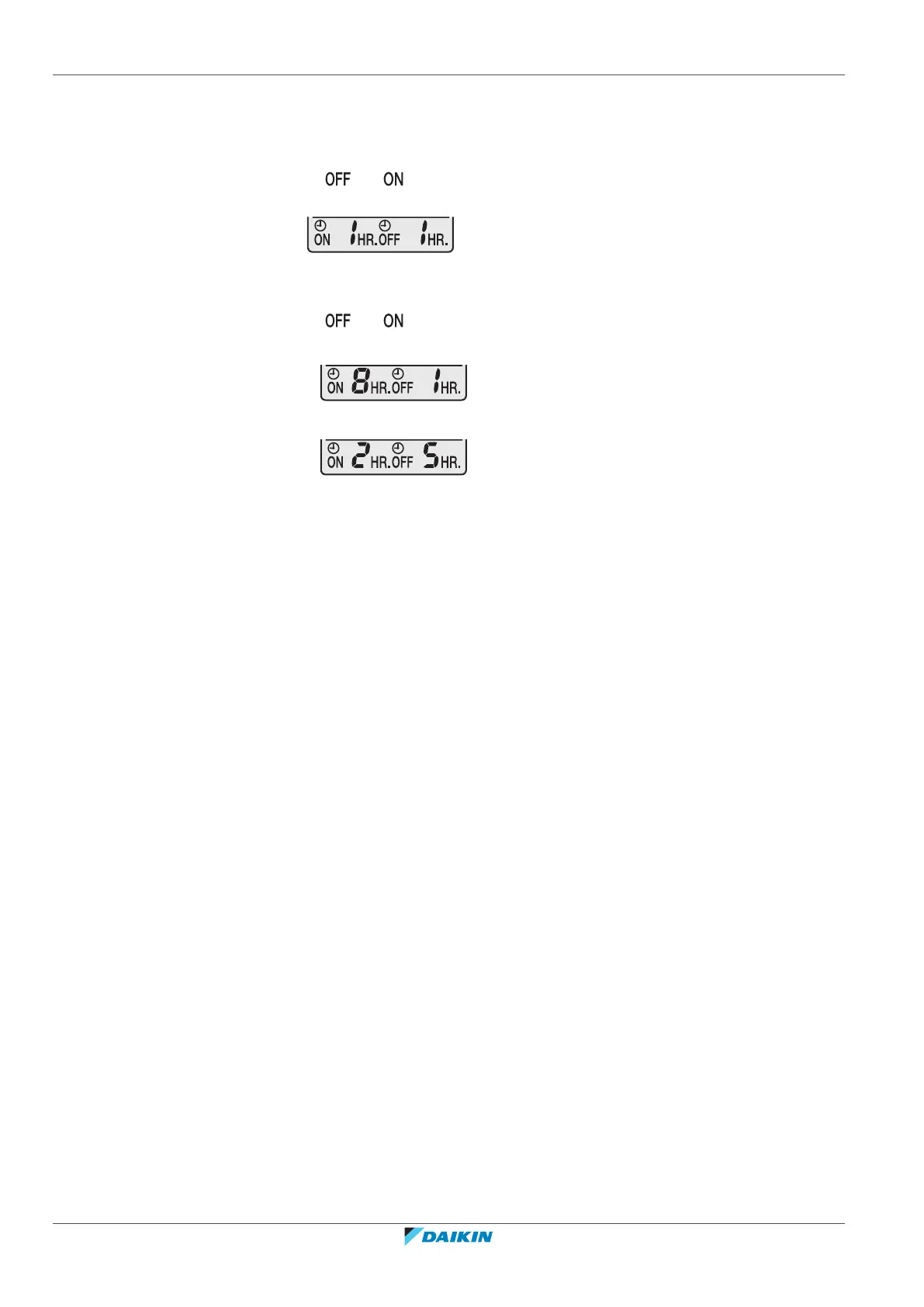
Result: and are displayed on the LCD.
2 Example of what is displayed on the LCD if you combine the 2 timers:
3 To set the timers, refer to "5.9.1To start/stop OFF timer operation"[423] and
"5.9.2To start/stop ON timer operation"[423].
Result: and are displayed on the LCD.
Example:
4 If is set when the unit is operating.
Result: Operation stops in 1 hour and then starts 7 hours later.
5 If is set when the unit is NOT operating.
Result: Operation starts in 2 hours and then stops 3 hours later.
5.10 Wireless LAN connection
The customer is responsible for providing:
▪ Smartphone or tablet with minimum supported version of Android or iOS,
specified on app.daikineurope.com.
▪ Internet line and communication device, such as a modem, router, etc.
▪ Wireless LAN access point
▪ Installed free ONECTA application
5.10.1 Precautions when using the wireless LAN
Do NOT use near:
▪ Medical equipment. E.g. persons using cardiac pacemakers or defibrillators. This
product may cause electromagnetic interference.
▪ Auto-control equipment. E.g. automatic doors or fire alarm equipment. This
product may cause faulty behaviour of the equipment.
▪ Microwave oven. It may affect wireless LAN communications.
5.10.2 To install the ONECTA app
1 Go to Google Play (for Android devices) or the App Store (for iOS devices) and
search for "ONECTA".
2 Follow the directions on the screen to install the ONECTA app.



 To Next Page