5 | Operation
User reference guide
25
FTXP20~35N5V1B9 + ATXP20~35N5V1B9
Daikin room air conditioner
4D520466-17M – 2023.08
INFORMATION
Scan the QR code to download and install the ONECTA app on your mobile phone or
tablet:
5.10.3 To set the wireless connection
There are two options to connect the wireless adapter with your smart device.
▪ Connect the wireless LAN to your smart device directly.
▪ Connect the wireless LAN to your home network. The wireless LAN will
communicate with your smart device in your home network using a modem,
router or a similar device.
For more information and FAQ refer to app.daikineurope.com.
1 Stop operation before setting the wireless connection.
2 Use the wireless remote control to select the wireless LAN setting menu.
Note: During setting, always aim the wireless remote control at the infrared signal
receiver on the unit.
Menu Description
Connection status check
WPS connection setting
Reset to factory default
Wireless LAN OFF
To confirm the wireless LAN connection status
1 On home screen menu, press and hold for at least 5seconds while the
unit is not operating.
Result: The SP (wireless connection setting menu) appears. is blinking.
2 Press to confirm the selection.
Result: is blinking.
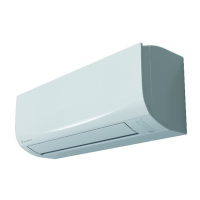
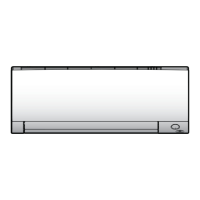
3 Check the operation and timer LEDs on the indoor unit display.
a Operation LED
b Timer LED



 To Next Page