3 | About the system
User reference guide
12
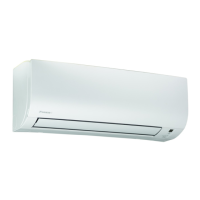
FTXP-N
Daikin room air conditioner
4P513685-11H – 2022.06
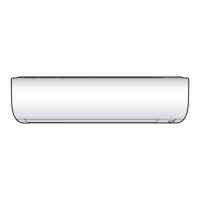
a Air inlet
b Air outlet
c Front panel
d WLAN adapter
e Indoor unit display
f Air filter
g Titanium apatite deodorising filter
h Silver particle filter
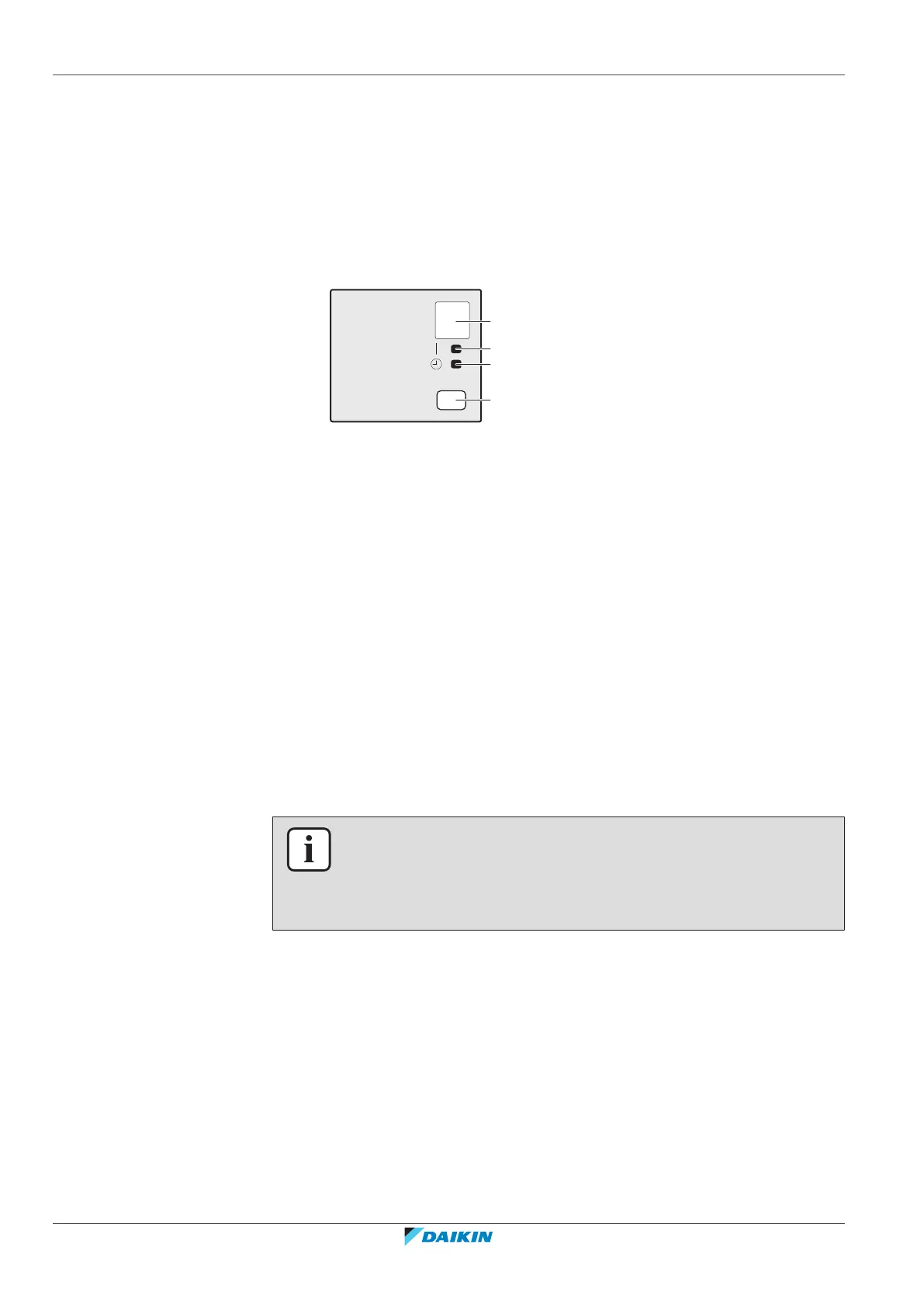
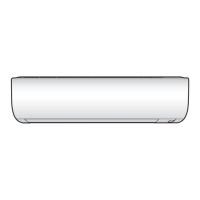
3.1.1 Indoor unit display
a Signal receiver
b Operation lamp
c Timer lamp
d ON/OFF button
ON/OFF button
If the user interface is missing, you can use the ON/OFF button on the indoor unit
to start/stop operation. When operation is started using this button, the following
settings are used:
▪ Operation mode = Automatic
▪ Temperature setting = 25°C
▪ Airflow rate = Automatic
3.2 About the user interface
Wireless remote control
INFORMATION
The indoor unit is delivered with the wireless remote control as the user interface.
This manual describes only operation with this user interface. If another user
interface is connected, refer to the operation manual of the connected user
interface.
▪ Direct sunlight. Do NOT expose the wireless remote control to direct sunlight.
▪ Dust. Dust on the signal transmitter or receiver will reduce sensitivity. Wipe off
dust with a soft cloth.
▪ Fluorescent lights. Signal communication might be disabled if fluorescent lamps
are in the room. In that case, contact your installer.
▪ Other appliances. If the wireless remote control signals operate other
appliances, move the other appliances, or contact your installer.
▪ Curtains. Make sure that curtains or other objects do NOT block the signal
between the unit and the wireless remote control.



 To Next Page