7 | Maintenance and service
User reference guide
33
FTXP-N
Daikin room air conditioner
4P513685-11H – 2022.06
7.9 To close the front panel
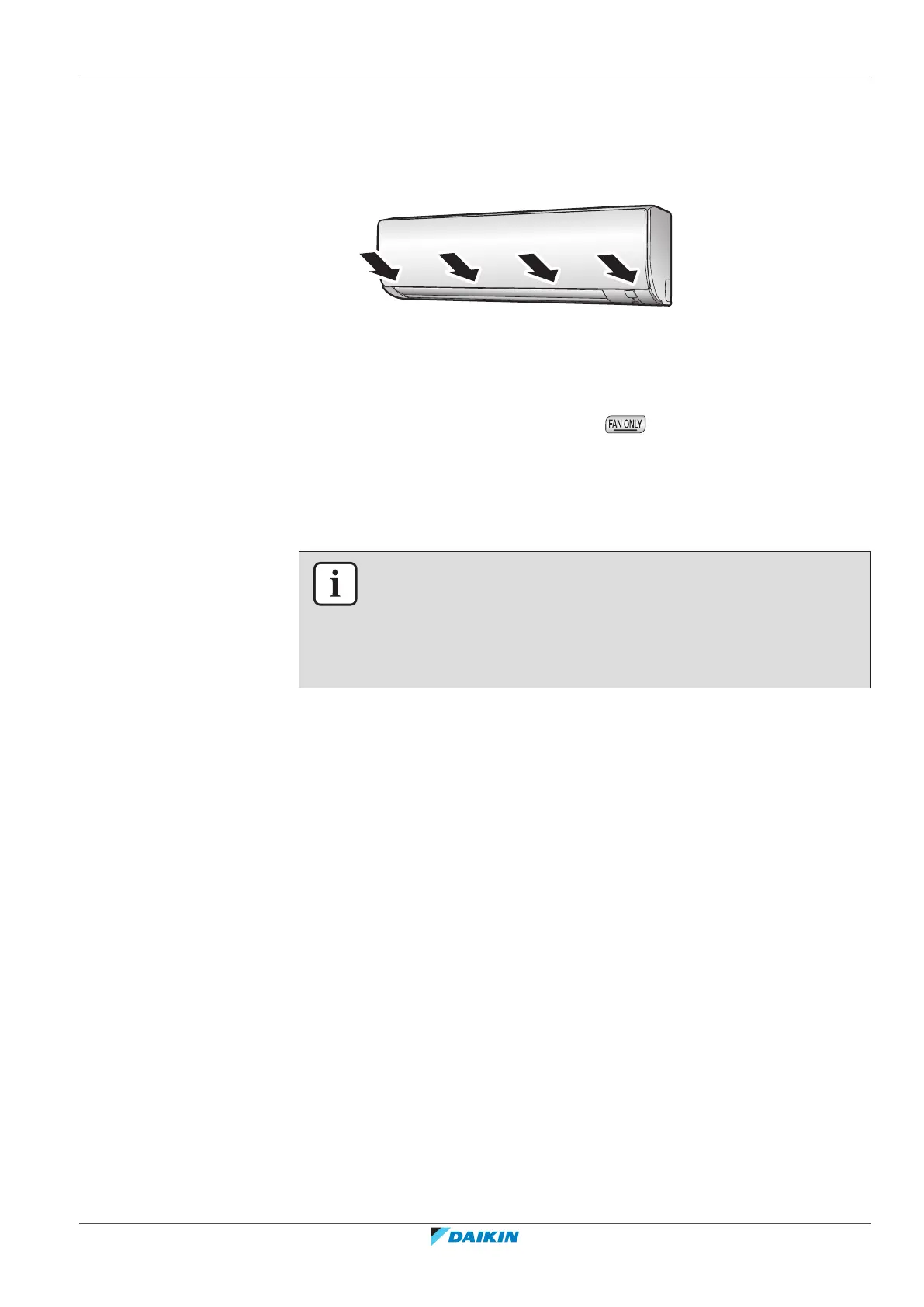
1 Set the filters as they were.
2 Gently press the front panel at both sides and at the center until it clicks.
7.10 To take following items into account before a long idle period
1 Set the mode to fan only by pressing button to dry the inside of the
unit.
2 After operation stops, turn the breaker OFF.
3 Clean the air filters and replace them in their original positions.
4 Remove the batteries from the wireless remote control.
INFORMATION
It is recommended to have periodical maintenance performed by a specialist. For
specialist maintenance, contact your dealer. Maintenance costs shall be borne by the
customer.
In certain operating conditions the inside of the unit may get dirty after several
seasons of use. This results in poor performance.



 To Next Page