[Procedure]
(1) Select desired indoor unit icon and execute centralize operation such as alteration of set values, etc.
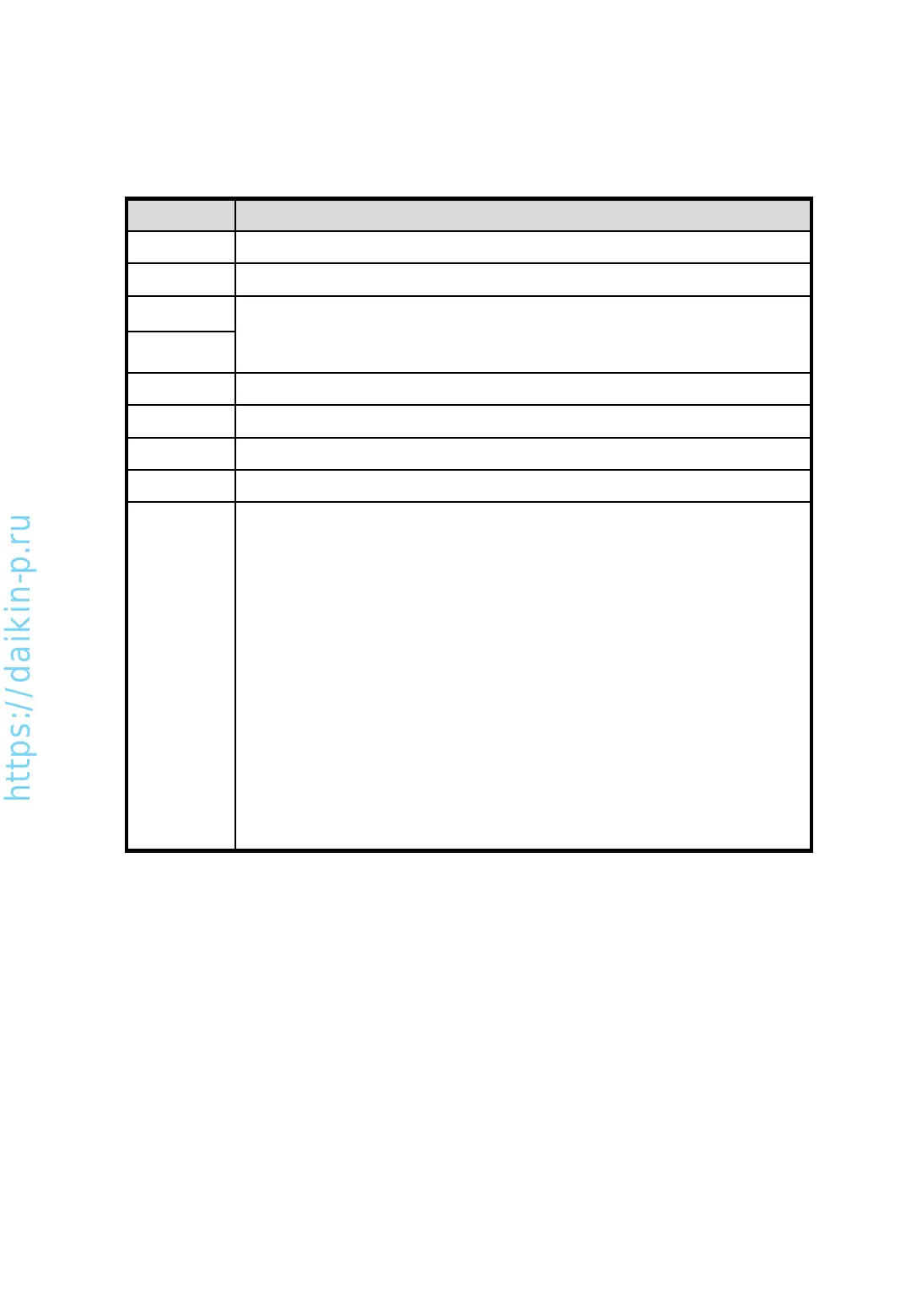
Button, box Description
Run Start selected unit
Stop Stop selected unit
Change setpoint, range of value is 0 to 35.
* If specification of unit has value range of 16-32, even though you changed
setpoint at 35 by button, value would change to 32 in a few seconds later.
Cool Change operation mode to cooling
Heat Change operation mode to heating
Fan Change operation mode to fan only (ventilation)
Error code In case of error, code will be indicated here
Right side
of screen
In the right side of this screen, status is indicated as remote controller shows.
[Under center control]
Master centralized controller does not allow slave controller. No centralized
operations can be done by checker.
[Under forced stop]
Under status of forced stop control. No centralized operations other than stop
command by checker.
[Under centralized control]
If other centralized controller has prohibited the operations of indoor units from
manual operation by a remote controller, this sign is displayed on each indoor
unit. The indoor units are not possible to operate other than stop.
[Under operation shift control]
In case of remote controller group or a Cool/Heat selector is connected to
outdoor units, this sign is displayed when selecting an indoor unit impossible to
change operation mode.
(2) To exit this screen, press [Back] button.
AS0112-P-DENV
35


 To Next Page