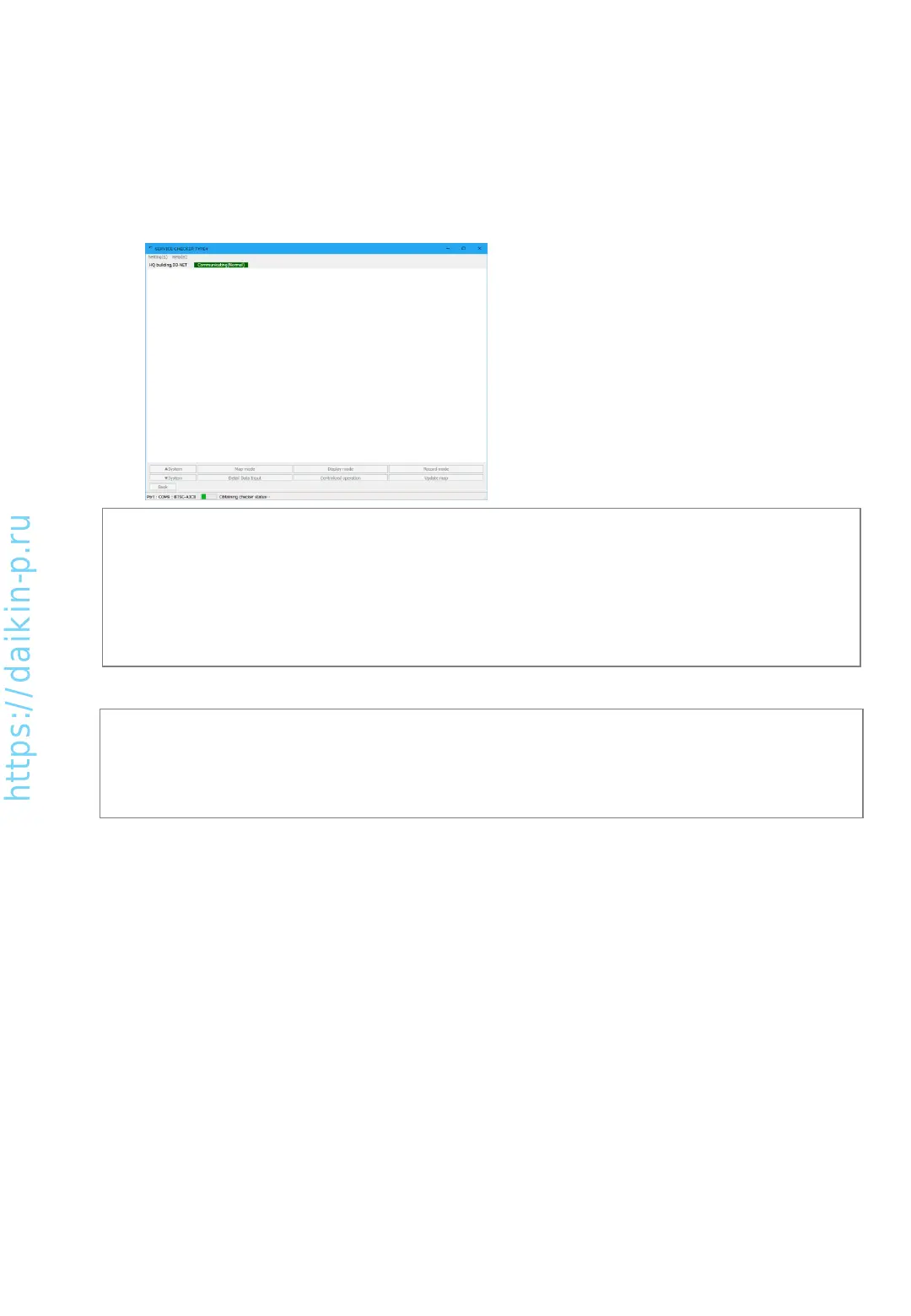
5-1-2 Network map display
Data will be collected upon the confirmation of previous screen.
Status of data collection will be shown as icon in the network map.
Checker software scans connected equipment in the D3-NET line for several minutes.
(Note2)
•If you change date/time setting of PC after the point of [Network map display] screen, the order of
recorded data could be mixed up and would not be recorded correctly. To avoid such an issue, please do
not change date/time of your PC during recording the data.
(Note1)
•Without initialization of D3-NET line after adding/removing outdoor unit, indoor unit, BS unit or replacing
control PCB, network map cannot be shown. In those cases please carry out D3-NET initialization before
using checker.
•In case of system stand-by is not allowed, please use past existing network map or carry out in the hours
system stand-by is allowed.
AS0112-P-DENV
22


 To Next Page