EasyManua.ls Logo

Daikin VRV IV Series - User Manual

Daikin VRV IV Series
140 pages
Print Icon
To Next Page IconTo Next Page
Loading...
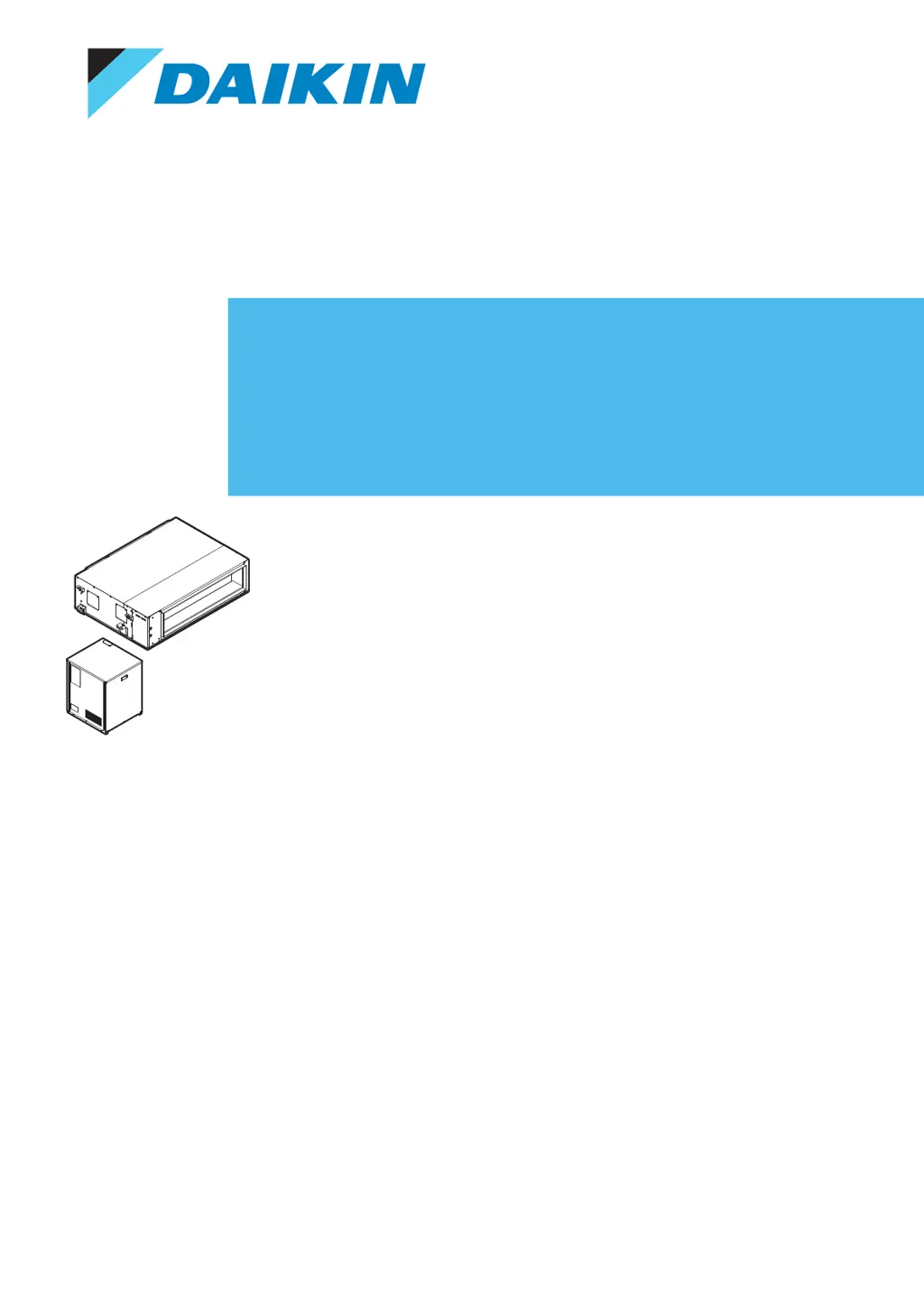
Installer and user reference guide
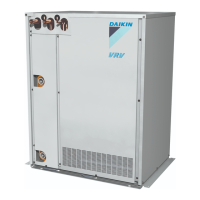
VRV IV heat pump for indoor installation
RKXYQ5T8Y1B
RDXYQ5T8V1B
RKXYQ8T7Y1B
RDXYQ8T7V1B

Table of Contents

Other manuals for Daikin VRV IV Series

Questions and Answers

  • A
    Angela BrownJul 28, 2025
    Why is my Daikin Heat Pump not cooling or heating enough?
    • S
      Sarah LewisJul 28, 2025
      If your Daikin Heat Pump system operates, but the cooling or heating is insufficient, verify that the air inlet or outlet of the heat exchanger unit or indoor unit isn't blocked by obstacles. Remove any obstacles to ensure proper ventilation. Also, check if the air filter is clogged. Verify the temperature and fan speed settings on your user interface. Ensure that doors and windows are closed to prevent drafts. Reduce the number of occupants in the room during cooling operation, minimize heat sources, and block direct sunlight with curtains or blinds. Finally, check that the airflow angle is properly adjusted.
  • M
    Mark JamesAug 6, 2025
    Why is my Daikin Heat Pump not turning on?
    • S
      stanleypennyAug 6, 2025
      If your Daikin Heat Pump system doesn't operate at all, first check for a power failure and wait for the power to be restored. The system should restart automatically. Then, inspect the fuses and breakers. Replace any blown fuses or reset activated breakers.
  • C
    Christopher GillAug 17, 2025
    What to do if my Daikin Heat Pump only blows air?
    • M
      Matthew WallaceAug 17, 2025
      If your Daikin Heat Pump system goes into fan-only operation and stops when switching to heating or cooling, examine the air inlet and outlet of the heat exchanger unit or indoor unit for any obstructions. Remove any obstacles to ensure free airflow. Also, check if the user interface display indicates it's time to clean the air filter.

Summary

General safety precautions

For the installer

Safety instructions specifically for installers during installation.

Specific installer safety instructions

Specific installer safety instructions

Detailed safety instructions for installers.

User safety instructions

General

General safety instructions for users operating the unit.

Instructions for safe operation

Guidelines for safe and proper operation of the system.

Operation

Energy saving and optimum operation

Maintenance and service

Maintenance safety precautions

Safety warnings and precautions for maintenance work.

Troubleshooting

Error codes: Overview

Provides an overview of error codes and their meanings.

Symptom: The system does not operate

Troubleshooting steps for when the system fails to operate.

About the units and options

Unit installation

Piping installation

Checking the refrigerant piping

Procedures for checking refrigerant piping for leaks and dryness.

Charging refrigerant

Procedures for charging refrigerant into the system.

Electrical installation

Configuration

Making field settings

Information on making field settings for system configuration.

Commissioning

Precautions when commissioning

Safety precautions to follow during commissioning.

Checklist before commissioning

A checklist of items to verify before starting commissioning.

Checklist during commissioning

Steps and checks to perform during the commissioning process.

Hand-over to the user

Troubleshooting

Precautions when troubleshooting

Safety precautions to follow during troubleshooting.

Solving problems based on error codes

How to resolve issues using error codes.

Technical data

Daikin VRV IV Series Specifications

General IconGeneral
TypeVRV (Variable Refrigerant Volume)
SeriesVRV IV
RefrigerantR-410A
Compressor TypeInverter Scroll Compressor
Operating Temperature Range (Cooling)-5°C to 46°C
Energy EfficiencyHigh
InstallationOutdoor
ControlCentralized and Individual Control
Operating Temperature Range (Heating)-20°C to 15.5°C
Power Supply380-415V, 50/60Hz
Control SystemIntelligent Touch Controller
ConnectivityBACnet, Modbus

Related product manuals