107
4. Updating Failed, the name is already registered.
5. Updating Failed, please check your internet connection.
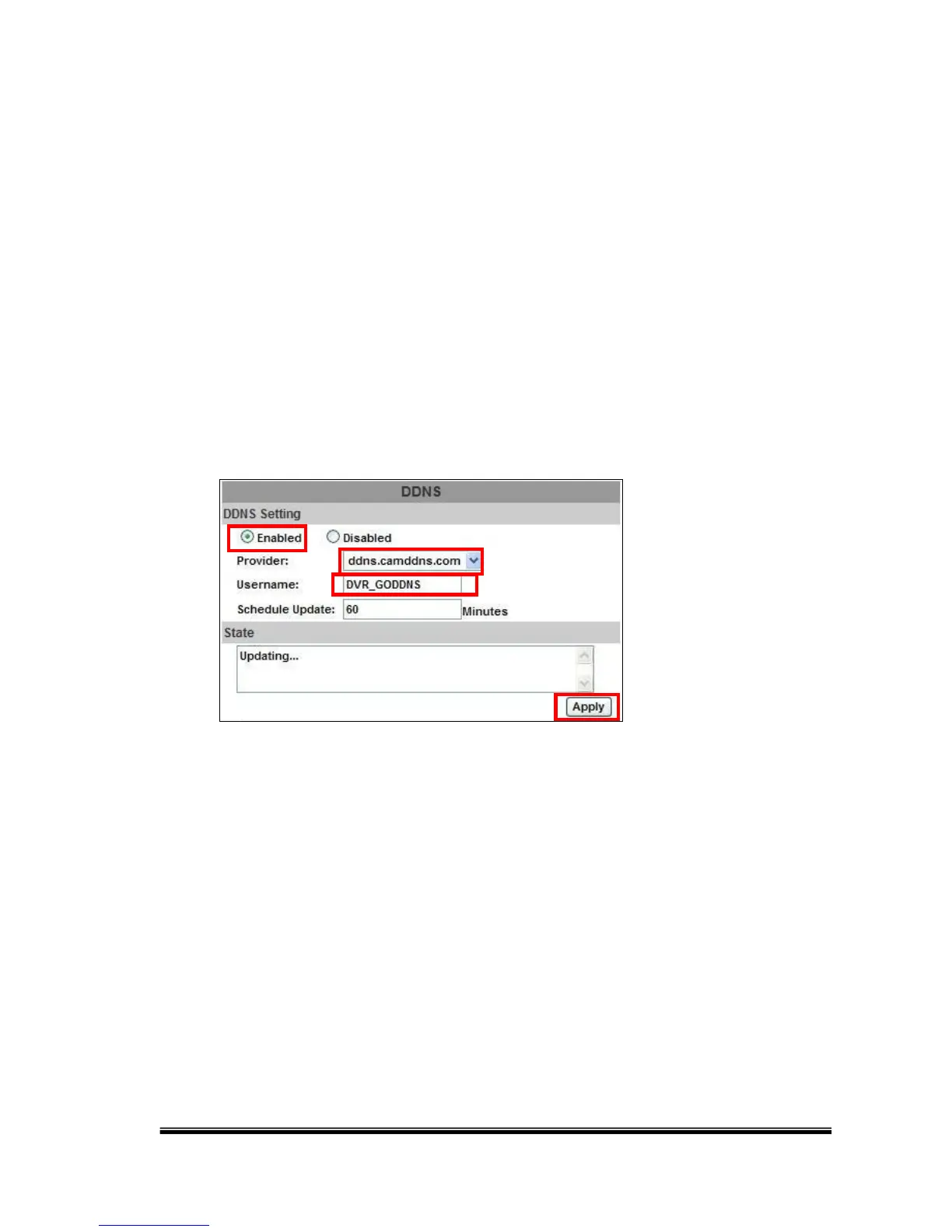
DDNS Setting Steps:
Tick “ENABLE” to enable the DDNS function and select “ddns.camddns.com”
of the provider from the drop down list. In the following, type the username to
apply (e.g. NVR_GODDNS). After that, click on the “Apply” button.
Finally, the NVR domain name (http://NVR_GODDNS.ddns.camddns.com)
will be shown on the state block.



 To Next Page