108
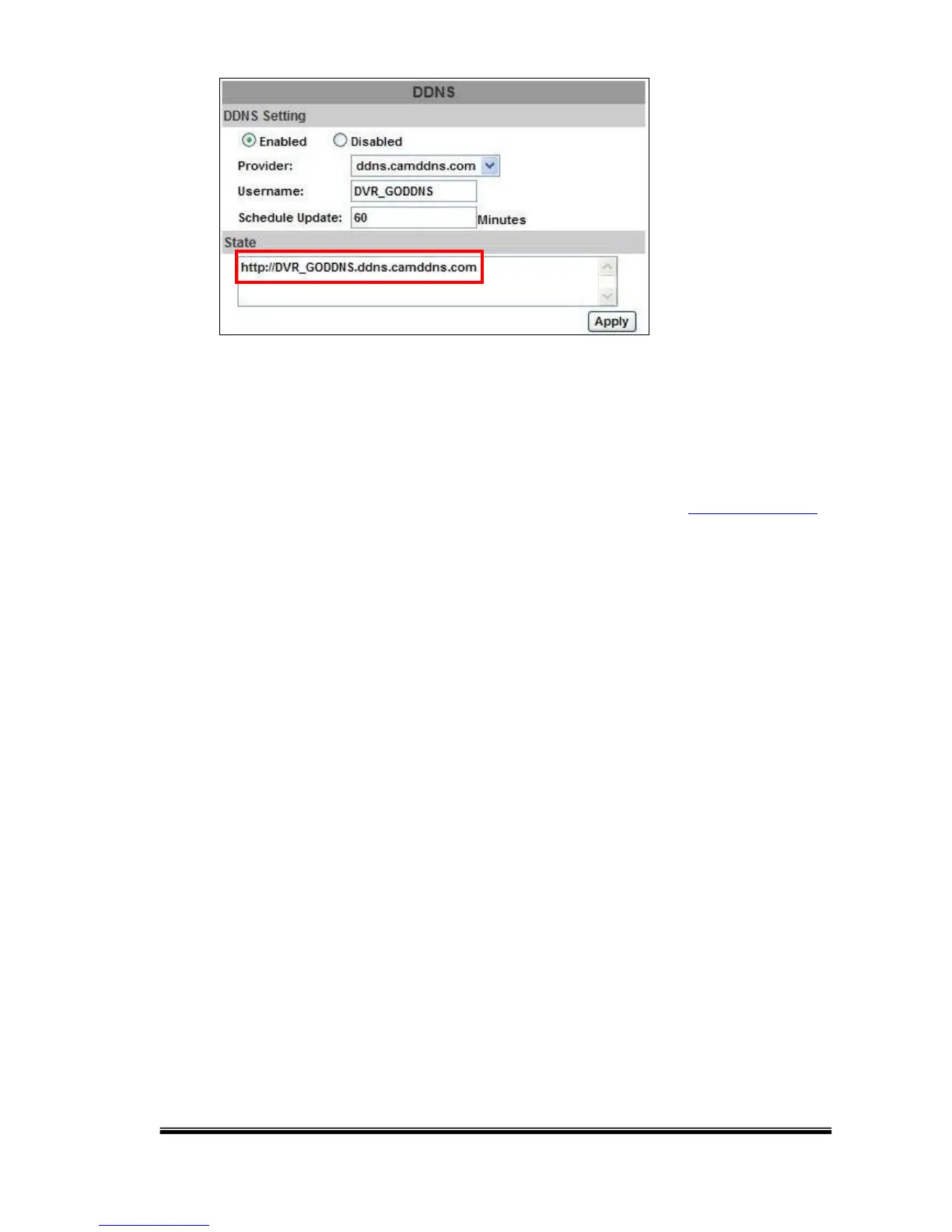
NOTES: 1. If the user selects another provider as is ddns2.ydsNVR.com, all of the
setting steps are the same as ddns.camddns.com setting.
2. However, if dyndns.org provider is selected, please go to www.dyndns.org to
register the account first. The user has to fill-in the username, password and
hostname for applying the account. After the user applied the account
successfully, the dyndns.org will provide complete DDNS domain name to the
user.
3. If setting up the IP schedule update too frequently, the IP may be blocked. In
general, scheduling an update every day (1440 minutes) is recommended.
G. NETWORK / Mail & FTP
Click on “Motion” or “Alarm” option to enable Mail Setting and FTP Setting
function.



 To Next Page