110
Receiver’s Mail: The receiver’s mail address.
Bcc Mail: The receiver’s mail address for Bcc Mail.
Event Subject: The subject of this mail. (The default value is ALARM MAIL)
FTP Setting: Tick “Alarm” to upload video to FTP when external alarm or DI
from IP Cam is triggered. Tick “Motion” to upload video to FTP when motion
detection is triggered.
FTP Server: The IP address of FTP Server.
Username: The username for logging into the ftp server.
Password: The password for logging into the ftp server.
Port: The port number for file transmission. (Default value is 21)
Path: The ftp path where for saving the information.
Finally, click on the Apply button to save the settings.
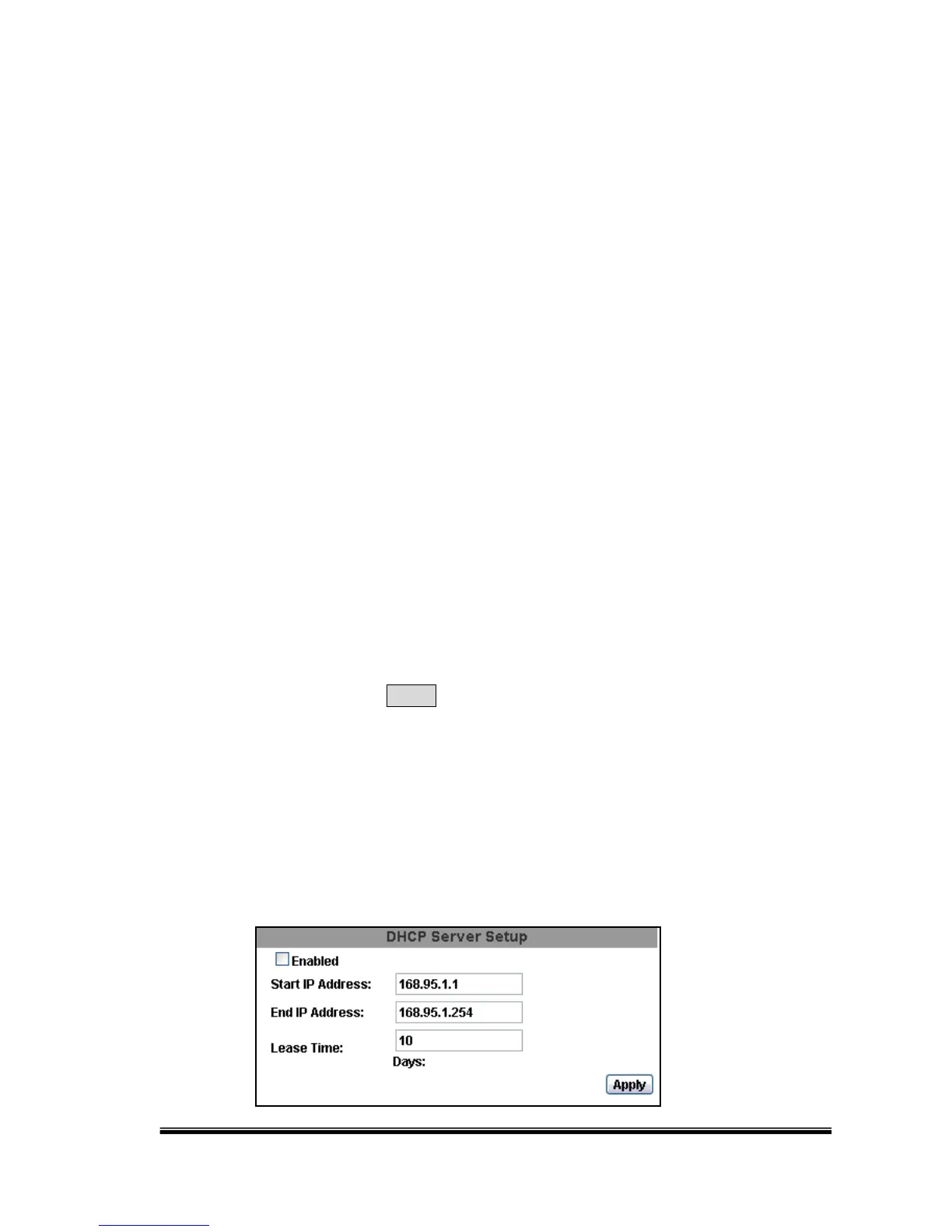
H. NETWORK /DHCP Server Setup
Set an IP address for the DHCP Server. The IP will change between the Start IP
and the End IP.



 To Next Page