20
A. PLUG & PLAY
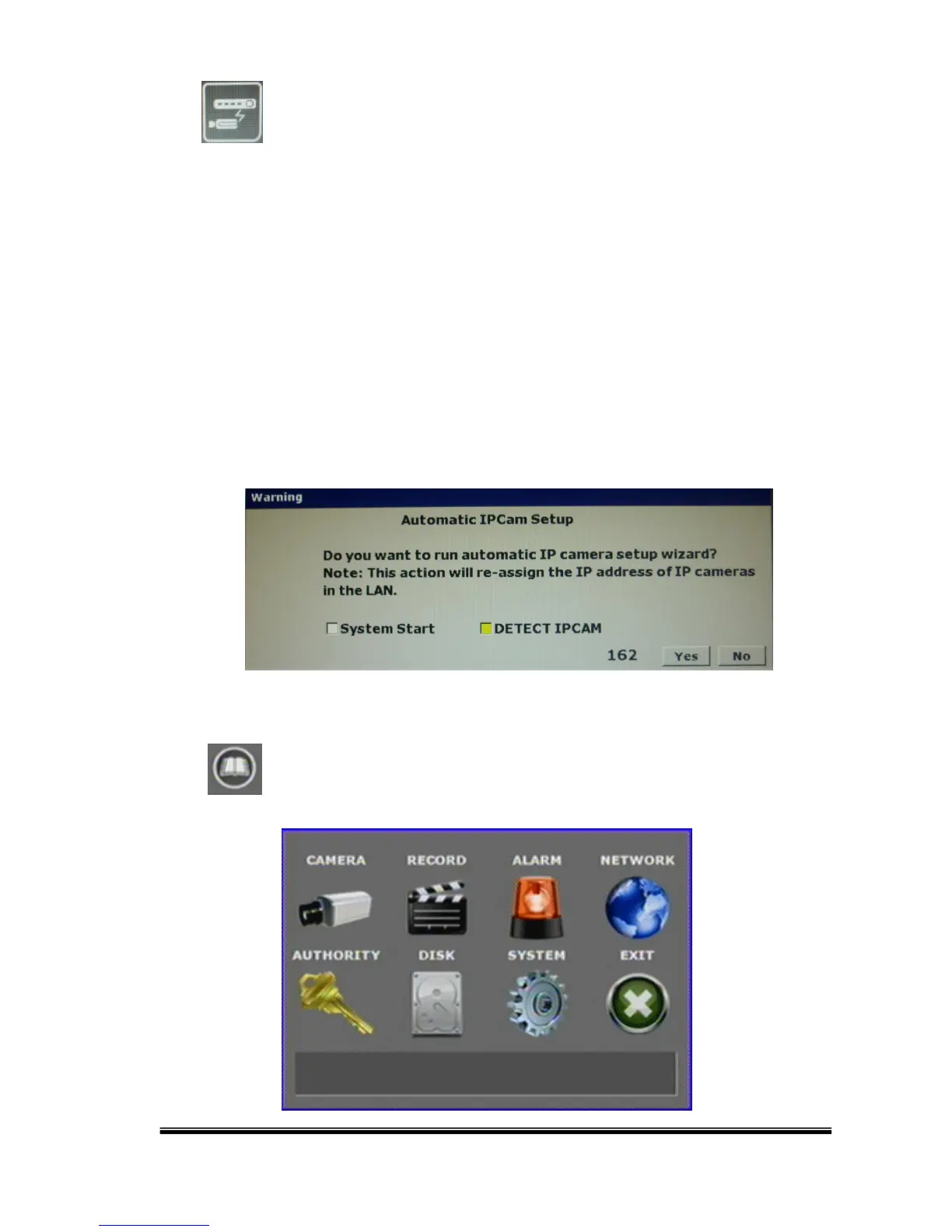
When turning on the machine by the first time or when one of the IP address are
set ENABLE:OFF, the system will ask you for assigning an IP address to the IP
Cameras for getting automatic connection.
The system will check addresses from 192.168.X.0, with X being the NVR LAN.
Once the user executes the function, the IP address of the IP Camera will
changed if the IP Camera and the NVR address is under a different LAN. The IP
address will be assigned from 192.168.X.50
B. GUI MENU BAR



 To Next Page