21
C. AUTO SWAP
Press it to start switch dwell for single live view. The interval depends on IP
Camera settings at “Image Setup”. On split screen the switch dwell interval is 5
sec.
D. DISPLAY CONTROL
On live-view or playback mode, use display control to switch the camera
channels.
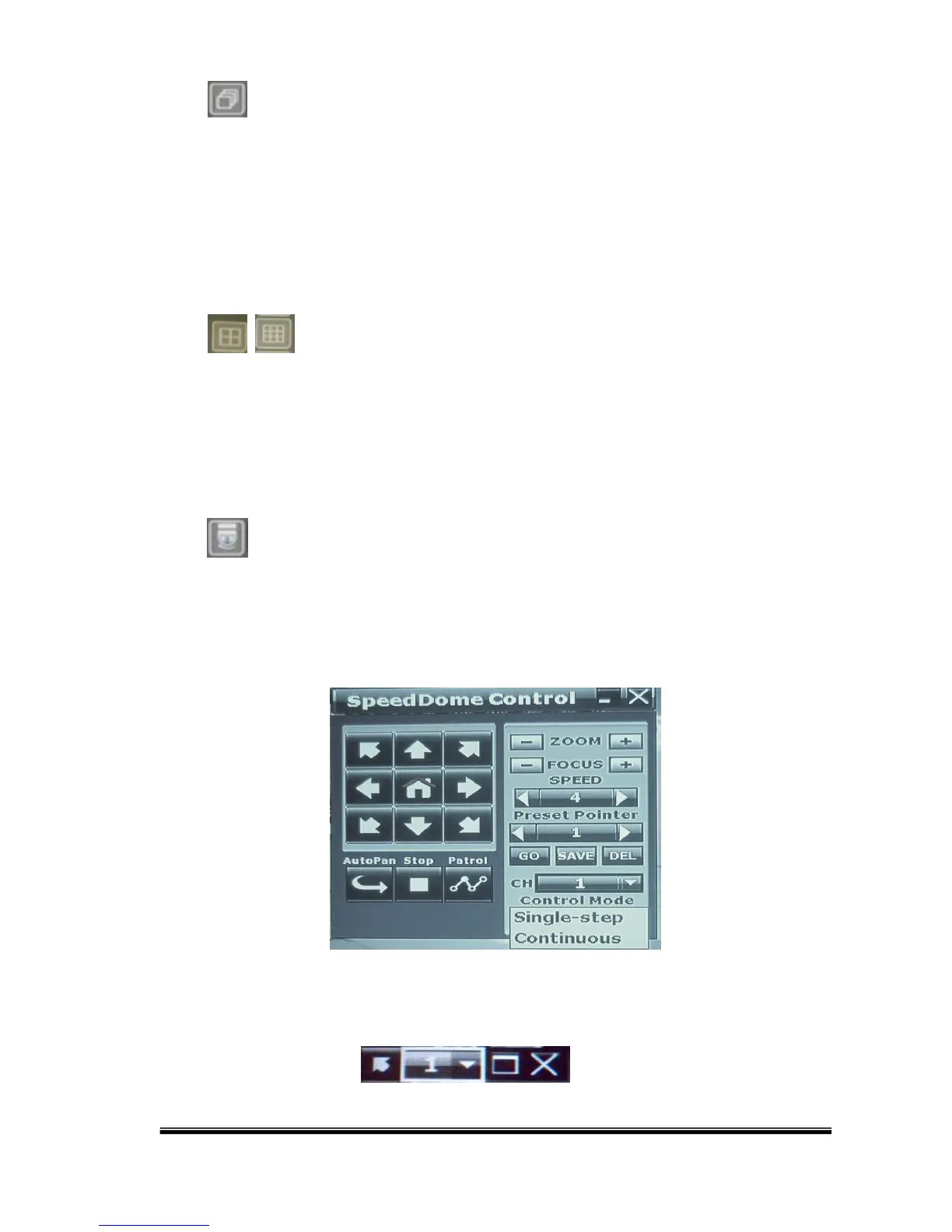
E. PTZ CONTROLLER
On live-view mode, click this button to open the PTZ control panel. NOTE: Only
for PTZ cameras.
After pressing the minimization icon the control panel becomes smaller:



 To Next Page