98
B-1 AUTHORITY SETTING:
Enable or Disable these options to limit the authority.
B-2 USER MANAGEMENT:
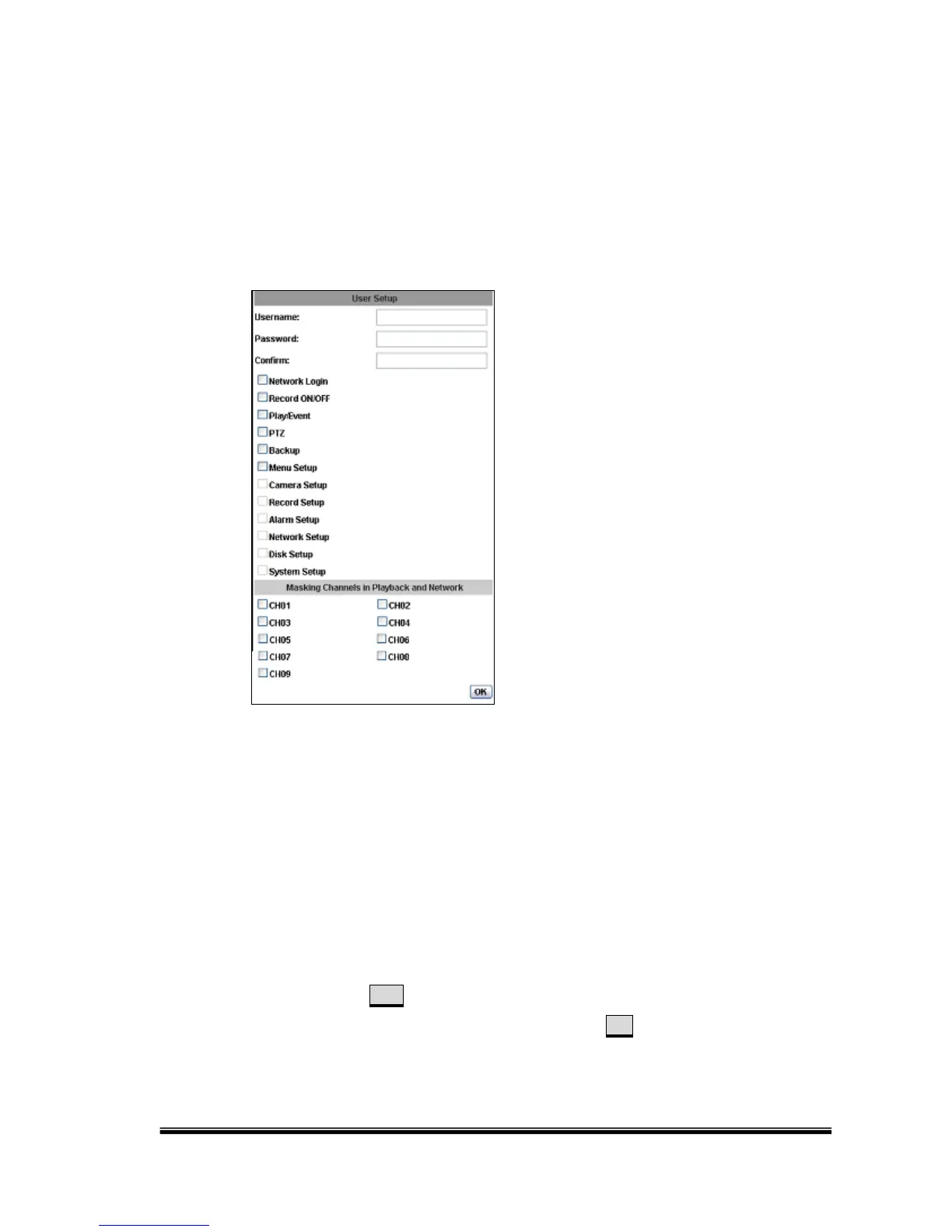
Add: Key-in the Username and Password. The manager can give authority
to the new user by ticking at the choice below. (Ex. Ticking at “PTZ”
allows the new user to control the PTZ functions). You can apply the
authority settings to the channel you choose. The new user has no
authority in those channels that are not selected.
Modify: Click Edit for the following window to pop-up. After typing the
Password and confirming it, click on OK. You can also change the
masking channel here.



 To Next Page