99
Remove: Click on the user name on the user list and click on Remove.
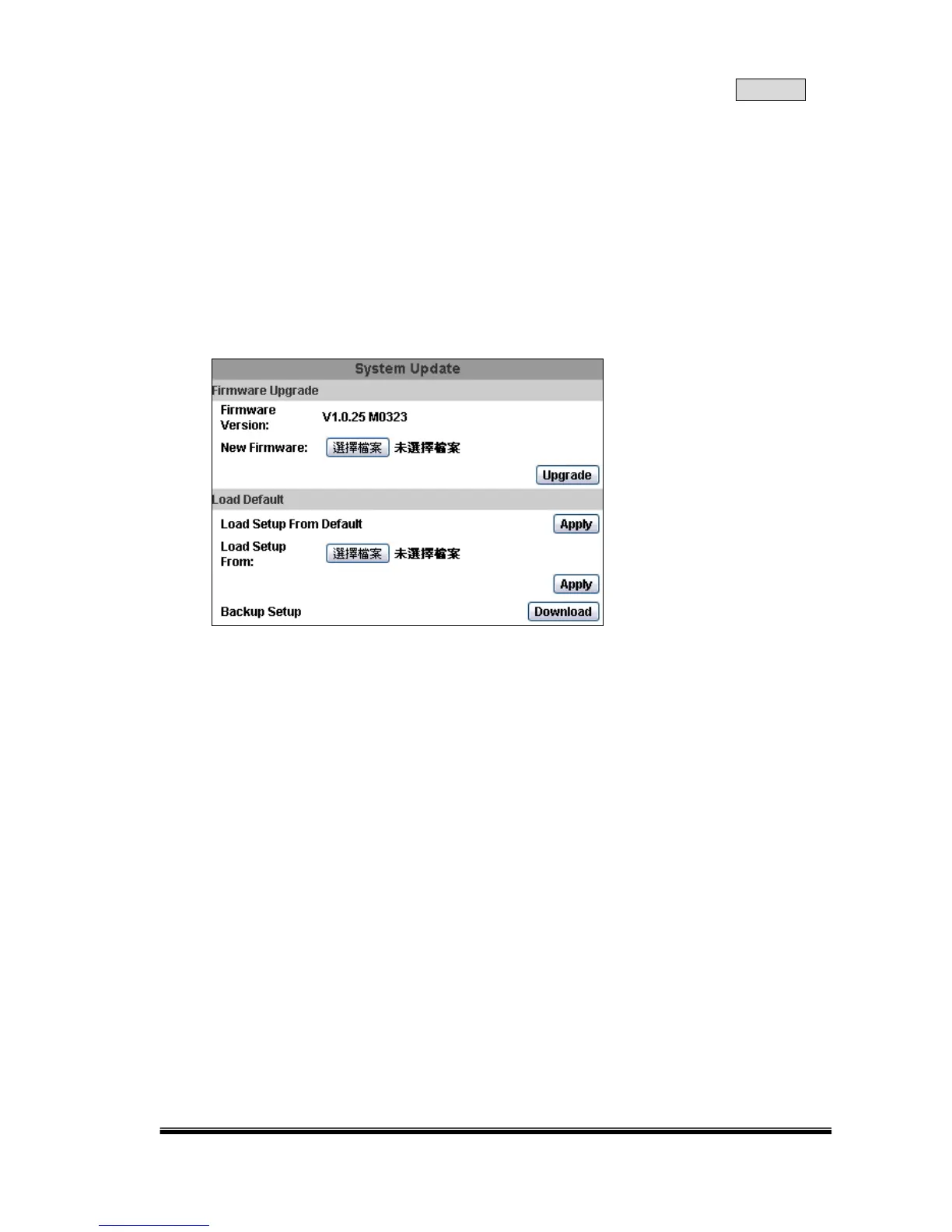
C. SYSTEM / SYSTEM UPDATE
Firmware Upgrade:
Click on the “Browse” button to select the latest firmware and then press the
“Upgrade” button to upgrade the firmware.
Load Default:
Click “Browse” to choose a file. You can load the setup from your computer if you
clicked on “Download” and saved the settings before.



 To Next Page