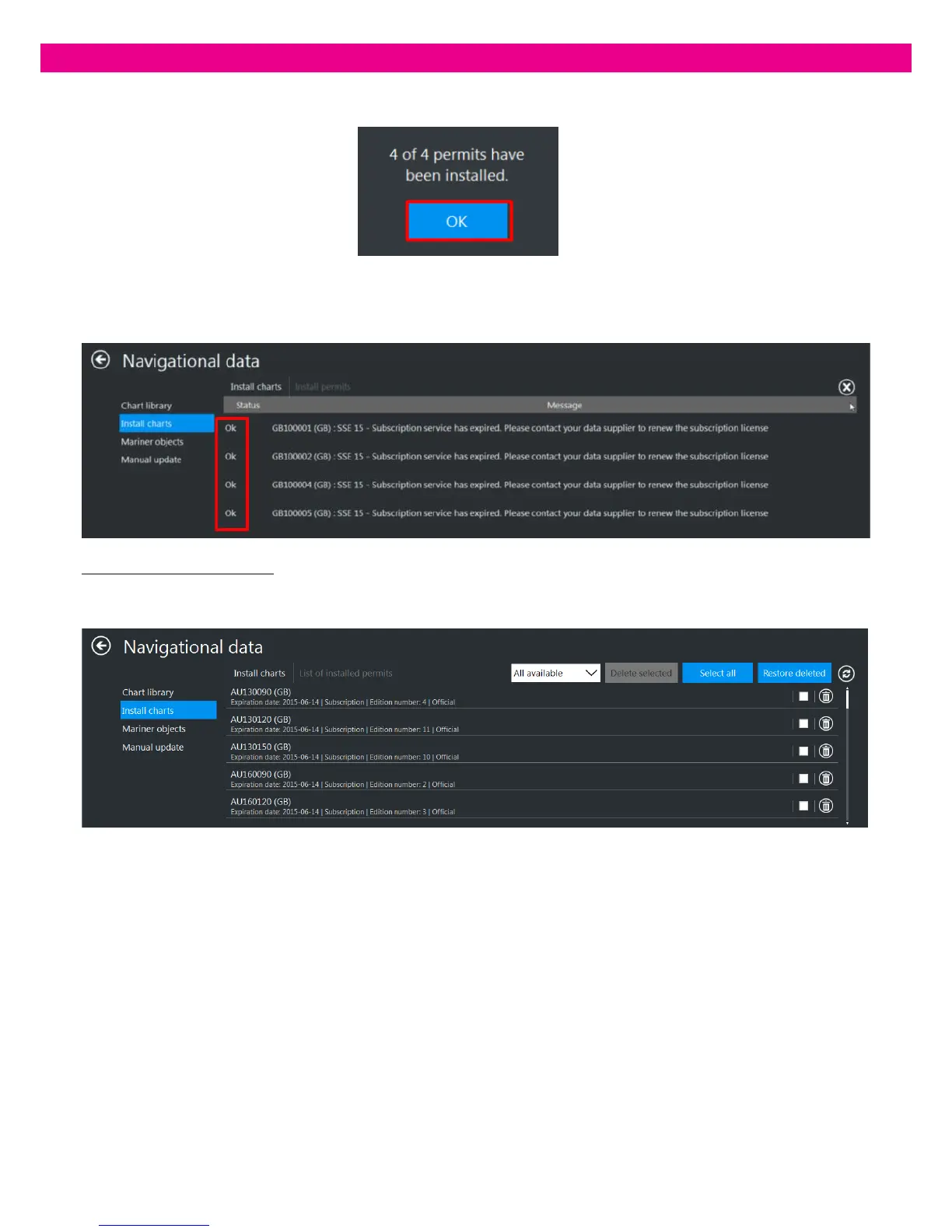
At the end of installation, a message appears giving notification of the result. Press ‘OK’ to close the message:
The installation status of the AIO Cell Permit opens: ‘OK’ or ‘Fail’ appears to confirm the installation of the Permits.
Warning messages notify the user of any errors occurring during installation:
View Installed AIO Cell Permit
Once ‘Install Charts’ is selected, the list of all installed cell permits with brief information is displayed:



 To Next Page