1. Data Management
This User Guide refers to Version 2.13 of the DANELEC DM800 ECDIS G2.
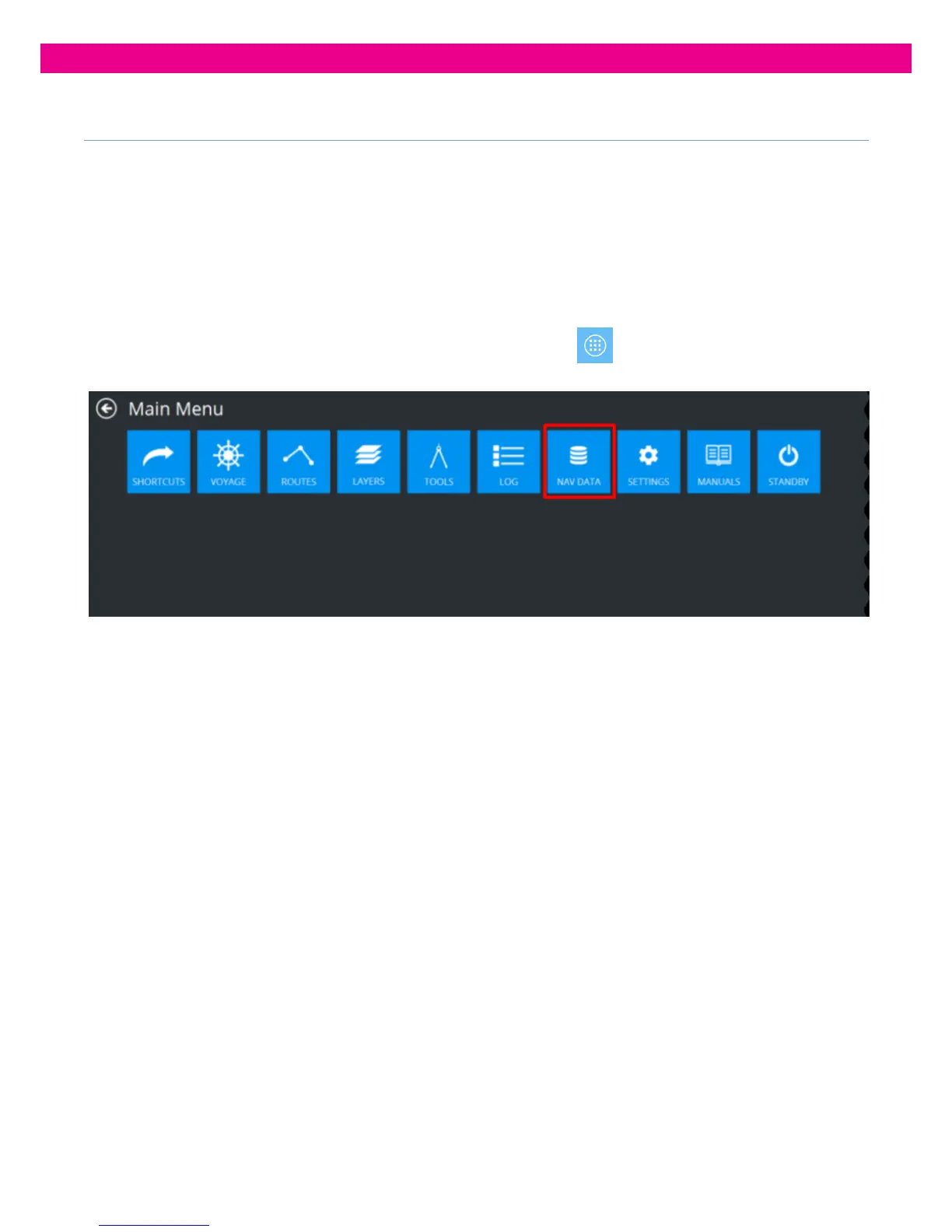
All Chart licensing and data management operations are carried out on the ‘Nav Data’ screen from the Main Menu.
Navigation chart data comes as geospatial databases distributed over the Internet or on portable data storage devices.
The data is made up of official ENC geodatabases protected with S-63 data protection scheme.
ENC data installed to the ECDIS is converted to the system ENC format (SENC). For SENC protection, the same S-63
scheme is used as for ENC.
To open a panel, open the Main Menu by pressing the Main Menu button in the lower-left corner of the
chart view and press the ‘Nav Data’ button in the Main Menu.



 To Next Page