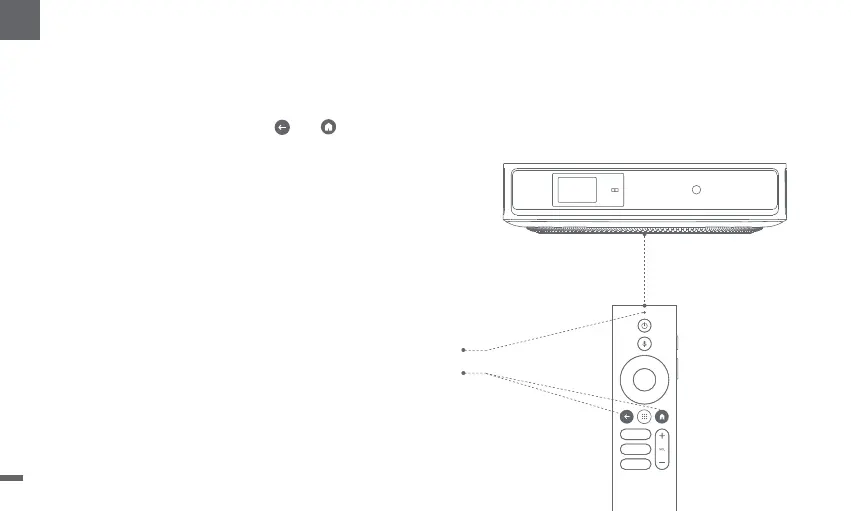
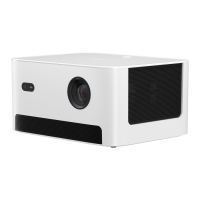
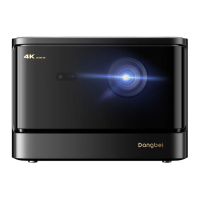
ǁTurn on the projector and wait for the Bluetooth pairing prompt on the screen.
ǁBring the remote control within 10cm / 0.33ft of the projector.
ǁ
Simultaneously press and hold the and keys.
ǁ
Release the keys after the indicator light starts flashing.
ǁWait until you hear two "beep"sounds,indicating a successful pairing.
3.Remote Control Pairing
Indicator light
Pressand hold for pairing *
* If the pairing is unsuccessful,repeat the above steps until
the remote control indicator light stops flashing.
10cm
08
EN


 To Next Page