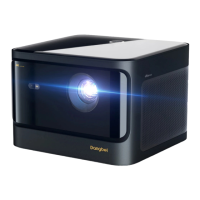
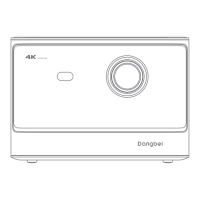
Battery Compartment
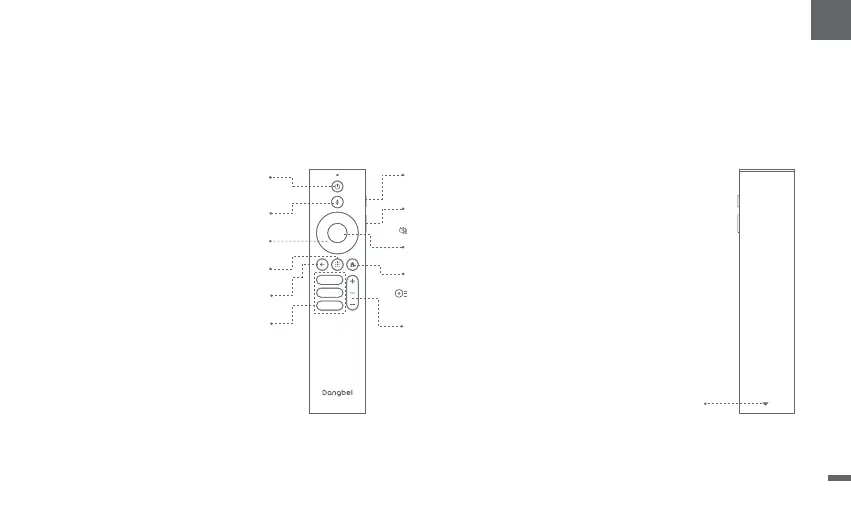
Remote Control Overview
ǁOpen the battery compartment cover of the remote control.
ǁInstall 2 AAAbatteries *.
ǁPut backthe battery compartment cover.
* Pleaseinsert new batteries according to the polarity indication.
Power
Pressto poweron/switch to standbymode/wake up
Pressand hold for2secondsto poweroff
Google Assistant
Pressand hold the Google Assistant button and talk
Back
Returnto the previouspage
OK
Confirm a selection orPause / Resume
Home
Pressto accessthe homepage
Pressand hold to bring up the Dashboard
forquickaccessto Picture and Sound
Apps
Open myapplications
Slidedown to open the backcover,
and then install2AAA batteries.
Volume Down/Volume Up
Streaming Apps
Connect to the video streaming
Red Side Key (Up)
Pressfor manualfocus.Pressand hold for
2secondsforautofocus.
Black Side Key (Down)
Pressto access[Projector]
Pressand hold to mute / restore volume
Navigation
Controlthe cursoron the screen
05
EN


 To Next Page