Bluetooth Speaker Mode
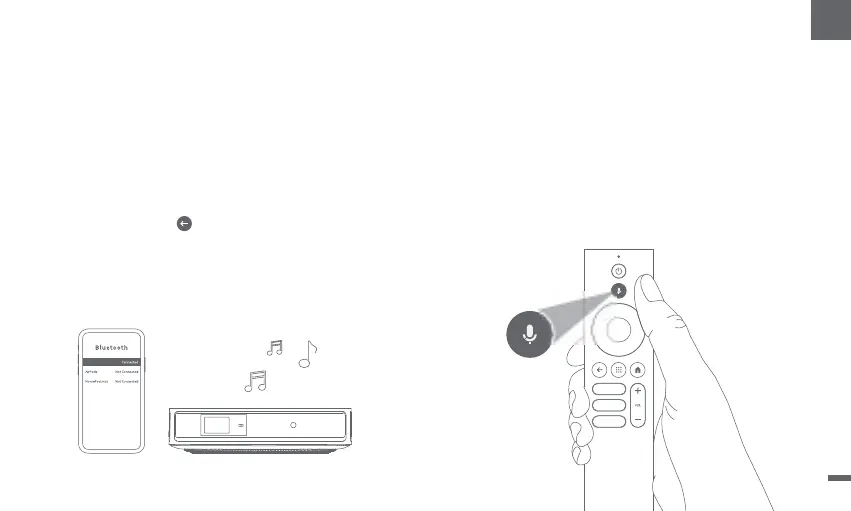
ǁGo to [Settings],select [Projector],and click on
[Bluetooth speaker mode].
ǁ
Connect your phone to a device with the Bluetoothname
containing "DBOD02".Aftermodifying the device name,
the Bluetooth name will also be synchronized accordingly.
ǁ
When you hear "Bluetooth connection successful",the
projector can play music from your phone.
Pressand hold the key on the remote control for 2
seconds to exit the [Bluetooth speaker mode].
ǁ
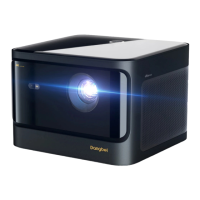
DBOD02
Google Assistant
Your TVis more helpful than ever.Use your voice to find
movies,stream apps,play music and control the TV.
AskGoogle Assistant to find a specific title,search by genre,
or get personalized recom-mendations.Even get answers
on screen,control smart home devices,and more.
Pressthe Google Assistantbutton on the remote to get
started.
11
EN


 To Next Page