Screen Mirroring
You can project the entire screen from your device to the projector.
To cast the device screen:
1.Ensurethat both your device and the projector are connected to the same
wireless network.
2.Install the AirScreen app on the projector.
3.Open the AirScreenapp and follow the on-screen instructions to complete
the process.
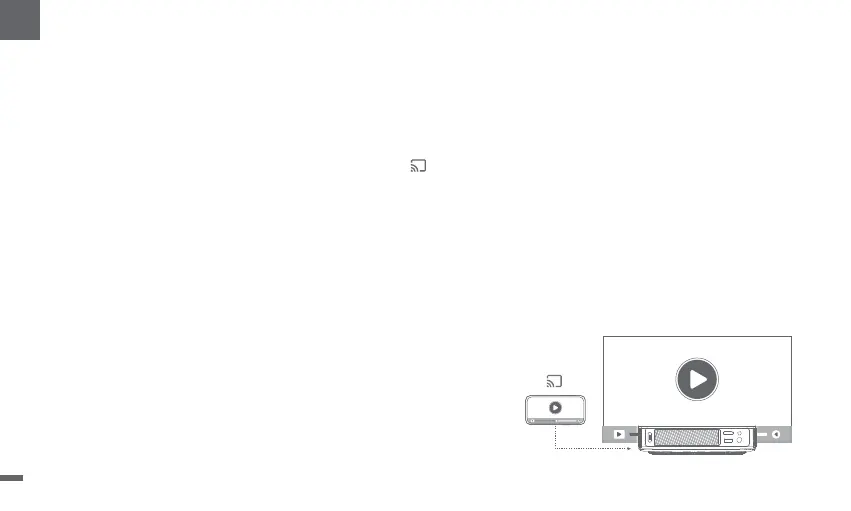
Chromecast built-in™
Easilycast movies,shows,photos,and more from your phone or tablet,right to your TV.
To cast in-app content:
Simply tap the Cast button from apps you already know and love.No new logins or downloads required.
1.Connect your device and the projector to the same wireless network.
2.Open the streaming app on your device.
3.Play a video and tap the Cast button on the video screen.
4.Select "DBOD02"toconnect.The projector will display the video from your device
* Due to copyright restrictions,certain content cannot be cast to the projector.You can stream the content on the projector
by installingthe same application on it.
12
EN


 To Next Page