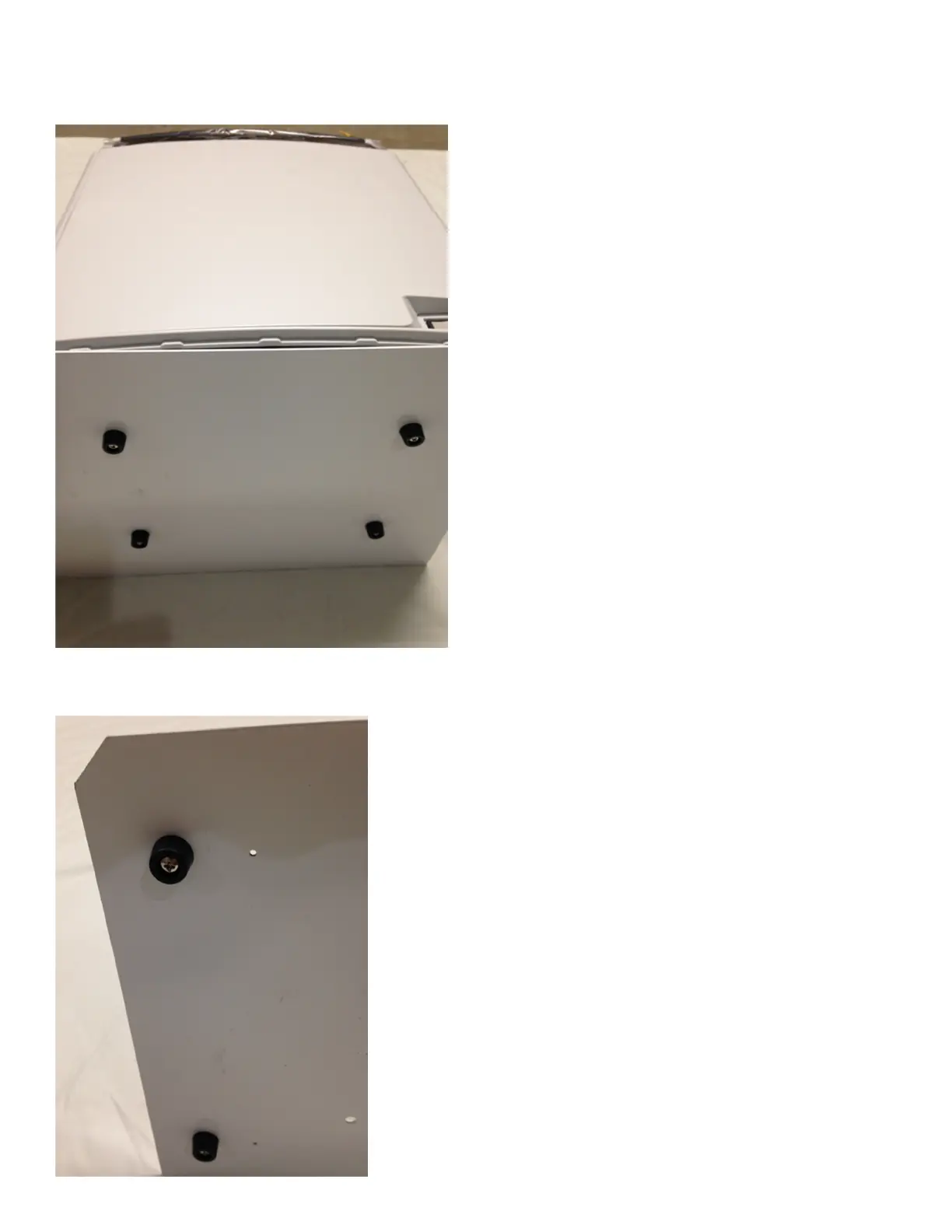
Step 1 – Fasten the Mounting Plate to the DC-7600 Card Printer
1) Place the (6) fastening screws into the
rubber feet.
2) Lower the printer G
ENTLY onto its back
and position the Mounting Plate over the
bottom of the Printer(flat edge of plate to
rear of the Printer), aligning the Mounting
Plate holes with the mounting holes on
the bottom of the Printer.
3) Insert the Rubber Feet screws through the
Mounting Plate holes and fasten the Plate
onto the bottom of the Printer.
4) Fasten the two remaining Rubber feet to the
bottom side of the Plate, opposite of the Printer
side.
5) Once all (6) Rubber Feet are fastened to the Plate,
carefully lift the Printer and Mounting Plate upright.



 To Next Page